To give free shipping on specific products, add the condition Product in cart Contains and pick the products, then set the rates to Free. Shopify’s own free shipping discount has no product or collection conditions, so the built-in route is a separate shipping profile with a free rate. RM: Advanced Free Shipping checks what’s in the cart at checkout and keeps your shipping profiles as they are. It costs $9.90 USD every 30 days, with a 7-day free trial, billed by Shopify.
Shipping is charged per rate, not per item. When the cart matches, the whole rate becomes free, including the shipping for anything else in the cart.
What the customer gets
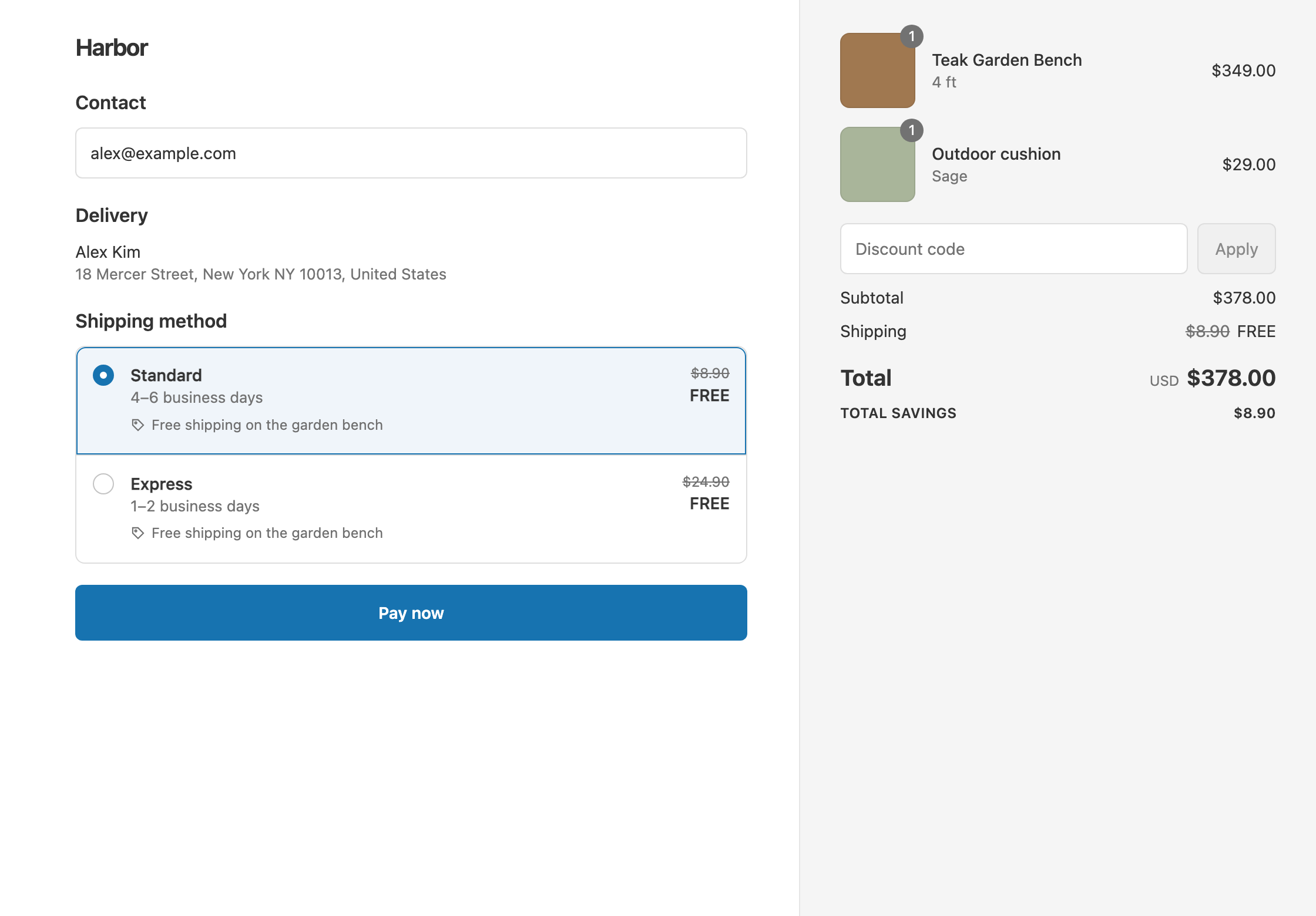
In this example, the Teak Garden Bench ($349) ships free. The rates are Standard $8.90 and Express $24.90.
- The bench and a $29 cushion ($378): the cart contains the bench, so it qualifies. Standard and Express are both free. The customer pays $378.
- The cushion on its own ($29): no bench, so nothing changes. With Standard, the customer pays $29 + $8.90 = $37.90.
Set it up
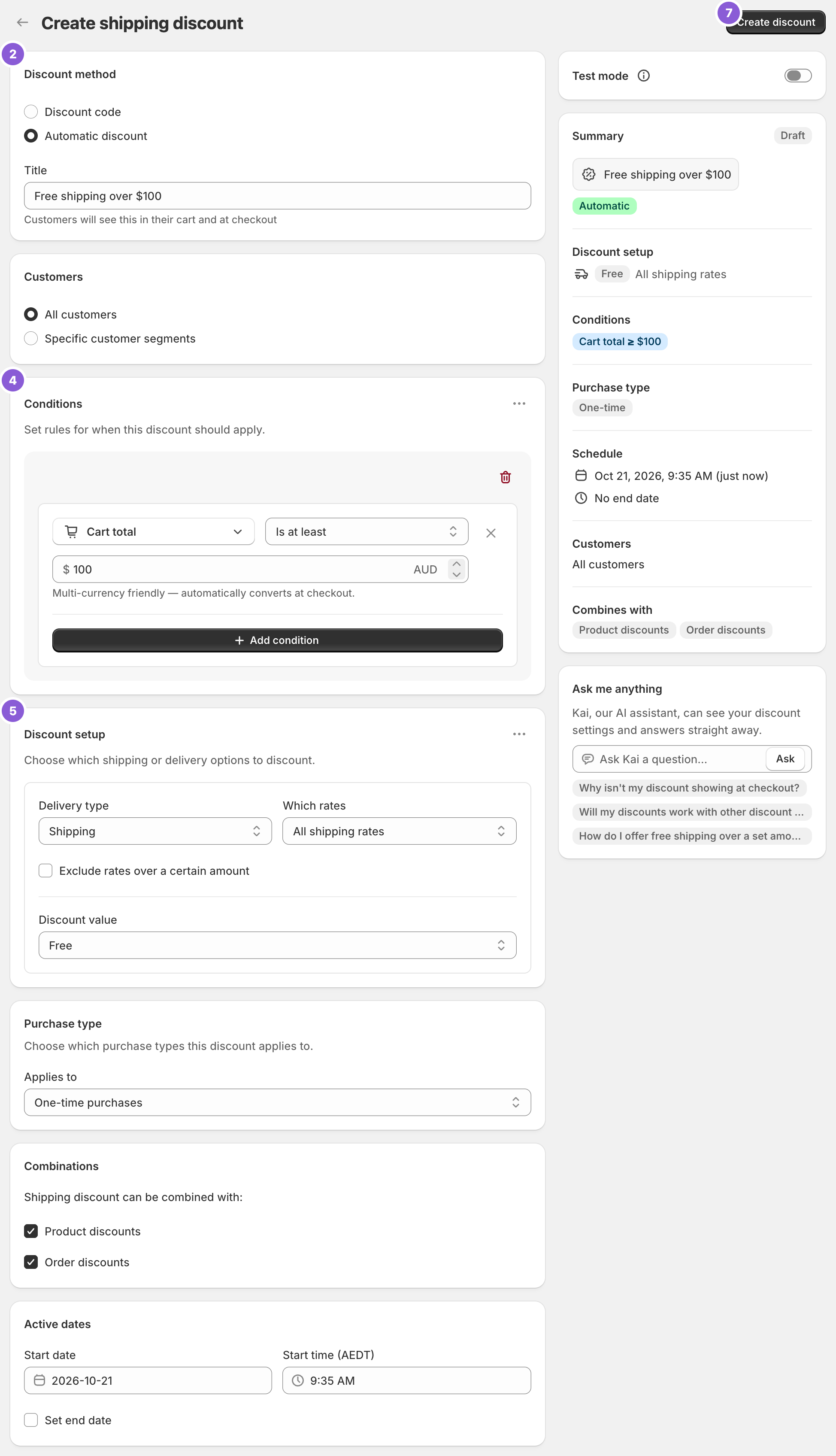
- In the app, click Create Shipping Discount.
- Under Discount method, choose Automatic discount, and enter a Title such as “Free shipping on garden benches”.
- In Conditions, click Add condition. Change Cart total to Product in cart.
- Keep the operator on Contains. Search for the product, or click Browse to open Shopify’s product picker, and select it. You can select several products, and any one of them qualifies the cart.
- In Discount setup, set Delivery type to Shipping, Which rates to All shipping rates and Discount value to Free.
- Click Create discount.
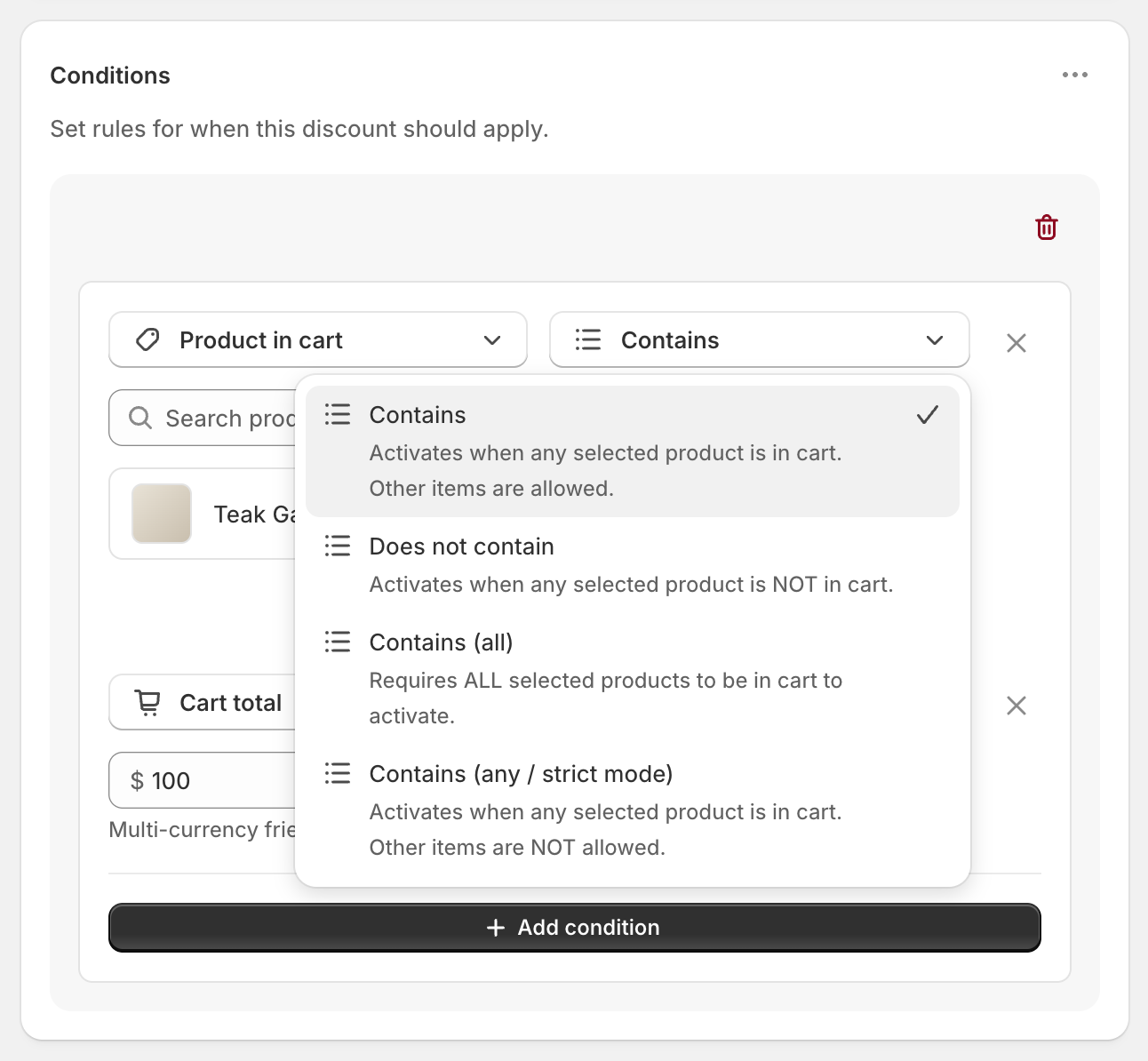
Choose the right operator
- Contains: at least one selected product is in the cart. Other items are fine.
- Contains (all): every selected product is in the cart. Use it for sets, such as Shampoo and Conditioner together.
- Contains (any / strict mode): at least one selected product is in the cart, and nothing else. Use it for “samples ship free, but only on their own”. A $5 Sample Pack alone ships free. The Sample Pack plus a $29 cushion pays $34 + $8.90 = $42.90.
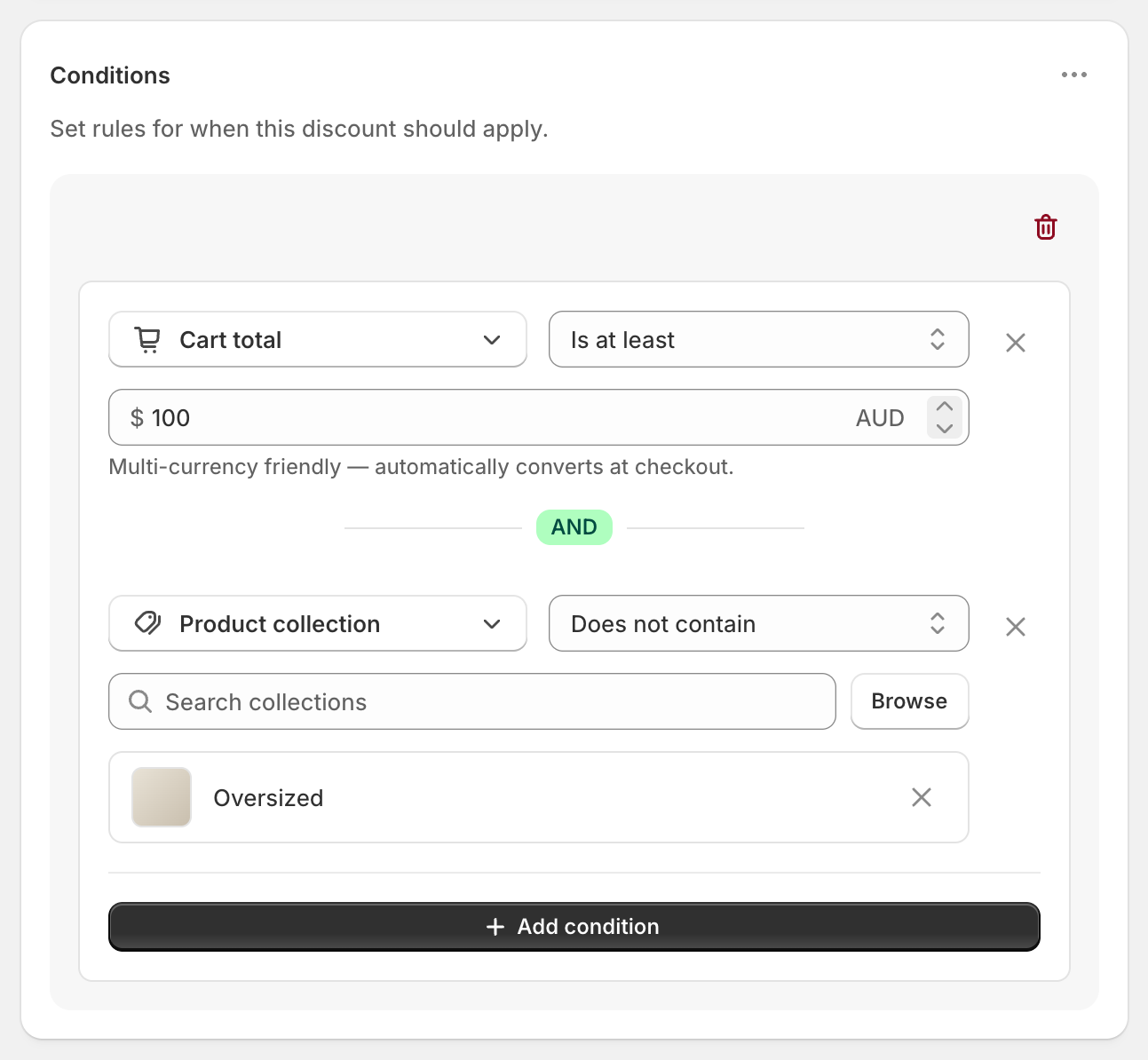
- Does not contain: none of the selected products are in the cart.
Variations
- Only one size or color: use Variant selector instead of Product in cart, and pick the variants, such as only the Large.
- The product, and a cart value: add Cart total Is at least 100 in the same rule group. Both must pass.
- Free Standard only: set Which rates to Choose specific rates and select Standard. Express stays $24.90.
- $10 off shipping instead of free: set Discount value to Fixed Amount Off
10. Standard becomes $0 and Express $14.90. - Many products, or a whole category: put them in a collection and use a collection condition. See free shipping on a collection.
Good to know
- To target more than 150 products, put them in a collection and use Product collection Contains (any). Product in cart holds up to 150 products, and very long lists can stop the condition working.
- To target a product tag, create a smart collection based on the tag, then use a collection condition.
- To use strict mode with add-ons, add shipping protection, gift wrap and free-gift products to your selection. Strict mode counts every line in the cart.
- To target a Shopify bundle, select the bundle product itself, not the products inside it.
- To leave some products out of free shipping, see free shipping except oversized items.
- To test it, turn on Test mode and check out with the shipping first name
ABC123, once with the product and once without.
Related
- Free shipping on a collection
- Free shipping except oversized items
- Conditional free shipping on Shopify
- What Shopify’s free shipping discount can’t do
Install RM: Advanced Free Shipping from the Shopify App Store.