For Free Shipping Day, schedule one automatic discount that makes Standard free on every order for the day, and takes 50% off Express for shoppers in a hurry. Shopify’s own free shipping discount can make every rate free for the day, but it can’t treat Standard and Express differently, or take a percentage off. RM: Advanced Free Shipping does both, and switches on and off by itself. It costs $9.90 USD every 30 days, with a 7-day free trial, billed by Shopify.
Free Shipping Day is a one-day US shopping event in mid-December. In 2026, it’s listed for Monday, December 14. Check the date on the event’s own site before you announce it.
The offer
- Free Standard shipping on every order, no minimum.
- 50% off Express.
- Runs for the whole day, 12:00 AM to 11:59 PM in your store’s timezone.
What customers pay
The store’s rates are Standard at $6.95 and Express at $18.00.
- $35 cart: Standard shows
$6.95Free. Express shows$18.00$9.00. With Standard, the customer pays $35.00. With Express, $44.00. - $120 cart: the same. Standard is free, and Express is $9.00.
- The day after: the discount has expired. Standard is back to $6.95, so a $35 cart costs $41.95.
Set it up
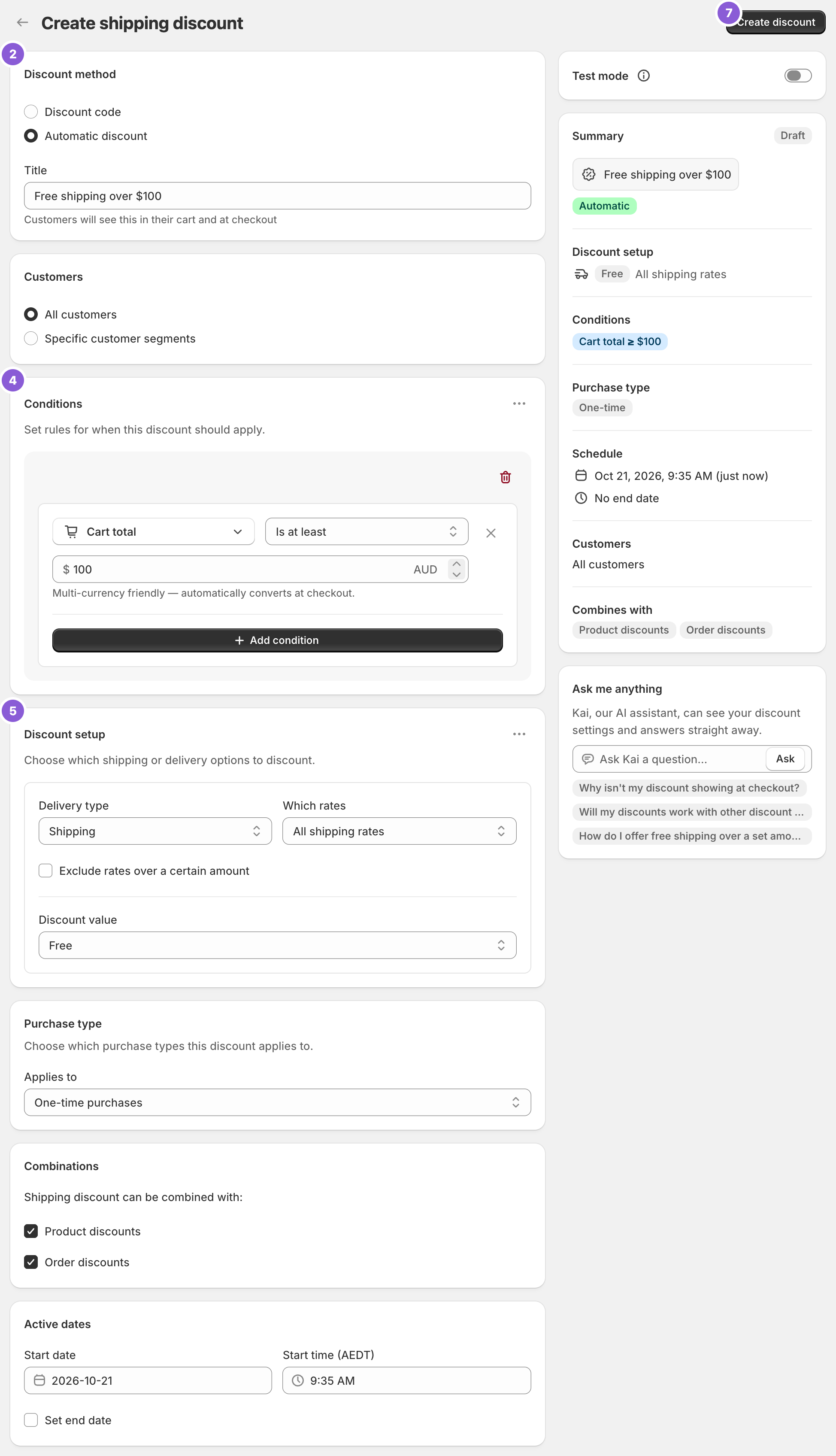
- Click Create Shipping Discount and choose Automatic discount under Discount method. Use a Title customers will recognise, such as “Free Shipping Day”. It shows under the discounted rate at checkout.
- Leave Conditions empty. With no conditions, the discount applies to every order.
- Under Discount setup, choose Shipping, then Choose specific rates. Pick Standard and set Discount value to Free.
- In the ⋯ menu on Discount setup, choose Add delivery discount. Pick Express and set Percentage 50.
- Under Active dates, set the start date and Start time to 12:00 AM on the day. Tick Set end date and choose 11:59 PM the same day.
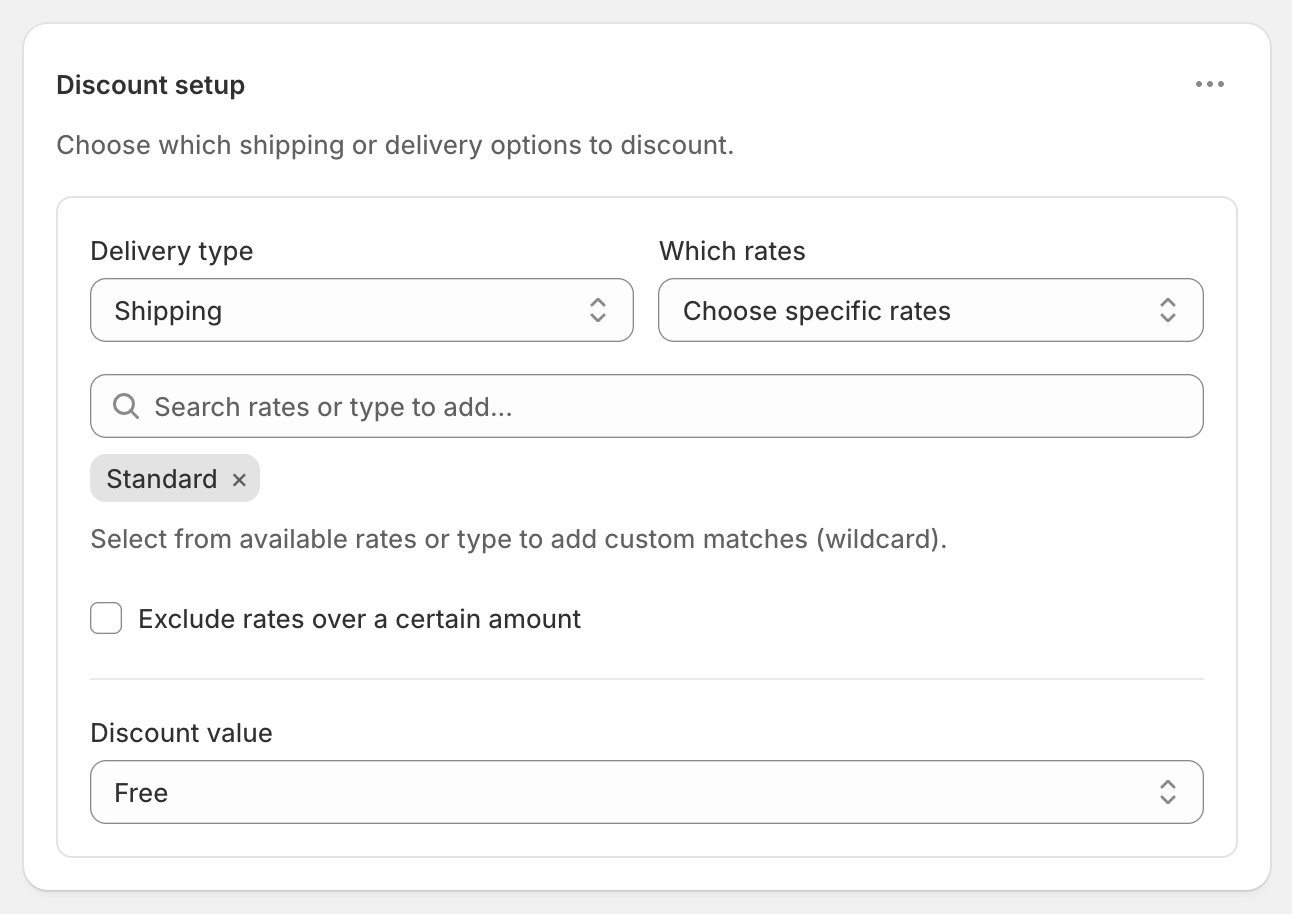
If your Standard rate is a carrier rate whose name varies, such as “USPS Ground Advantage”, type a keyword like “Ground” and choose the wildcard match instead of picking from the list.
Prefer a minimum?
Add Cart total Is at least 25 under Conditions. A $20 cart then pays normal shipping. If you’re running a product sale the same day, use Cart subtotal instead, so the threshold is measured before discounts. See threshold before or after discounts.
Test it before the day
Shopify doesn’t run a discount before its start date. So:
- Create it with Test mode on and the start date set to now.
- At checkout, use ABC123 as the shipping first name and check that Standard is free and Express is half price.
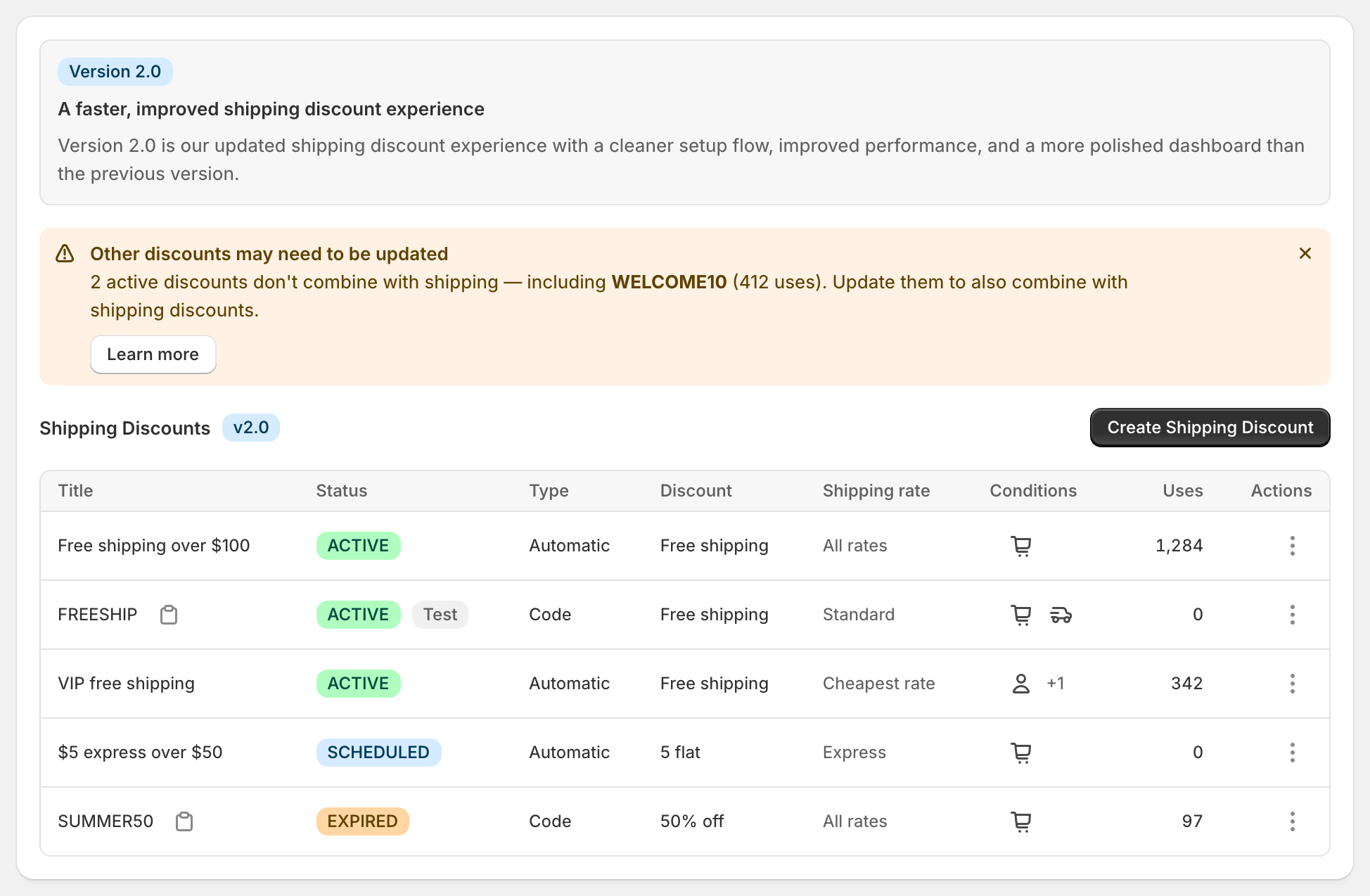
- Change the dates to Free Shipping Day, turn off Test mode, and save. The dashboard shows Scheduled until the day starts.
See schedule free shipping and test a shipping discount.
Things to check on the day
- Other discounts. For a product or order discount to apply alongside free shipping, tick Shipping discounts under Combinations on that discount too.
- Delivery promises. The event is about gifts arriving by Christmas. Only advertise delivery dates your carriers can meet, and keep paid Express available for late orders.
- Your free rate settings. If your store already shows a $0 rate, there’s nothing left to discount on that rate.
- The 25-discount limit. Shopify allows 25 active automatic discounts across all apps, including scheduled ones.
After Free Shipping Day
The discount ends by itself at 11:59 PM. For the run-up to Christmas, see holiday shipping cut-offs, where Standard is free until your cut-off and Express is discounted after it. For a weekend version, see free shipping weekend. For the earlier peak, see Black Friday free shipping.
More on targeting one rate: free standard shipping, not express and percentage off shipping.
RM: Advanced Free Shipping is Built for Shopify and rated 5.0 on the Shopify App Store. It costs $9.90 USD every 30 days after a 7-day free trial, billed by Shopify. Install it from the Shopify App Store.