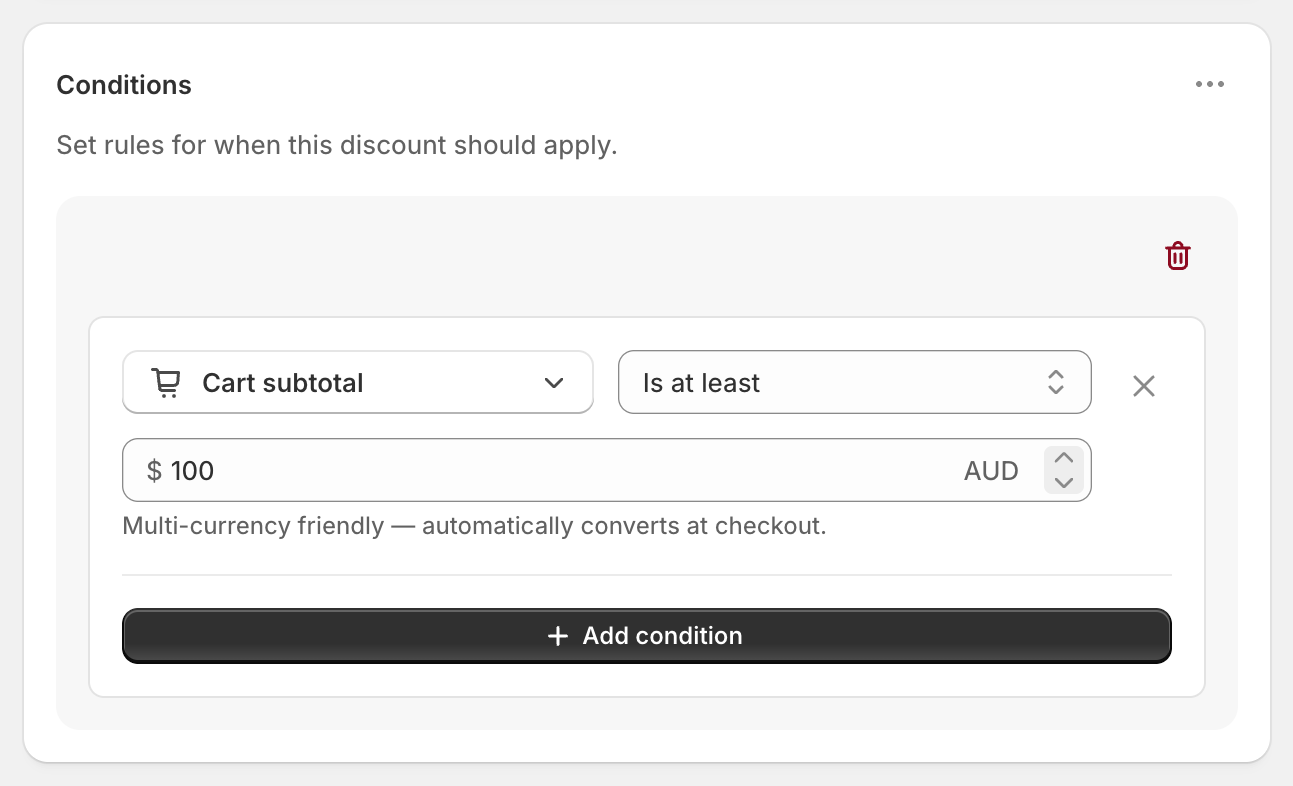
To give free shipping over $100, create an automatic shipping discount with the condition Cart total Is at least 100 and set every rate to Free. Shopify’s own free shipping discount covers the basic version, but it counts the minimum after any discount codes it combines with, and makes every eligible rate free. RM: Advanced Free Shipping lets you count the $100 before or after discounts, make only Standard free, and add more conditions such as weight, postcode or customer tag. Setup takes about five minutes. The app is $9.90 USD every 30 days, with a 7-day free trial, billed by Shopify.
What the customer gets
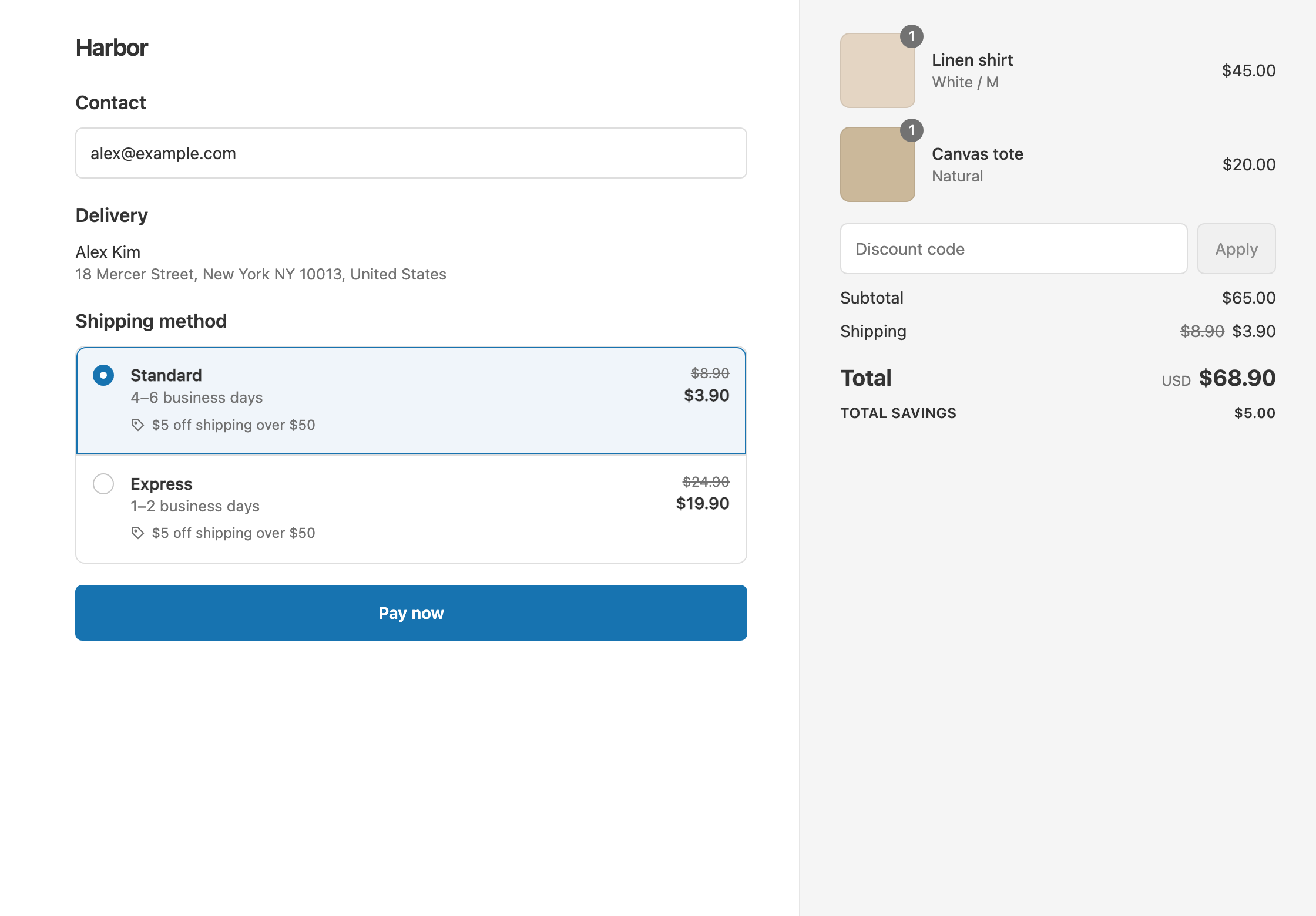
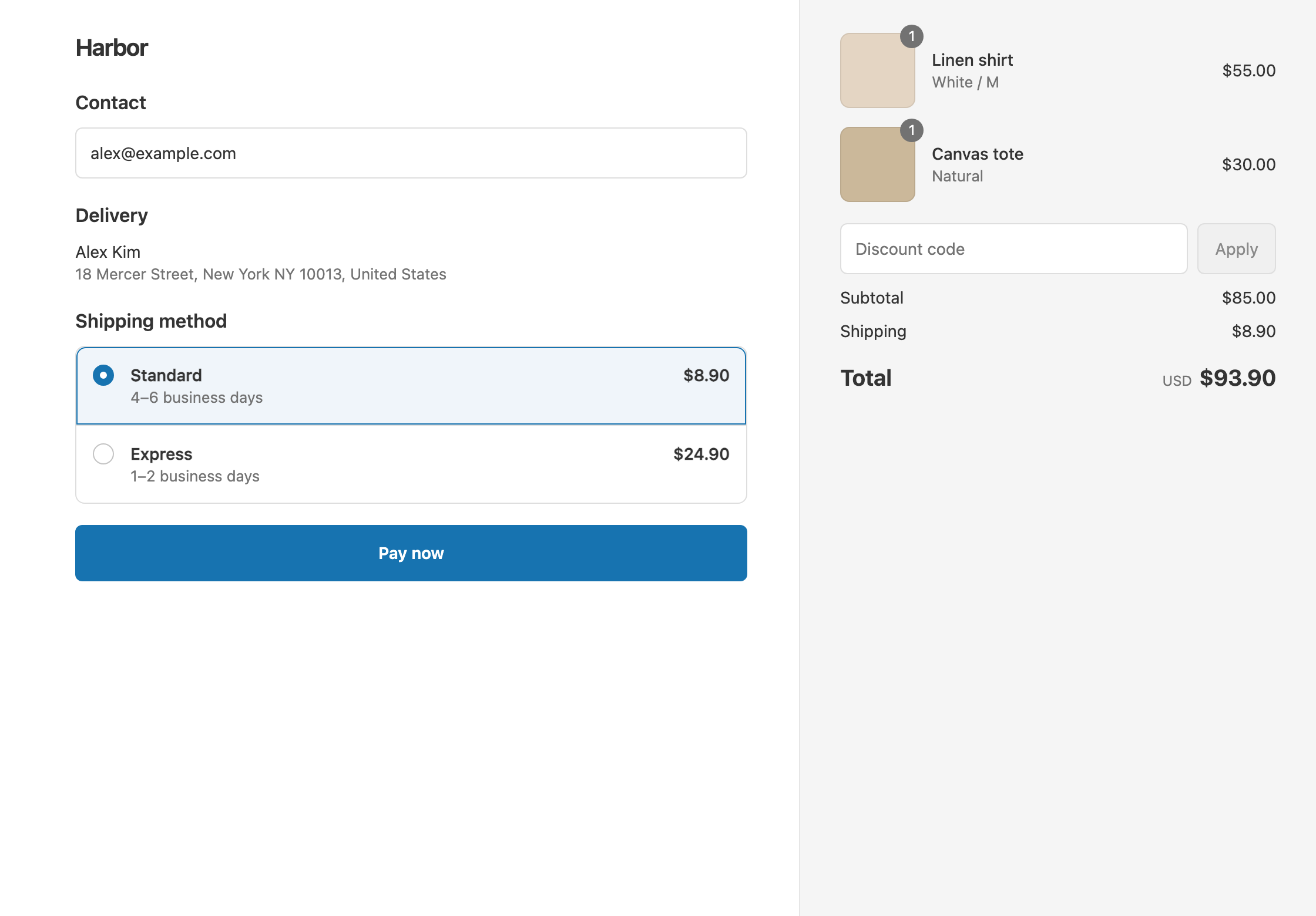
In this example the store has two rates: Standard $8.90 and Express $24.90. The discount is titled “Free shipping over $100”.
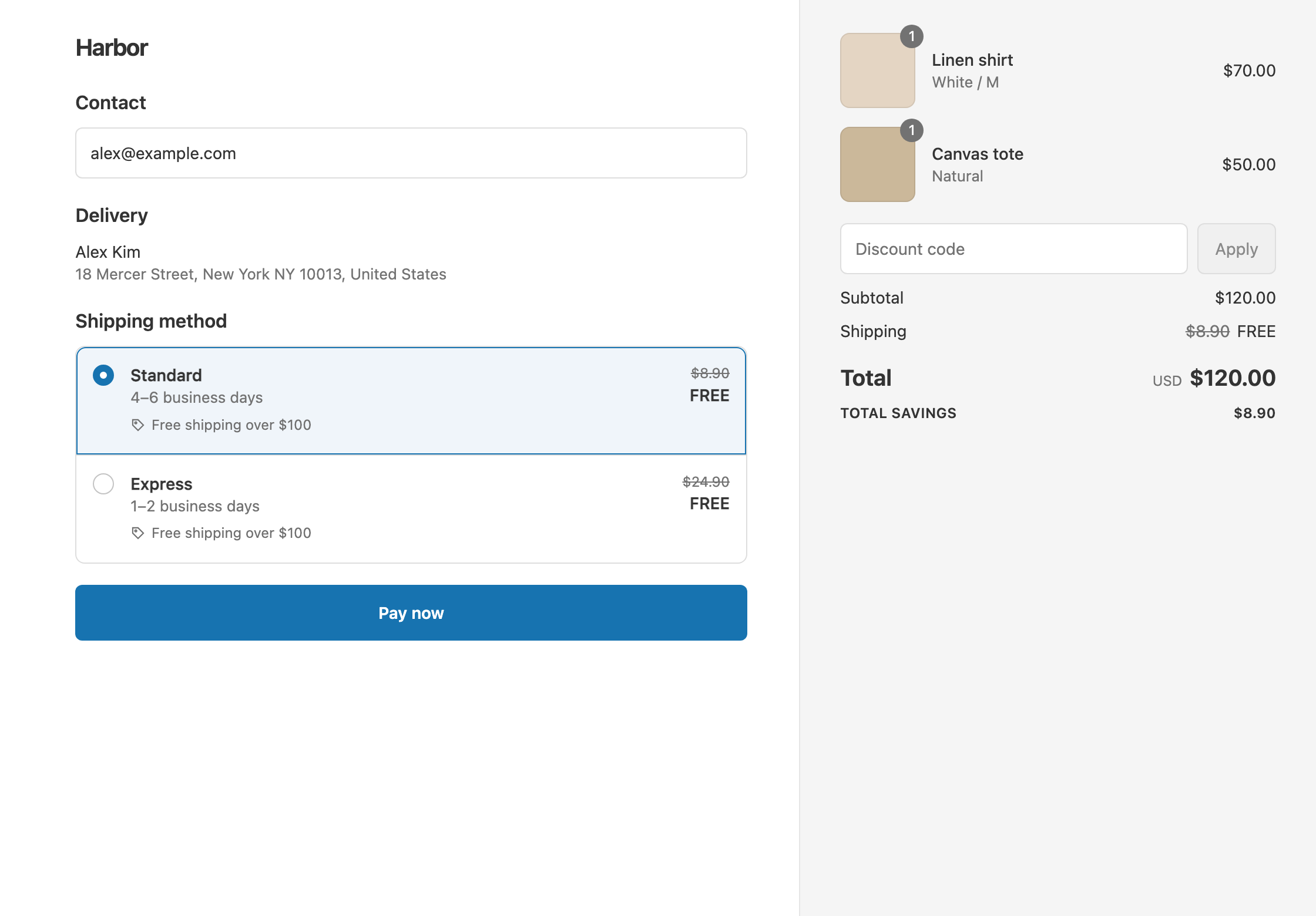
- A $120 cart qualifies. Standard drops from $8.90 to $0 and Express drops from $24.90 to $0. The customer pays $120.
- An $85 cart doesn’t qualify. With Standard, the customer pays $85 + $8.90 = $93.90.
- A $100.00 cart qualifies, because Is at least includes the amount itself.
The threshold matters because shipping cost is where many carts are lost. In Baymard Institute’s checkout research, 40% of US shoppers who abandoned a cart (leaving out people just browsing) said extra costs like shipping were too high.
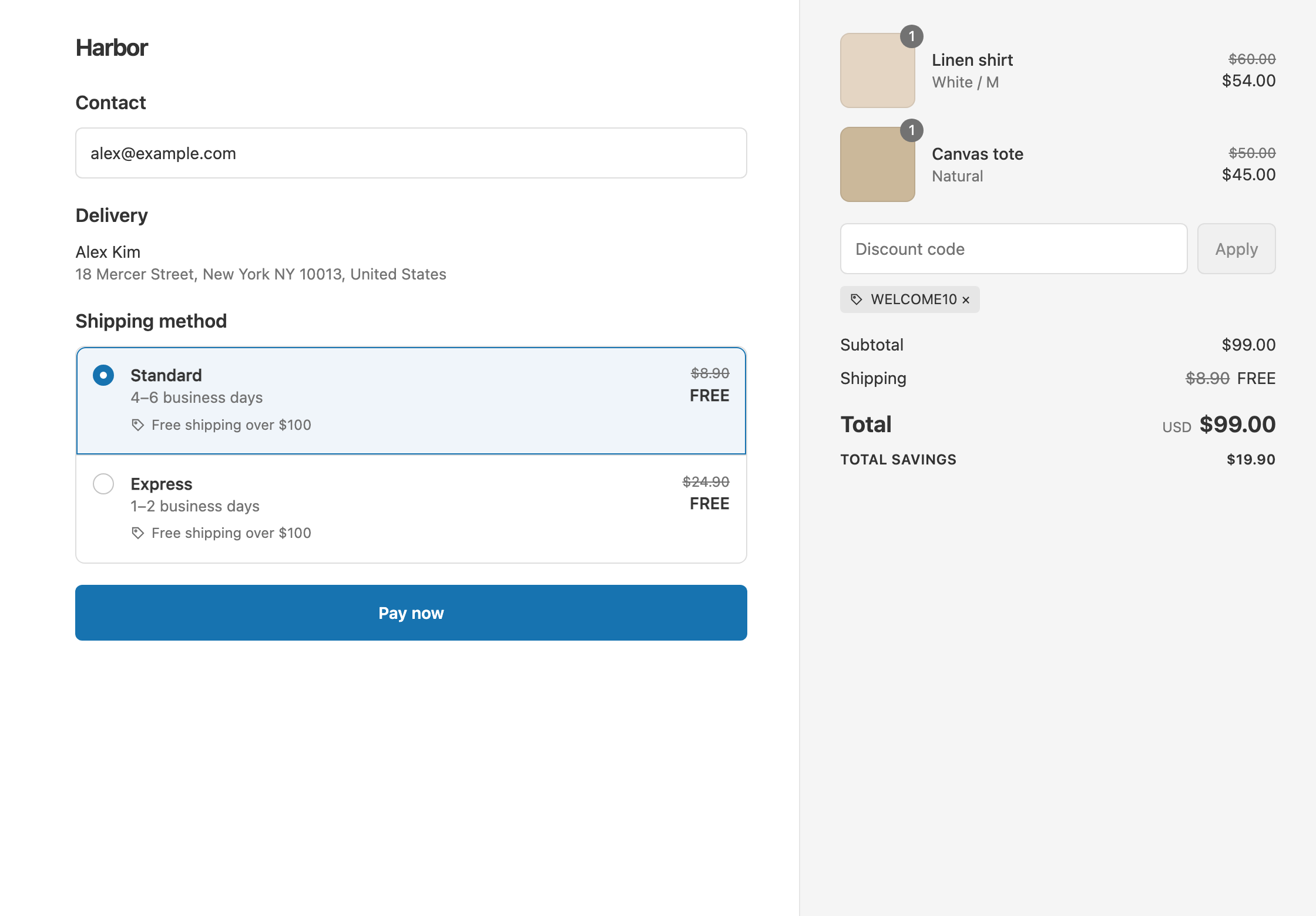
At checkout, the free rate shows the original price crossed out, with the title “Free shipping over $100” underneath.
Set it up
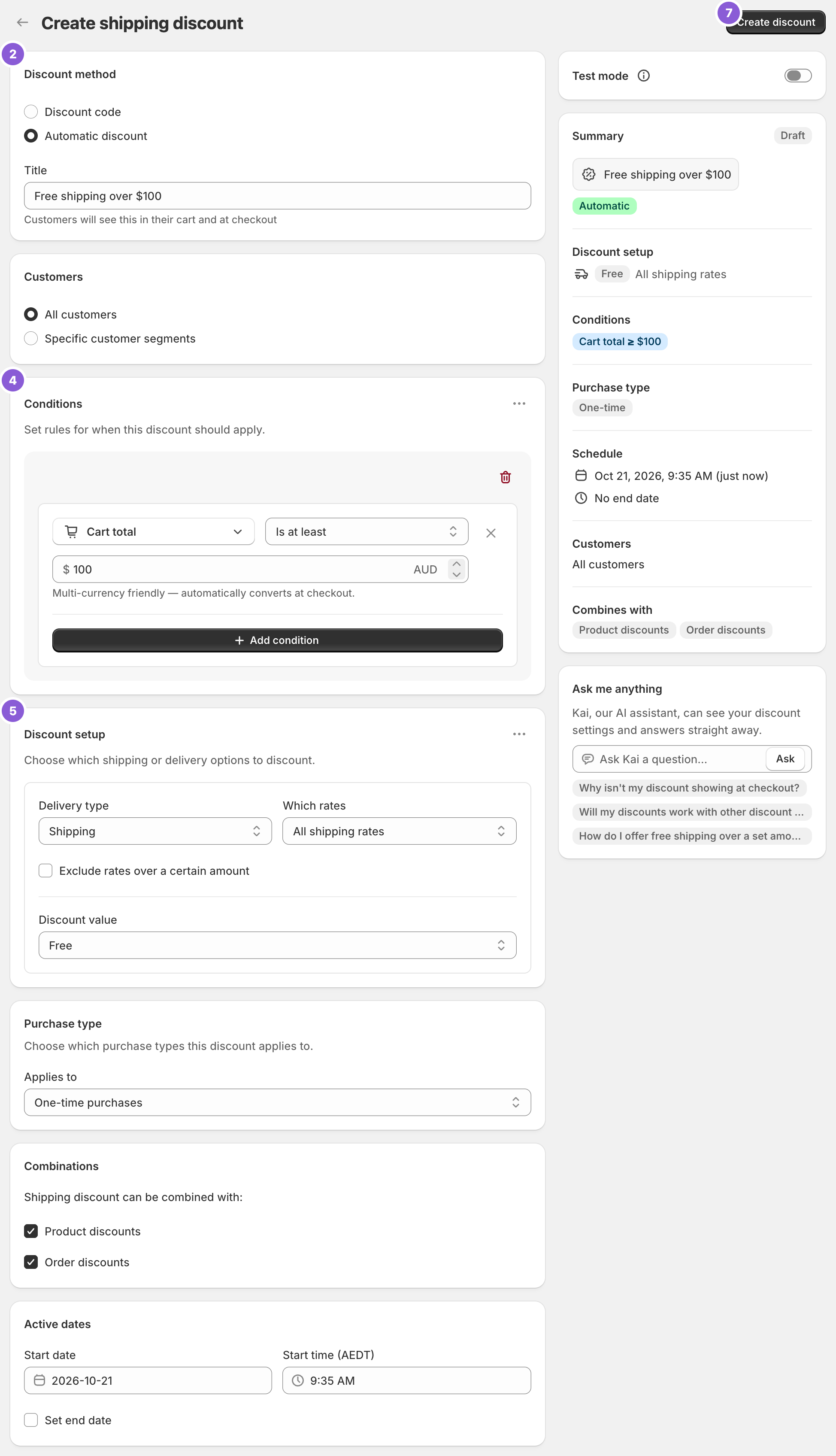
- In the app, click Create Shipping Discount.
- Under Discount method, choose Automatic discount. New discounts start on Discount code, and the method can’t be changed after you create the discount.
- Enter a Title customers will read, such as “Free shipping over $100”.
- In Conditions, click Add condition. It starts with Cart total. Set the operator to Is at least and enter
100. - In Discount setup, set Delivery type to Shipping, Which rates to All shipping rates and Discount value to Free.
- Leave Combinations as it is. Product discounts and Order discounts are ticked by default, so your sales and codes still work alongside free shipping.
- To try it before customers see it, switch on Test mode. Then click Create discount.
With Test mode on, the discount only applies when the shipping first name is ABC123. Try a $99 cart and a $100 cart, then switch Test mode off.
Variations
- Count the $100 before discount codes: use Cart subtotal instead of Cart total. A $110 cart with a 20% code ($88) still gets free shipping. See threshold before or after discounts.
- Free Standard only, Express at full price: set Which rates to Choose specific rates and select Standard. A $120 cart with Express then pays $120 + $24.90 = $144.90. See free standard shipping, not express.
- Free on the cheapest rate only: set Which rates to Cheapest shipping rate. See free cheapest shipping rate.
- A smaller reward below $100: add a second discount, such as $5 off over $50. See tiered shipping discounts.
- Only some countries: add a Shipping country condition, such as Is one of United States, in the same rule group.
- As a code: choose Discount code in step 2 and enter a code such as
SHIP100. Codes can have usage limits.
Good to know
- To stop a discount code from removing free shipping, tick Shipping discounts under Combinations on that code in Shopify admin. See keep free shipping with discount codes.
- To avoid a cent-perfect match, use Is at least for money, not Is equal to.
- Shipping never counts toward the $100. Tax counts only if your prices include tax.
- To sell in other currencies, leave it as is: the $100 converts automatically. You can also set a fixed amount per currency, such as USD 100 and GBP 80.
- To let the discount decide who ships free, remove any “free over $X” rate from Settings → Shipping and delivery. A free rate there shows to everyone it covers, whatever codes or conditions apply. See Shopify’s guide to setting up shipping zones and rates.
Related
- Conditional free shipping on Shopify
- What Shopify’s free shipping discount can’t do
- Tiered shipping discounts
- Free shipping by weight
Install RM: Advanced Free Shipping from the Shopify App Store.