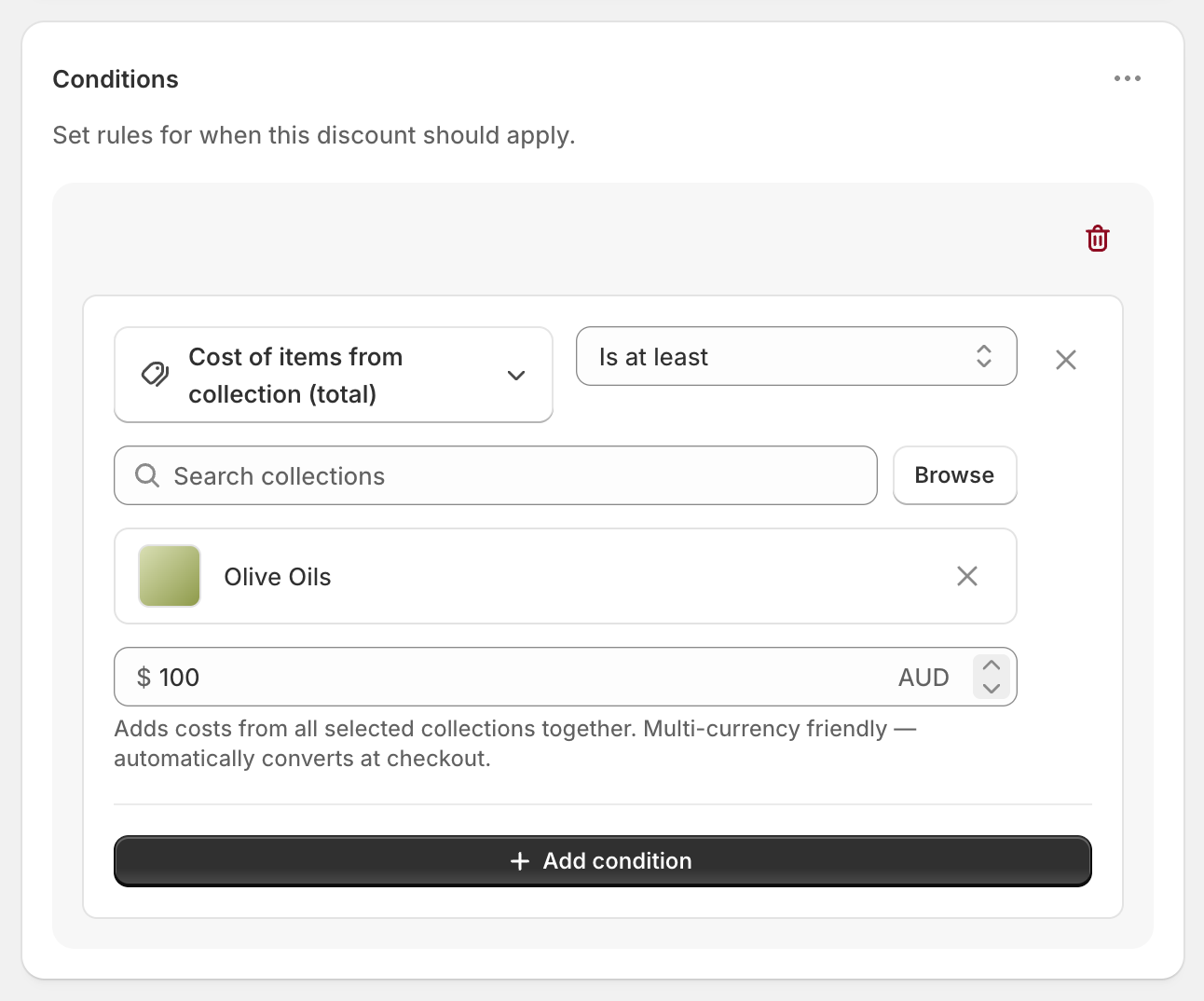
To give free shipping on a collection, add a collection condition to a shipping discount. Shopify’s own free shipping discount has no product or collection conditions, so its minimum counts every item in the cart. RM: Advanced Free Shipping adds Cost of items from collection, which counts only the items from the collections you pick. Set it to Is at least 100, choose your collection, and set the rates to Free. The app is $9.90 USD every 30 days, with a 7-day free trial, billed by Shopify.
What the customer gets
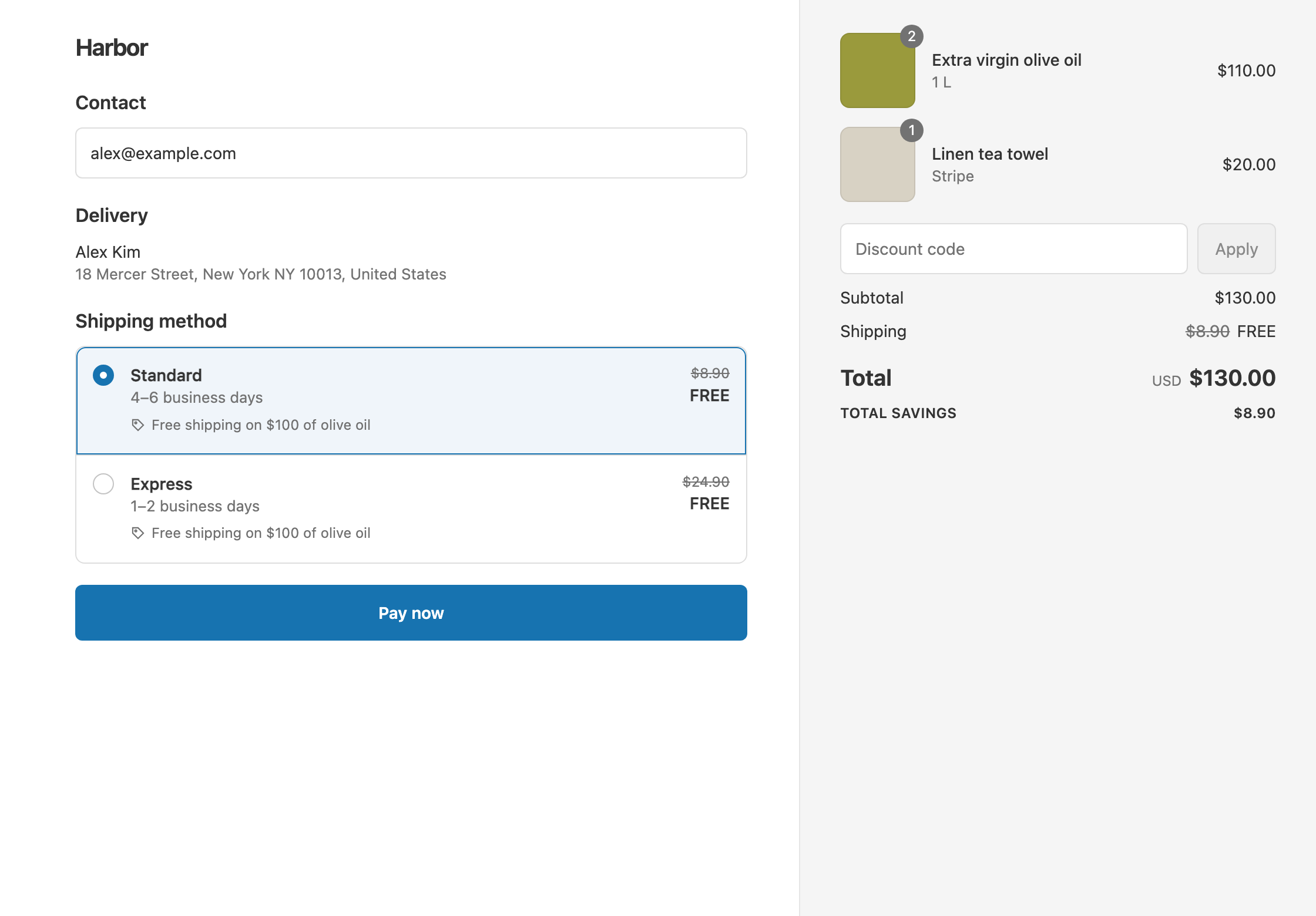
In this example the offer is “free shipping on $100 of olive oils”. Each bottle costs $55. The store has two rates: Standard $8.90 and Express $24.90.
- Qualifies. Two bottles ($110) and a $20 tea towel make a $130 cart. The olive oils come to $110, so Standard and Express both show as free. The customer pays $130.
- Doesn’t qualify. One bottle ($55) and a $60 cookbook make a $115 cart. The cart is over $100, but only $55 of it is olive oil. With Standard, the customer pays $115 + $8.90 = $123.90.
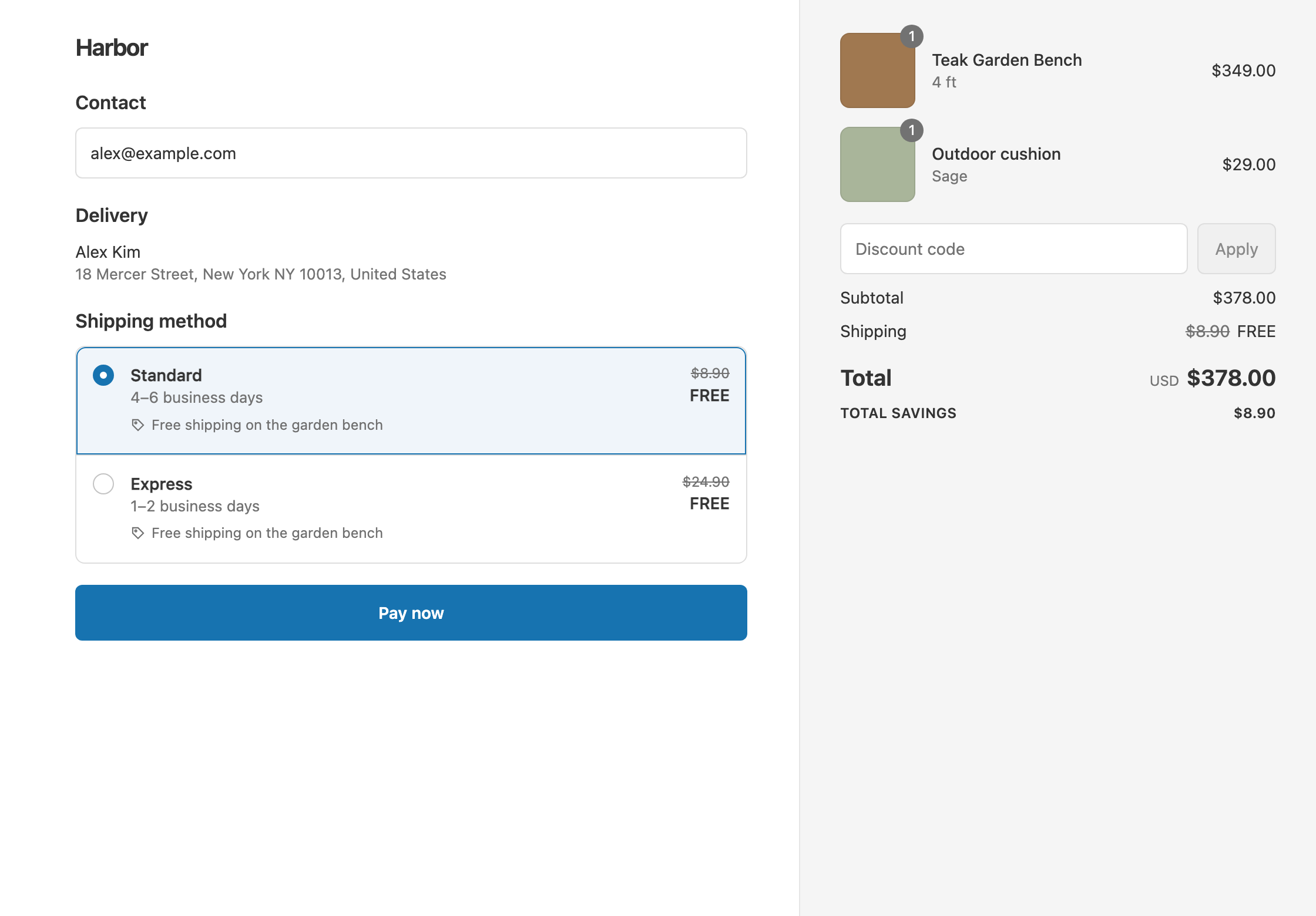
At checkout, the free rate shows its original price crossed out, with your discount’s title underneath.
Set it up
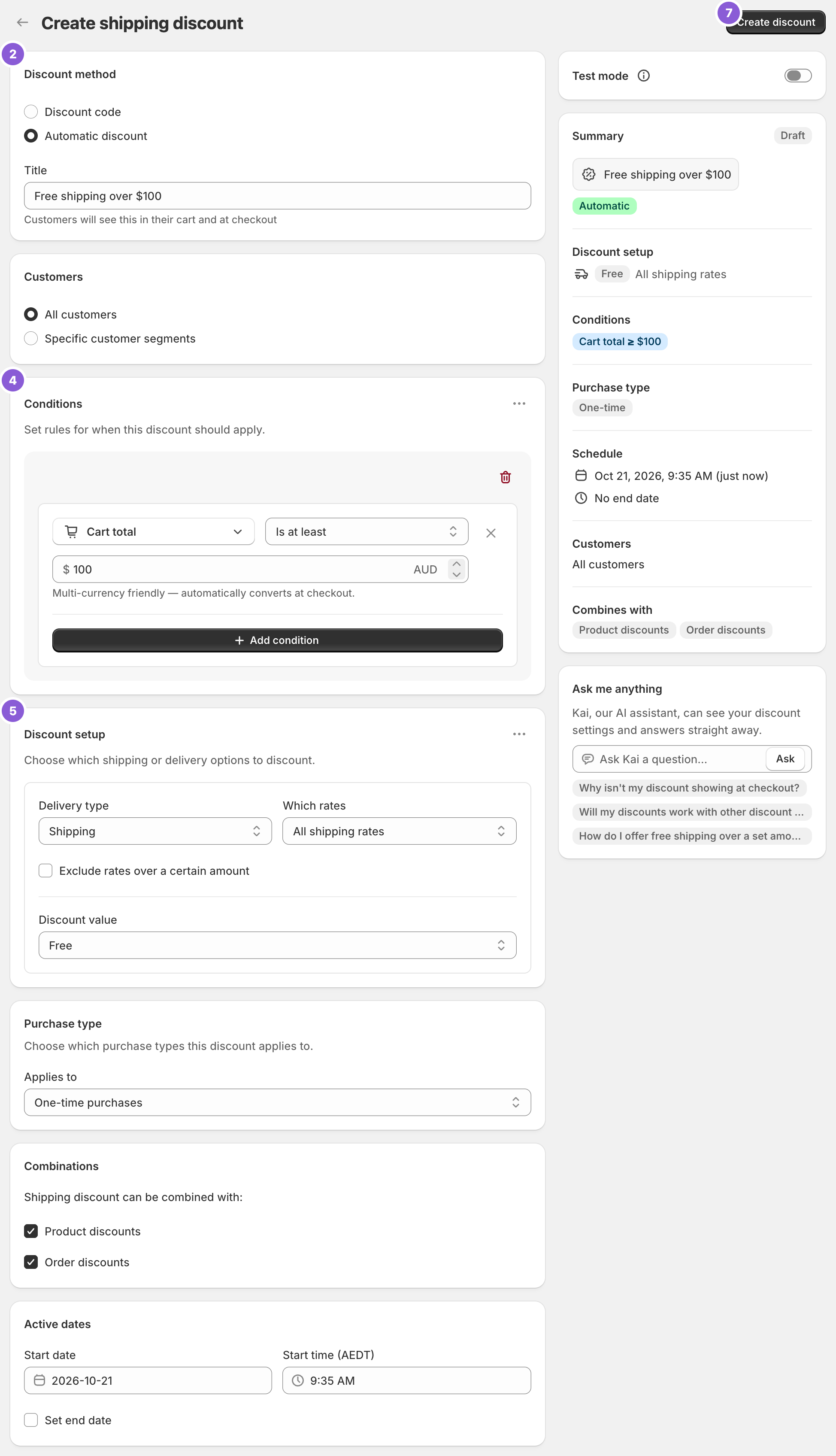
- In the app, click Create Shipping Discount.
- Under Discount method, choose Automatic discount. New discounts start on Discount code, and the method can’t be changed after you create the discount.
- Enter a Title customers will read, such as “Free shipping on $100 of olive oils”.
- In Conditions, click Add condition and choose Cost of items from collection (total). Set the operator to Is at least, search for your collection or click Browse, and enter
100. - In Discount setup, set Delivery type to Shipping, Which rates to All shipping rates and Discount value to Free.
- Click Create discount.
Before or after discount codes
The condition comes in two versions. Pick the one that matches your offer.
- (total) counts the collection after product and order discounts. With a 20% off code, the $110 of olive oils counts as $88, so the $130 cart above loses free shipping. The items cost $104, and with Standard the customer pays $104 + $8.90 = $112.90.
- (subtotal) counts the collection before discounts. The same cart keeps free shipping, and the customer pays $104.
See threshold before or after discounts.
Variations
- Any item from the collection ships the order free: use Product collection Contains (any) instead. Everything else in that cart ships free too.
- Only carts made up entirely of the collection: use Product collection Contains (only).
- 3 or more items from the collection: use Item count from collection Is at least 3.
- Free Standard only, Express at full price: set Which rates to Choose specific rates and select Standard. The qualifying cart with Express then pays $130 + $24.90 = $154.90.
- Several collections count toward one threshold: select them all in the same condition. They count as one combined group, and a product in two of them counts once.
Good to know
- To target a product tag, create a smart collection based on the tag and use that collection in the condition.
- To leave a few products out of the count, tag them (for example “no-free-shipping”) and build a smart collection that excludes the tag.
- To run a rule on a different collection, create a separate discount. Keep one collection condition per discount.
- To keep a code from removing free shipping, tick Shipping discounts under Combinations on that code in Shopify admin. See keep free shipping with discount codes.
- Shipping is charged per rate, not per item. When the cart qualifies, the whole rate is free, not just the olive oils’ share.
- Other currencies convert automatically. The $100 is in your store currency.
Related
- Free shipping on specific products
- Free shipping over $100, except oversized items
- Conditional free shipping on Shopify
- What Shopify’s free shipping discount can’t do
Install RM: Advanced Free Shipping from the Shopify App Store.