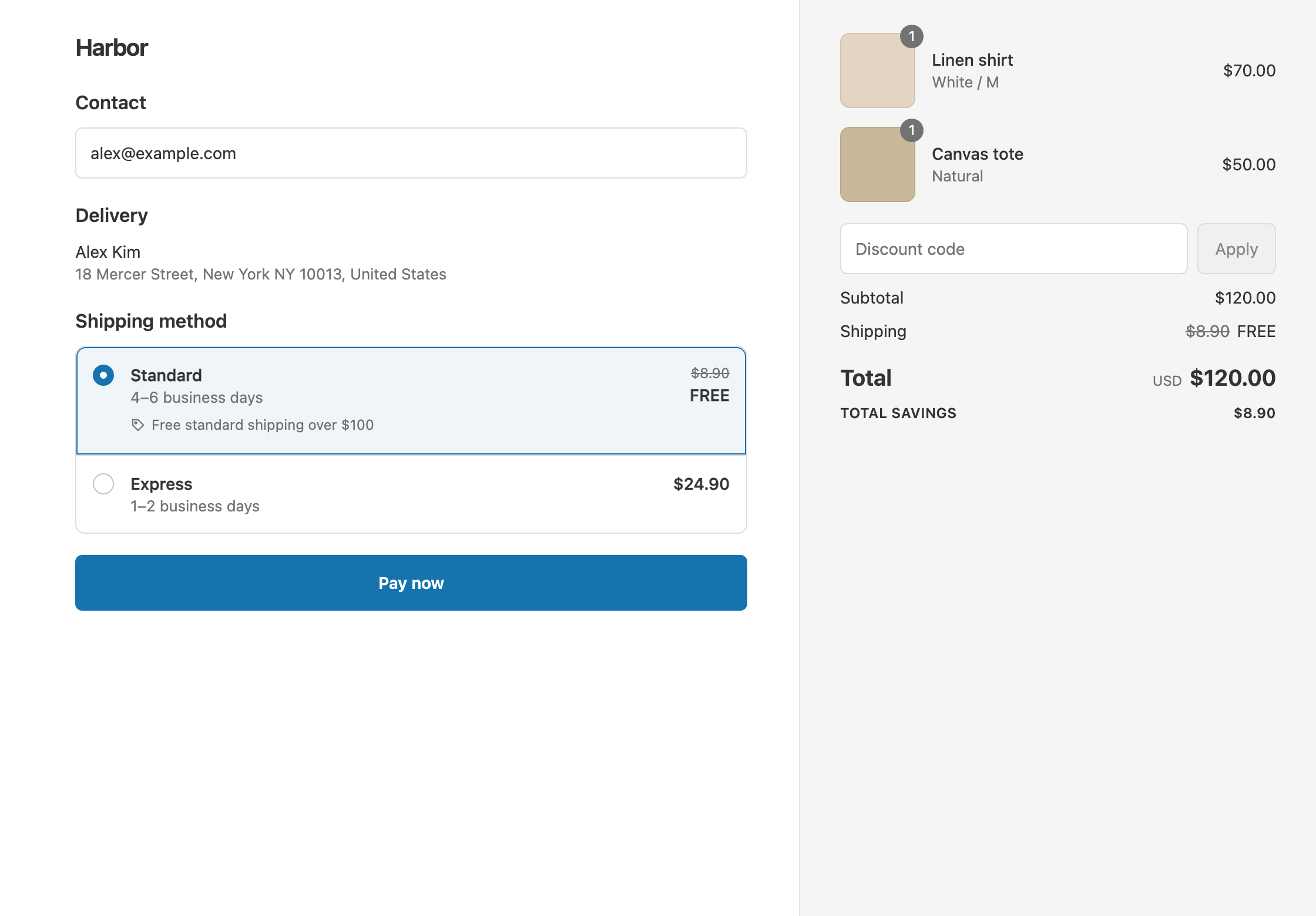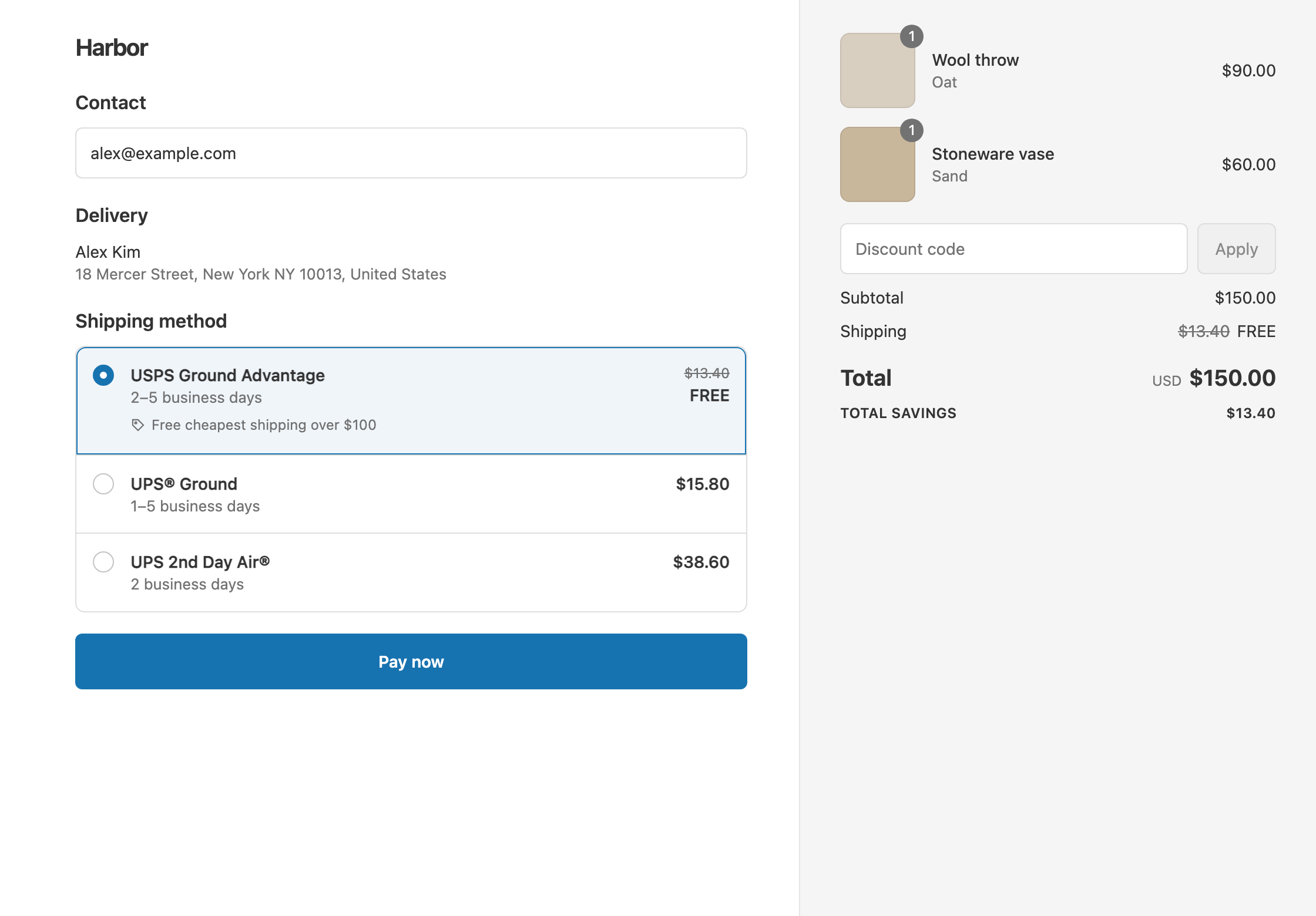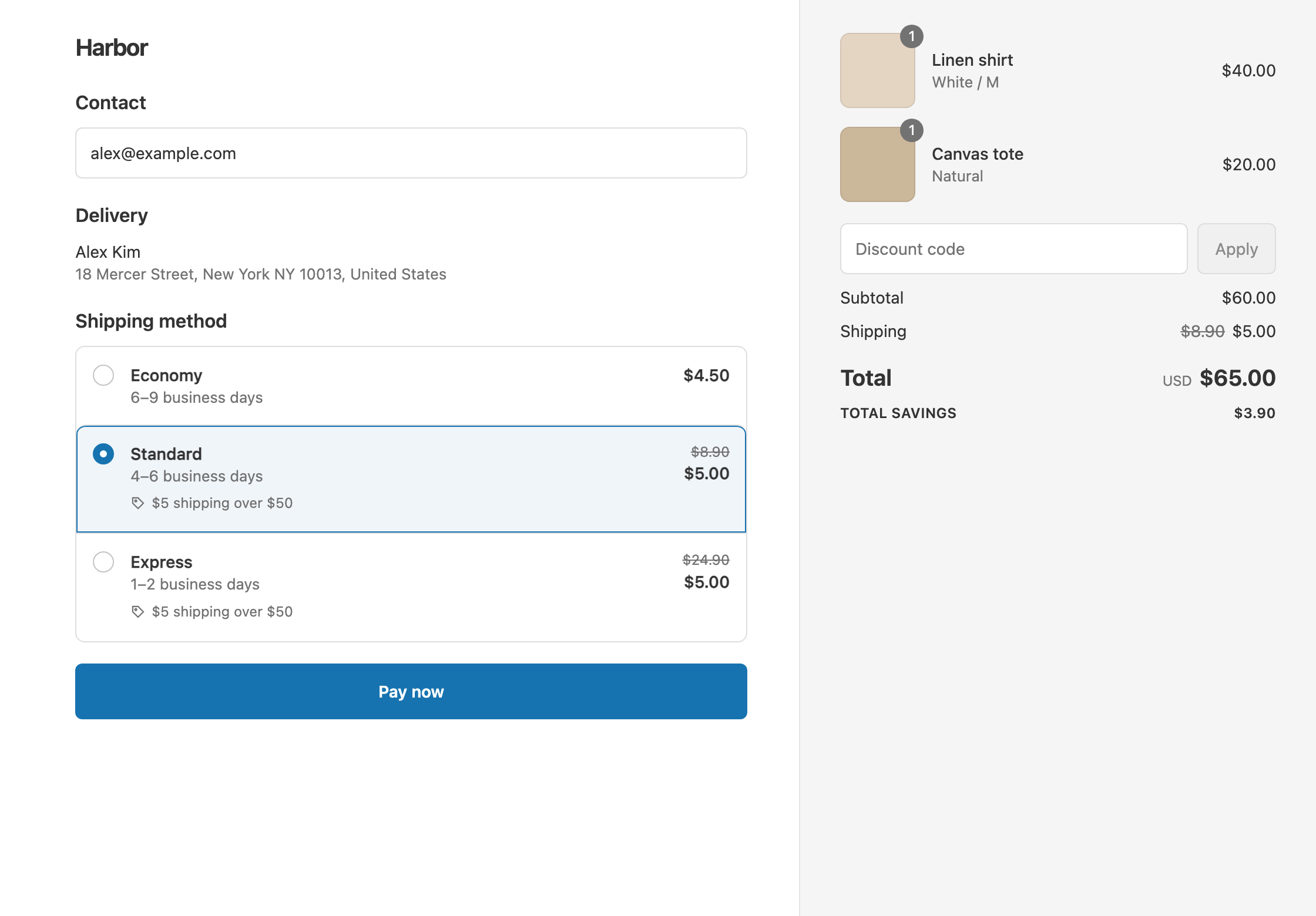
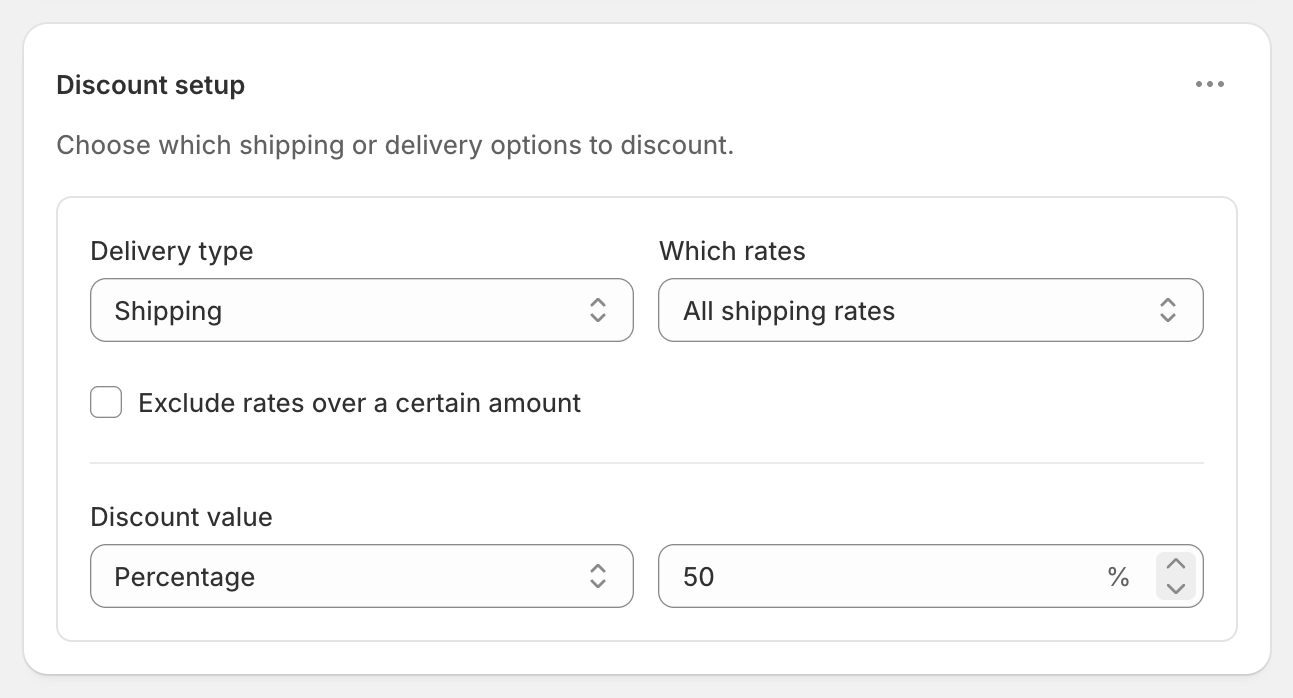
To take a percentage off shipping, create a shipping discount with Discount value set to Percentage and enter the amount, such as 50. Shopify’s own free shipping discount can only make shipping free. It has no percentage off and no money off. RM: Advanced Free Shipping adds Percentage, Fixed Amount Off and Fixed Price, with cart, product, location and customer conditions, on every Shopify plan. It costs $9.90 USD every 30 days, with a 7-day free trial, billed by Shopify.
What the customer gets
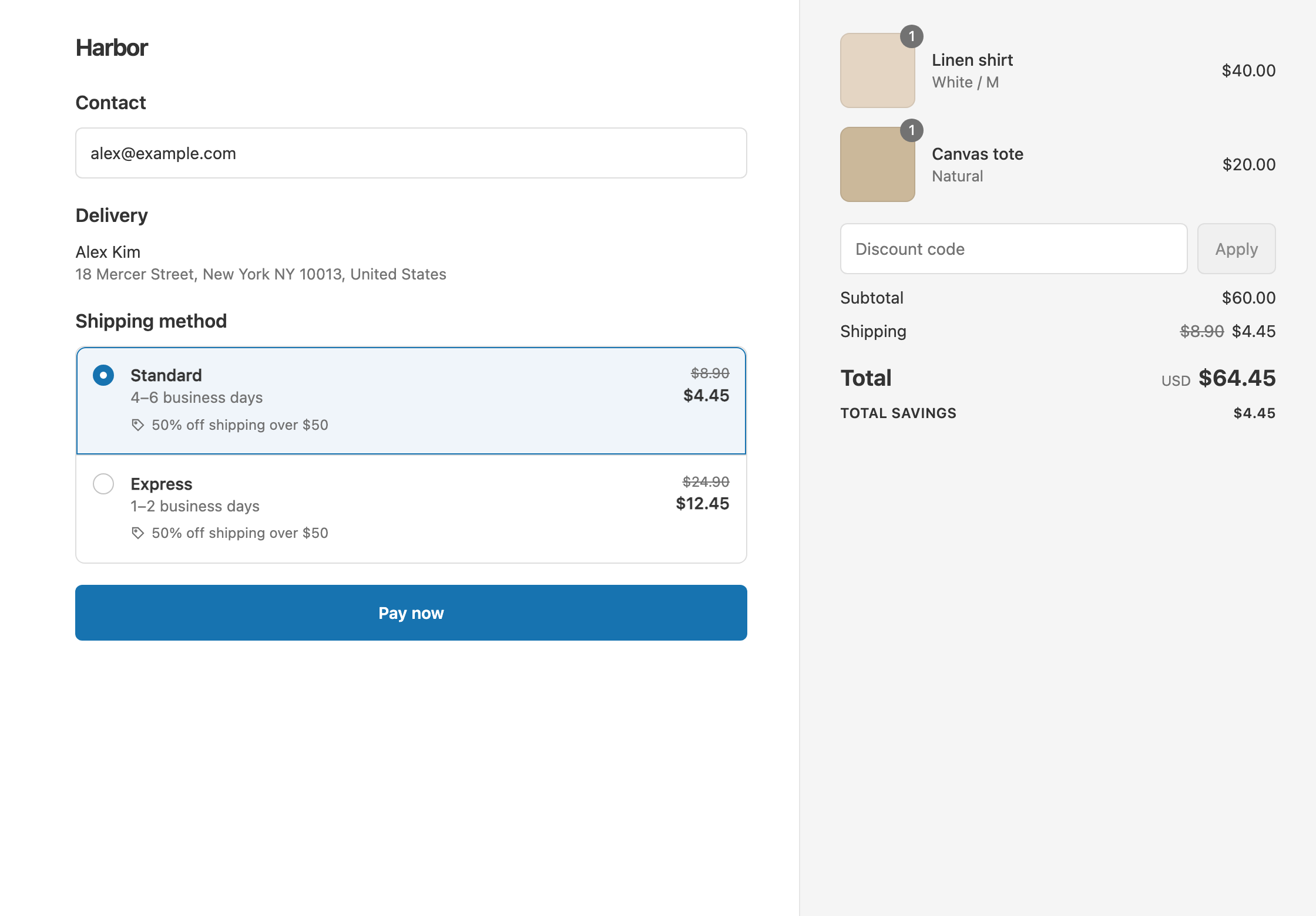
In this example, shipping is 50% off over $50. The rates are Standard $8.90 and Express $24.90.
- A $60 cart: Standard drops from $8.90 to $4.45, and Express from $24.90 to $12.45. The customer pays $60 + $4.45 = $64.45 with Standard, or $60 + $12.45 = $72.45 with Express.
- A $40 cart: it’s under $50, so nothing changes. The customer pays $40 + $8.90 = $48.90 with Standard.
At checkout, the rate shows the original price crossed out, with your discount’s title underneath.
Set it up
- In the app, click Create Shipping Discount.
- Under Discount method, choose Automatic discount, and enter a Title customers will see, such as “Half-price shipping over $50”.
- In Conditions, click Add condition. Keep Cart total, set Is at least and enter
50. - In Discount setup, set Delivery type to Shipping and Which rates to All shipping rates.
- Set Discount value to Percentage and enter
50. - Click Create discount.
Variations
- 50% off Express only: set Which rates to Choose specific rates and select Express. Standard stays $8.90, and Express drops to $12.45.
- 50% off over $50, free over $100: create a second discount with Cart total Is at least 100 and Free. A $120 cart qualifies for both, and Shopify gives each rate the bigger saving, so shipping is free. See tiered shipping discounts.
- Free Standard and 30% off Express in one discount: set the first delivery discount to Standard and Free. Then open the ⋯ menu on Discount setup, choose Add delivery discount, select Express and enter Percentage
30. Express becomes $24.90 − $7.47 = $17.43. - Percentage off for VIPs only: add Customer tag Contains VIP to the conditions. See free shipping for VIP customers.
- Percentage off with a code: choose Discount code in step 2, such as
HALFSHIP. Codes can have usage limits. - A set amount off instead: use Fixed Amount Off. See give a shipping credit.
Good to know
- To discount live carrier rates by a percentage only for some carts, use this discount rather than a negative rate adjustment in Settings → Shipping and delivery. That adjustment discounts everyone, on every order. See Shopify’s guide to third-party carrier-calculated shipping.
- To make a percentage tier beat a money-off tier, check the saving on your cheapest rate. 50% off an $8.90 rate saves $4.45, which loses to a $5 off discount if a cart qualifies for both.
- The maximum is 100%, which is the same as Free.
- To test it, turn on Test mode and check out with the shipping first name
ABC123.
Related
- Shipping discount types: free, percentage, money off and fixed price
- Flat rate shipping over a cart amount
- Tiered shipping discounts
- What Shopify’s free shipping discount can’t do
Install RM: Advanced Free Shipping from the Shopify App Store.