To ship subscription orders free, create a shipping discount and set Purchase type to Subscription purchases. Then choose whether only the first payment, a set number of payments, or every renewal ships free. Shopify’s own free shipping discount offers a purchase type only on discount codes, and it makes every eligible rate free. RM: Advanced Free Shipping sets the purchase type on automatic discounts too, lets you pick the rate, and adds a Has subscription condition for carts that mix subscriptions and one-time items. The app is $9.90 USD every 30 days, with a 7-day free trial, billed by Shopify.
What the customer gets
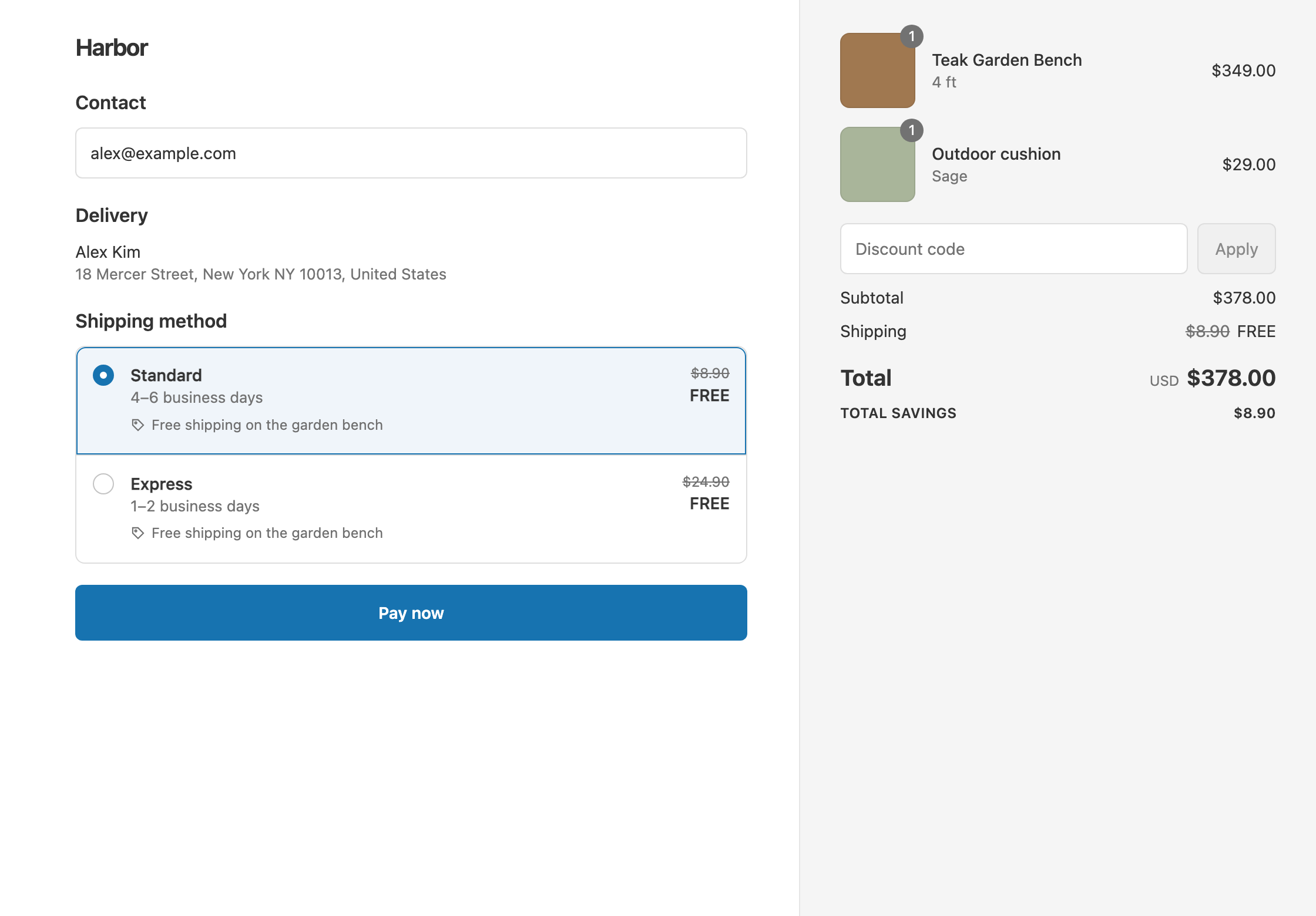
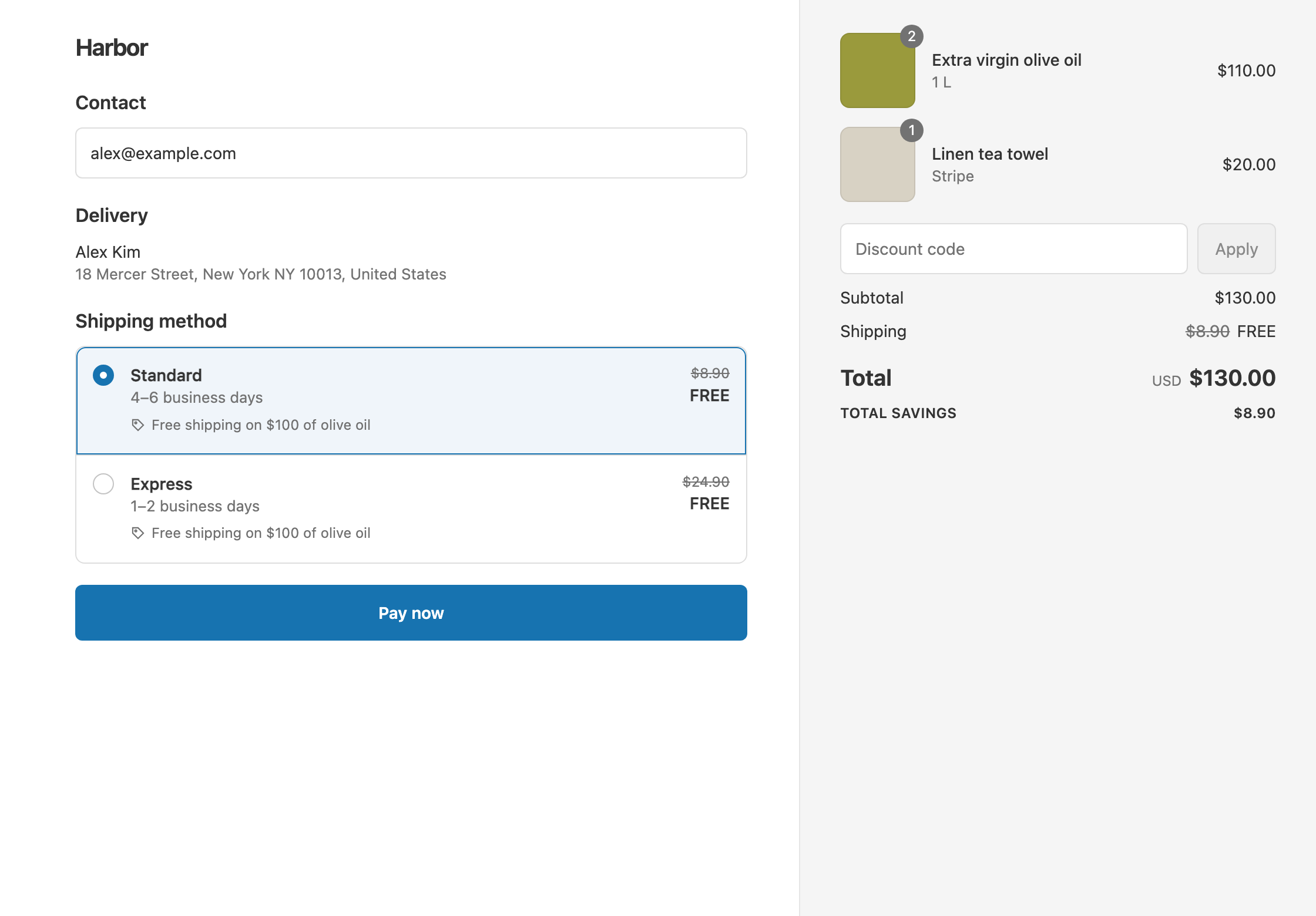
In this example a coffee roaster sells a bag at $40 one-time, or $36 on a monthly subscription. Standard shipping is $8.90.
- Qualifies. A customer subscribes to one bag. Standard shows $8.90 crossed out and free. The customer pays $36.
- Doesn’t qualify. Another customer buys the same bag once. The customer pays $40 + $8.90 = $48.90.
- Every renewal. With Discount applies to all recurring payments, 12 monthly boxes save the subscriber 12 × $8.90 = $106.80 in shipping.
Set it up
- In the app, click Create Shipping Discount.
- Under Discount method, choose Automatic discount. New discounts start on Discount code, and the method can’t be changed later. Enter a Title such as “Free shipping on subscriptions”.
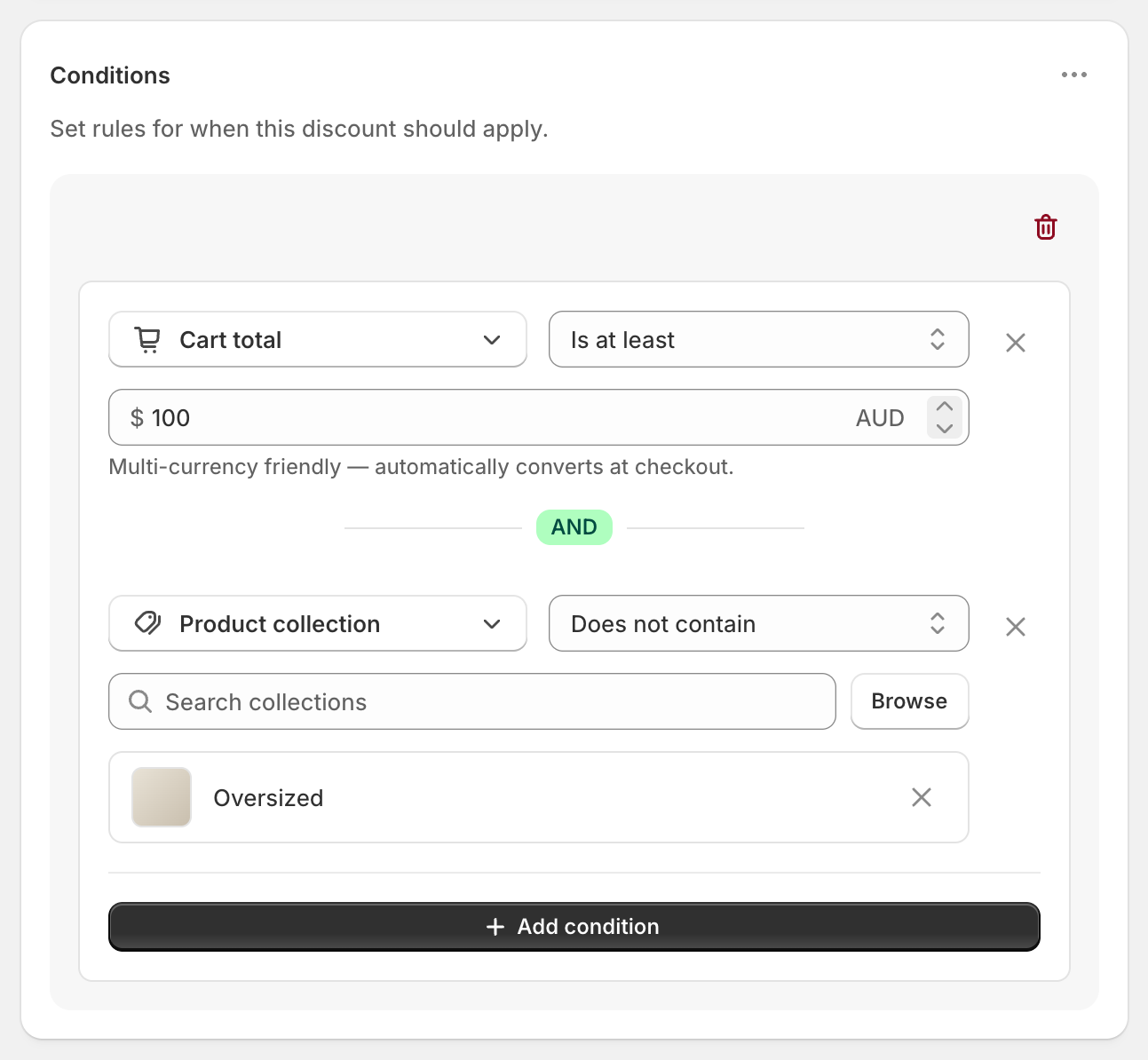
- Leave Conditions empty, so every subscription order qualifies. Or add one, such as Cart total Is at least 30.
- In Discount setup, set Delivery type to Shipping, Which rates to All shipping rates and Discount value to Free.
- In the Purchase type card, set Applies to to Subscription purchases.
- Under Recurring payments for subscriptions, choose Limit discount to the first payment, Limit discount to multiple recurring payments (2 or more), or Discount applies to all recurring payments.
- Click Create discount.
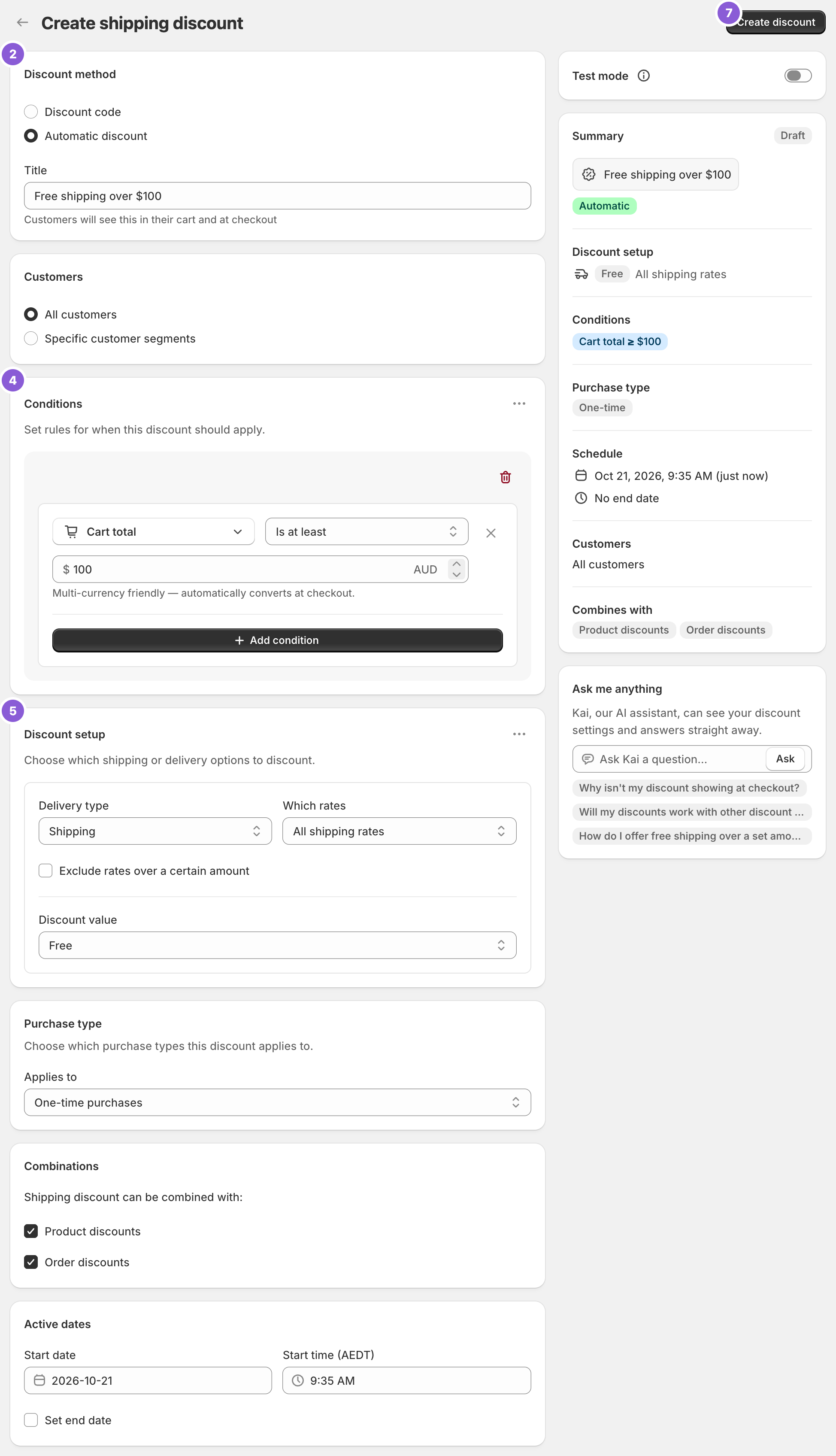
The screenshot shows a new discount with Applies to still on its default, One-time purchases. Change it to Subscription purchases in step 5.
Variations
- Only the first box ships free: choose Limit discount to the first payment. “First payment” means the first order of each subscription, not the customer’s first order ever.
- Only carts made entirely of subscriptions: add the condition Has subscription with Subscription only.
- One-time orders only, never with a subscription in the cart: set Applies to to One-time purchases and add Has subscription with Does not contain subscription. This also leaves out mixed carts.
- Half-price shipping instead of free: set Discount value to Percentage and enter 50. The $8.90 rate becomes $4.45. See percentage off shipping.
- Free Standard only: set Which rates to Choose specific rates and select Standard.
- Both one-time and subscription orders over $50: set Applies to to Both one-time & subscription and add Cart total Is at least 50.
Good to know
- To make sure renewals ship free, check your subscription app’s shipping settings too. Some apps, for example Loop, recalculate renewal shipping with their own settings.
- To use this with your subscription app, the app must sell on Shopify’s selling plans. Pre-orders and try-before-you-buy plans count as one-time items.
- To unlock the Purchase type options, your store must sell subscriptions, for example with Shopify Subscriptions. Without them, it stays on One-time purchases.
- Subscription items count toward Cart total and Cart subtotal like any other item.
- To check it first, switch on Test mode and use
ABC123as the shipping first name. See test a shipping discount.
Related
- Free shipping on a collection
- Percentage off shipping
- Shipping discount types
- Conditional free shipping on Shopify
Install RM: Advanced Free Shipping from the Shopify App Store.