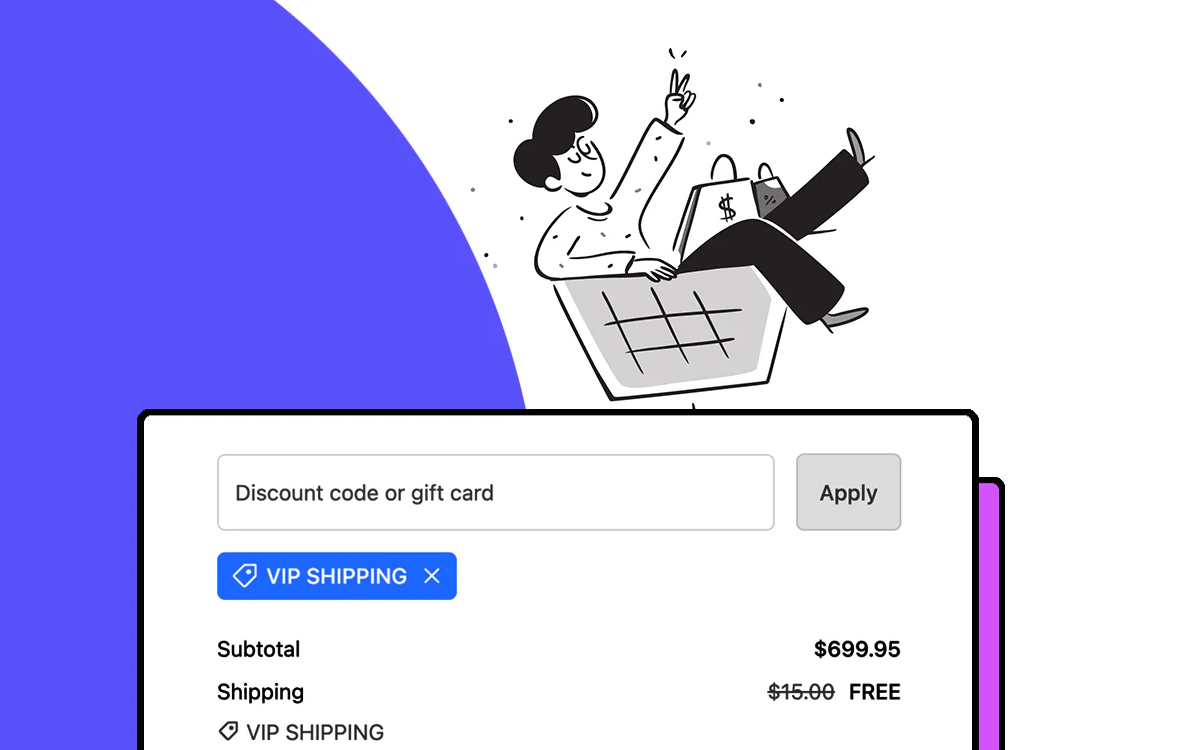
To give VIPs free shipping, tag them VIP in Shopify, then create an automatic shipping discount with the condition Customer tag Contains VIP. Signed-in VIPs get free shipping on every order without typing a code. Shopify’s own free shipping discount can be limited to customer segments, but it has no customer tag condition and always makes every eligible rate free. RM: Advanced Free Shipping reads the tag at checkout and lets you choose the rates, for example free Standard for VIPs while Express stays paid. The app is $9.90 USD every 30 days, with a 7-day free trial, billed by Shopify.
What the customer gets
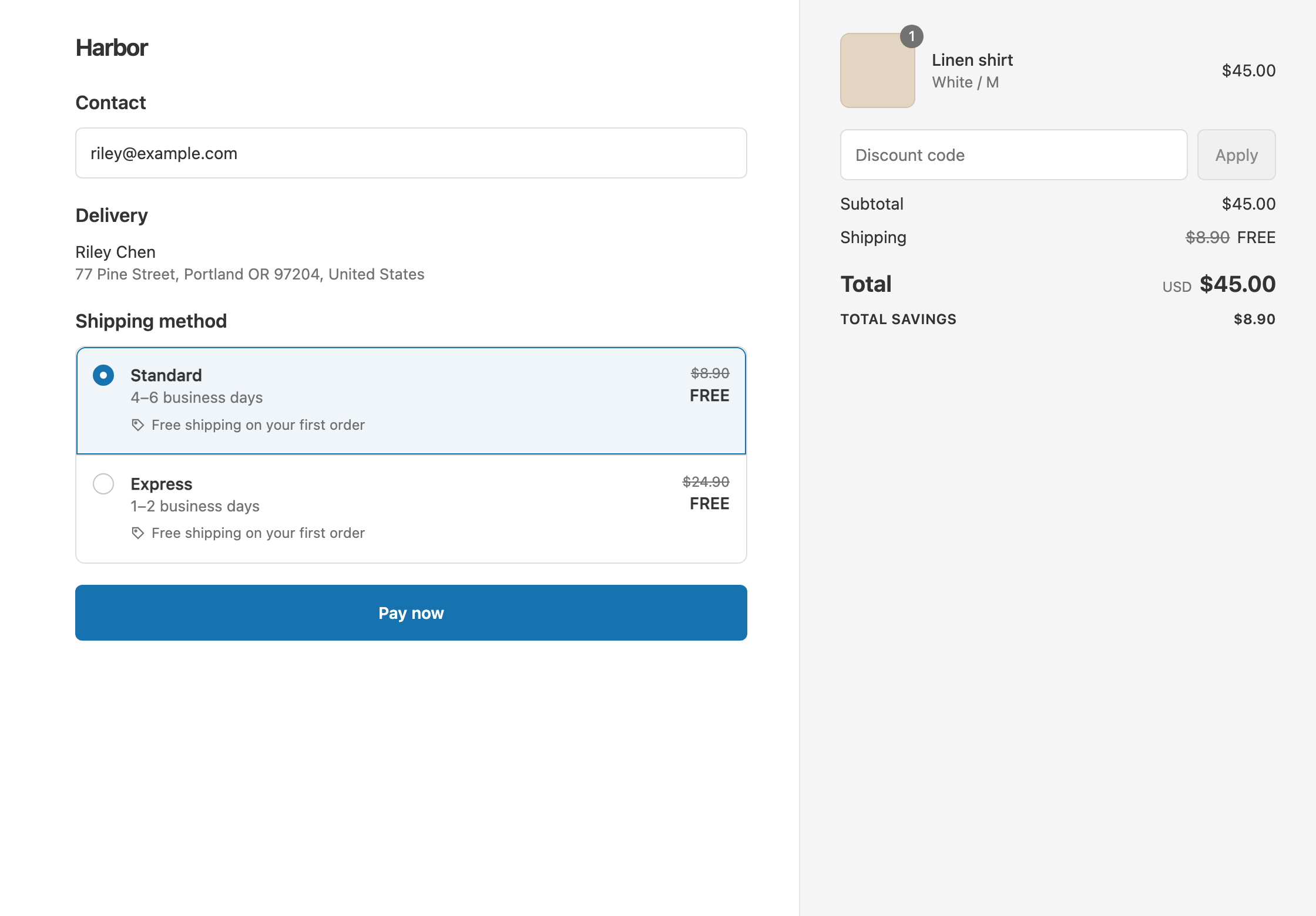
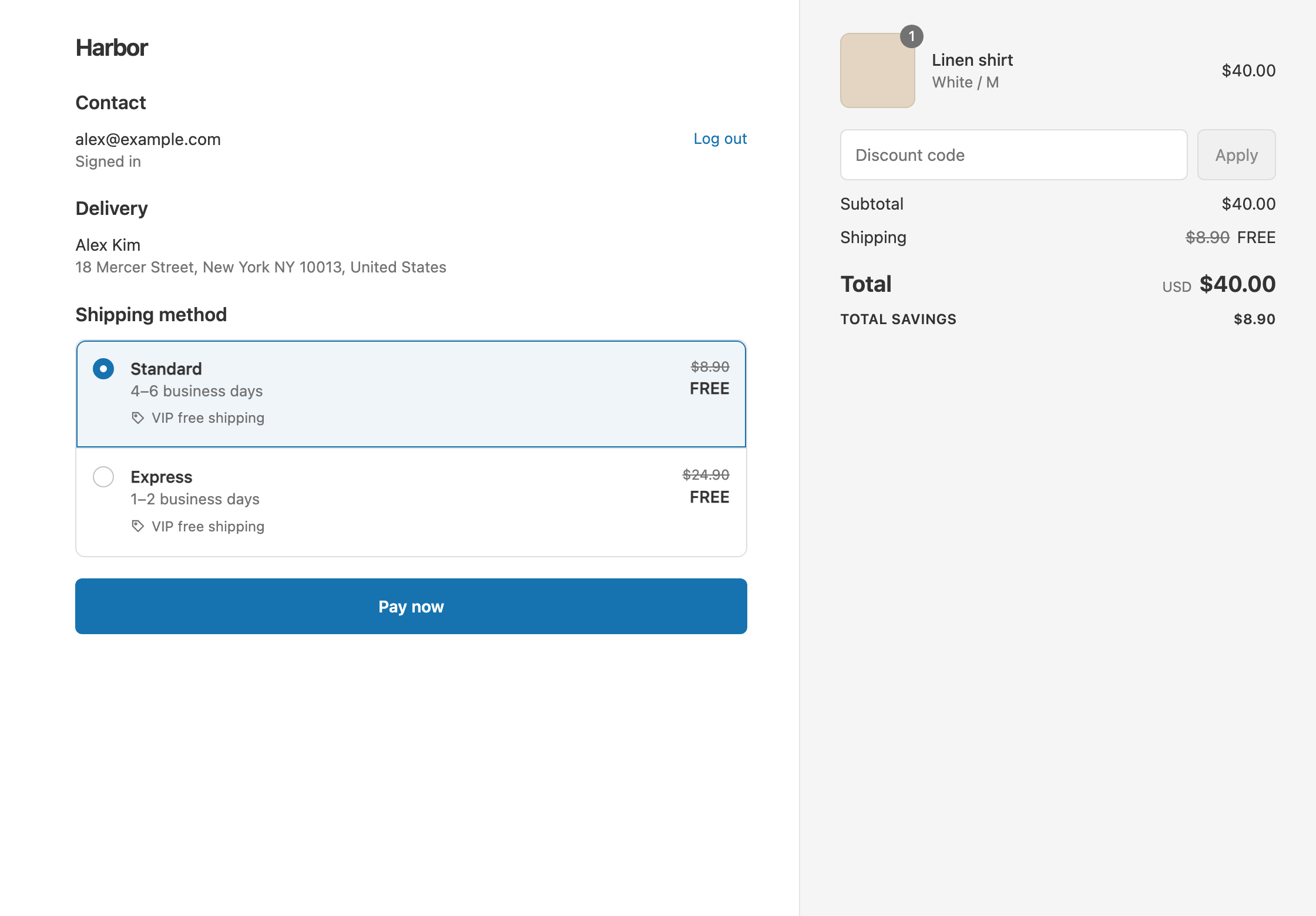
In this example the store has two rates: Standard $8.90 and Express $24.90.
- Qualifies. A VIP signed in to their account checks out a $40 cart. Standard and Express both show as free. The customer pays $40.
- Doesn’t qualify. The same VIP checks out as a guest. A guest has no tags, so the customer pays $40 + $8.90 = $48.90 with Standard.
- Doesn’t qualify. A signed-in customer without the tag pays the same $48.90.
Set it up
- In Shopify admin, open each VIP customer and add the tag
VIP. See Shopify’s guide to using tags. Loyalty apps that tag customers in Shopify work too. - In the app, click Create Shipping Discount.
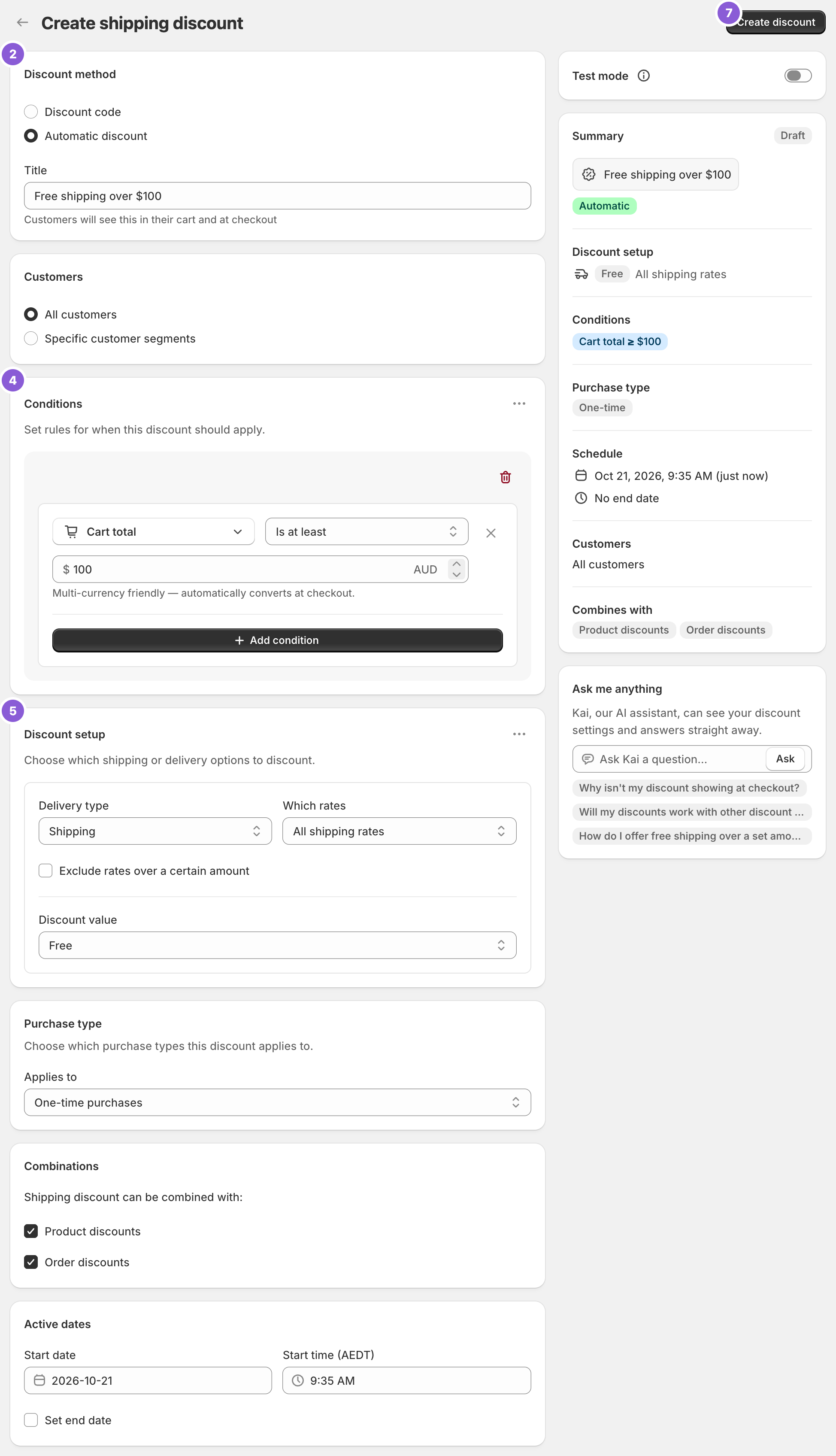
- Under Discount method, choose Automatic discount. New discounts start on Discount code, and the method can’t be changed later. Enter a Title such as “VIP free shipping”. Customers see it at checkout.
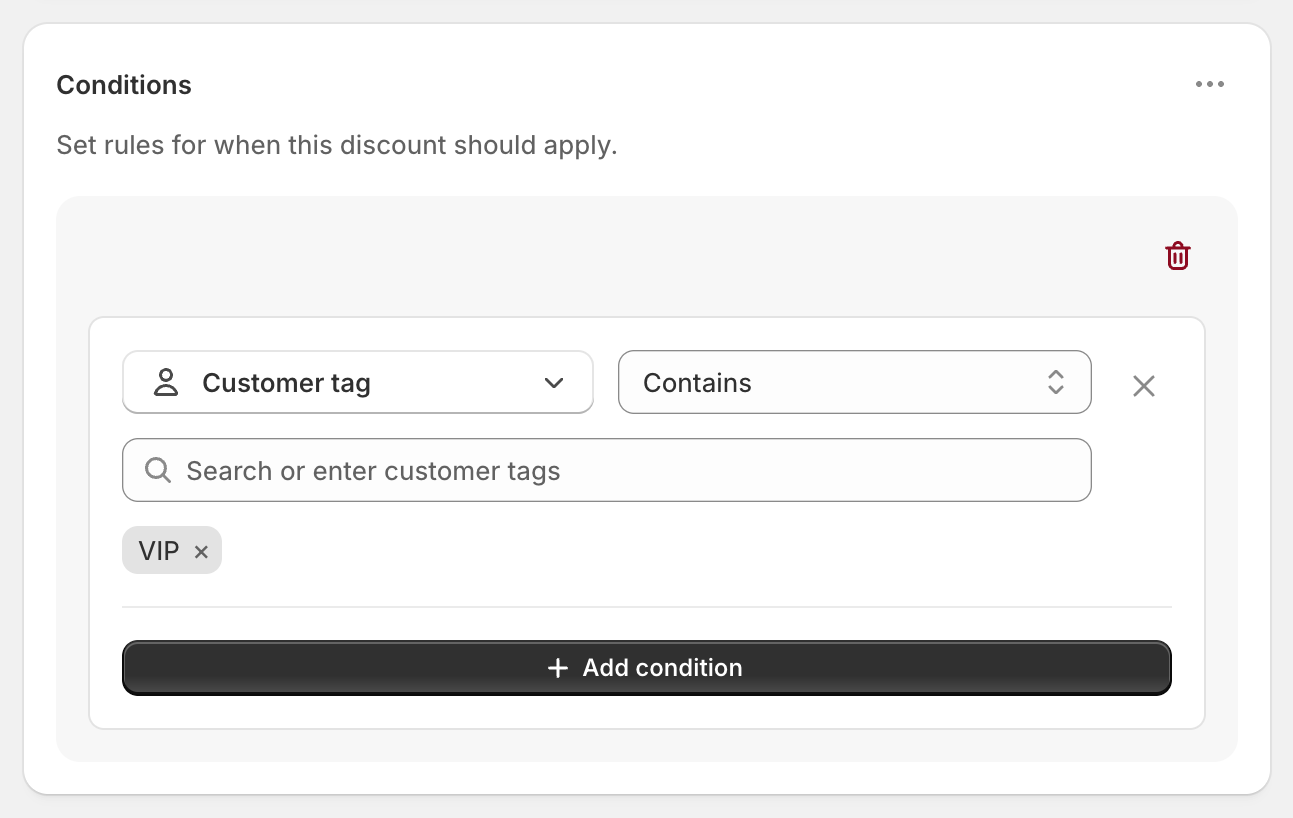
- In Conditions, click Add condition and choose Customer tag. Keep Contains, then type
VIPand press Enter, or pick it from the suggestions. - In Discount setup, set Delivery type to Shipping, Which rates to All shipping rates and Discount value to Free.
- Click Create discount.
Variations
- VIPs get free Standard, Express stays paid: set Which rates to Choose specific rates and select Standard. A VIP who picks Express pays $40 + $24.90 = $64.90.
- VIPs always, everyone else over $100: keep the VIP condition in Rule group 1. Open the ⋯ menu on the Conditions card, choose Add rule group, and add Cart total Is at least 100. A non-VIP with a $120 cart ships free, and so does a VIP with a $40 cart.
- Several loyalty tiers: add every tag to the same condition, for example
VIP,Gold. Contains matches a customer with any of them. - A VIP code instead: choose Discount code in step 3 and enter a code such as
VIPSHIP. Codes can have usage limits, such as Limit to one use per customer. - Half off shipping for VIPs: set Discount value to Percentage and enter 50. Express becomes $12.45.
Good to know
- To include VIPs who check out as guests, use a Shopify customer segment of your VIPs. Under Customers, choose Specific customer segments and pick it. Shopify matches segments by the email or phone number entered at checkout.
- To combine tag rules, such as “VIP but not Blocked,” use a Shopify customer segment. Keep one Customer tag condition per discount.
- To test it, sign in to a test customer account tagged VIP at checkout. In Test mode, also use
ABC123as the shipping first name. - To keep VIP free shipping when they use a sale code, tick Shipping discounts under Combinations on that code in Shopify admin.
- “Is exactly” works the same as Contains for customer tags today, so either is fine.
Related
- Free shipping for retail customers, not wholesale
- Free shipping on a first order
- Free standard shipping, not express
- Conditional free shipping on Shopify
Install RM: Advanced Free Shipping from the Shopify App Store.