To give free shipping to certain ZIP codes, add a Postcode / ZIP condition with Matches any of and list the codes. Use exact codes (94107), prefixes (941*) or numeric ranges (94100:94199). Shopify’s own free shipping discount can only be limited by country or market, and postcodes are only built into local delivery. RM: Advanced Free Shipping adds ZIP conditions to shipping discounts and works with flat rates and carrier rates. The app is $9.90 USD every 30 days, with a 7-day free trial, billed by Shopify.
What the customer gets
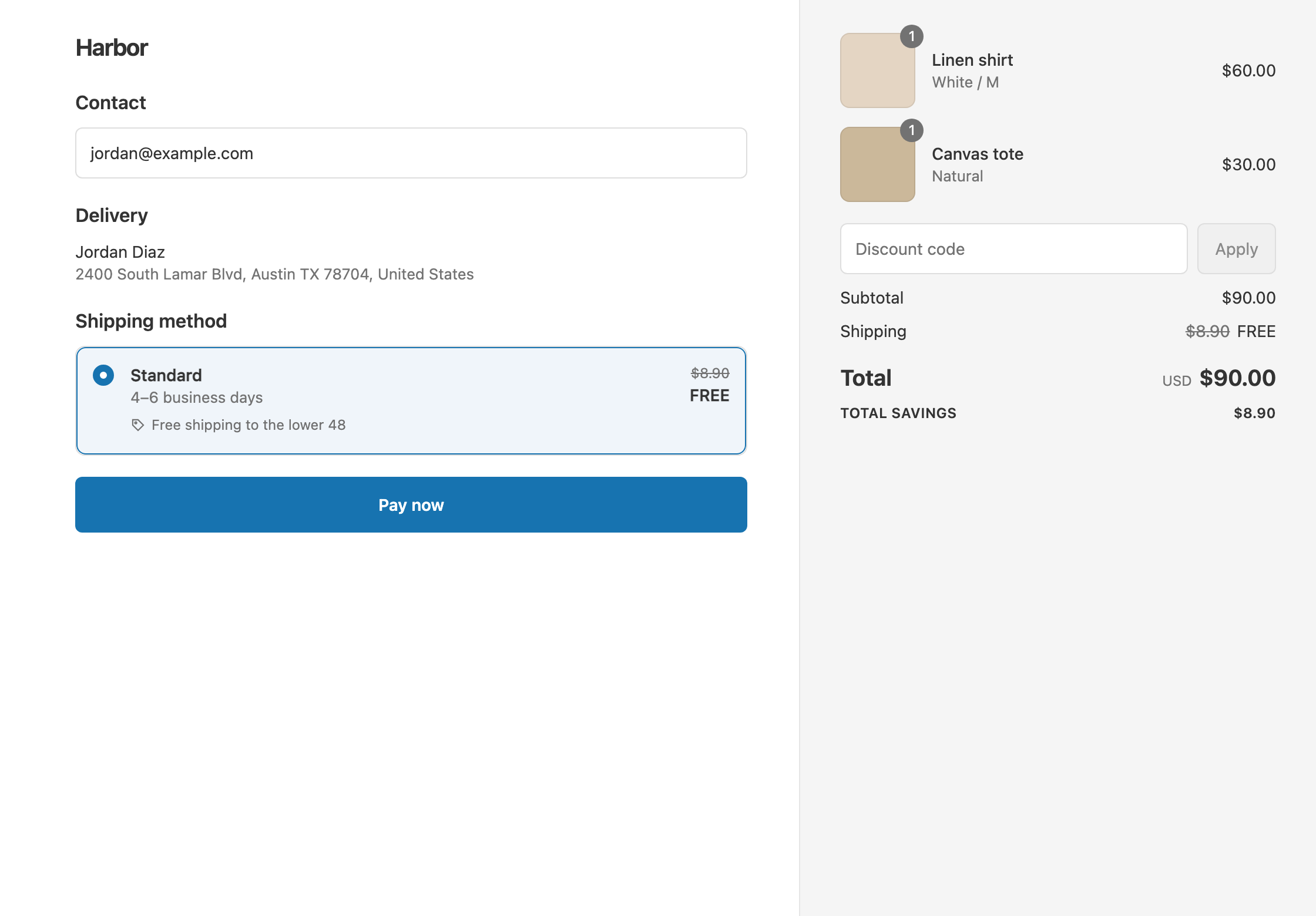
In this example the offer is free shipping over $50 to San Francisco ZIP codes starting with 941. Standard is $8.90.
- Qualifies. A $60 cart shipping to 94110. Standard shows $8.90 crossed out and free. The customer pays $60.
- Doesn’t qualify. The same $60 cart shipping to 95014. The customer pays $60 + $8.90 = $68.90.
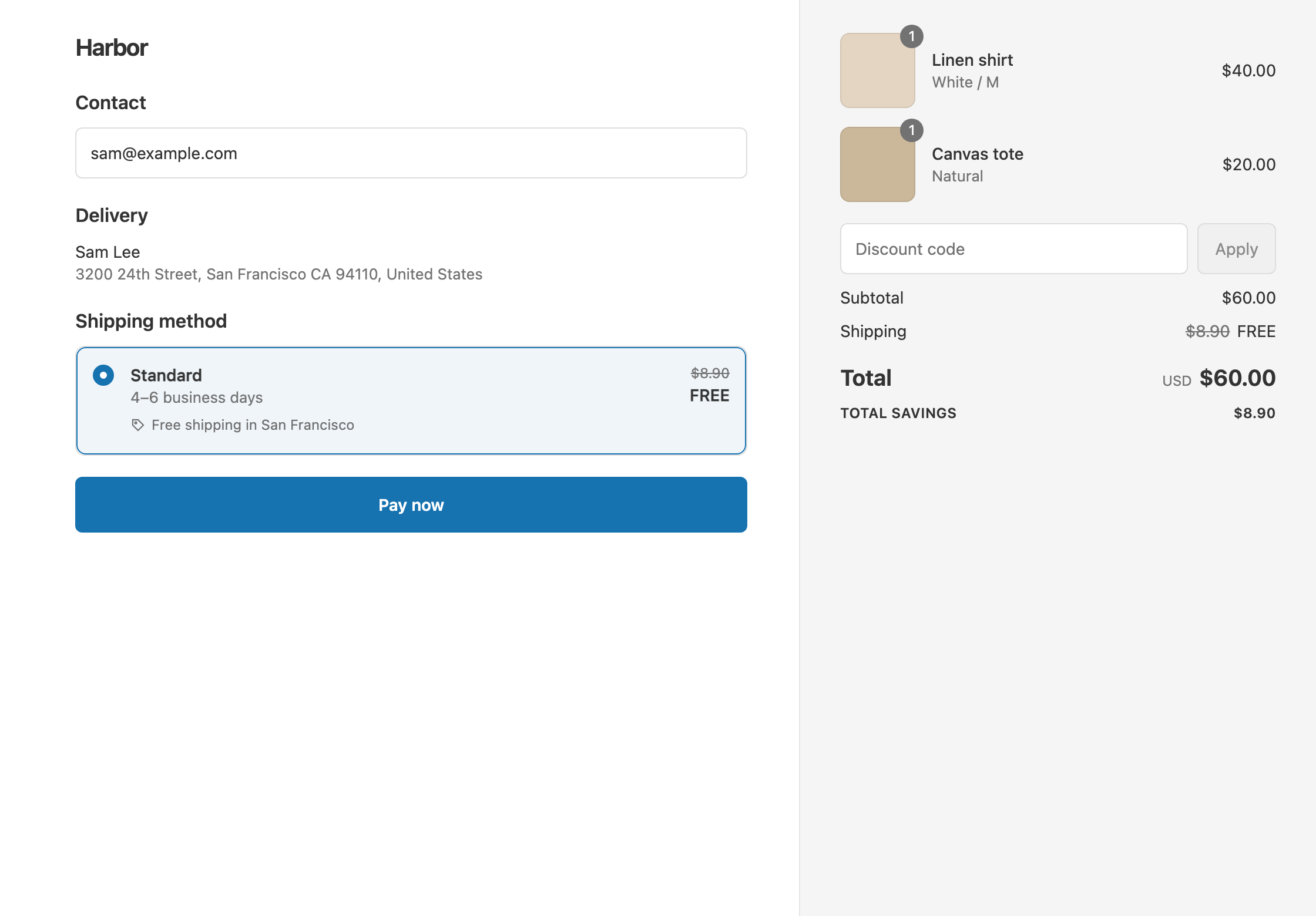
- Doesn’t qualify. A $40 cart shipping to 94110 is under $50. The customer pays $40 + $8.90 = $48.90.
Set it up
- In the app, click Create Shipping Discount.
- Under Discount method, choose Automatic discount. New discounts start on Discount code, and the method can’t be changed later. Enter a Title such as “Free SF shipping over $50”.
- In Conditions, click Add condition and choose Postcode / ZIP. Set Matches any of.
- Type
941*and press Enter or click Add. Add more codes the same way, or paste a list separated by commas or new lines. - Click Add condition. Choose Cart total, set Is at least and enter
50. - In Discount setup, set Delivery type to Shipping, Which rates to All shipping rates and Discount value to Free.
- Click Create discount.
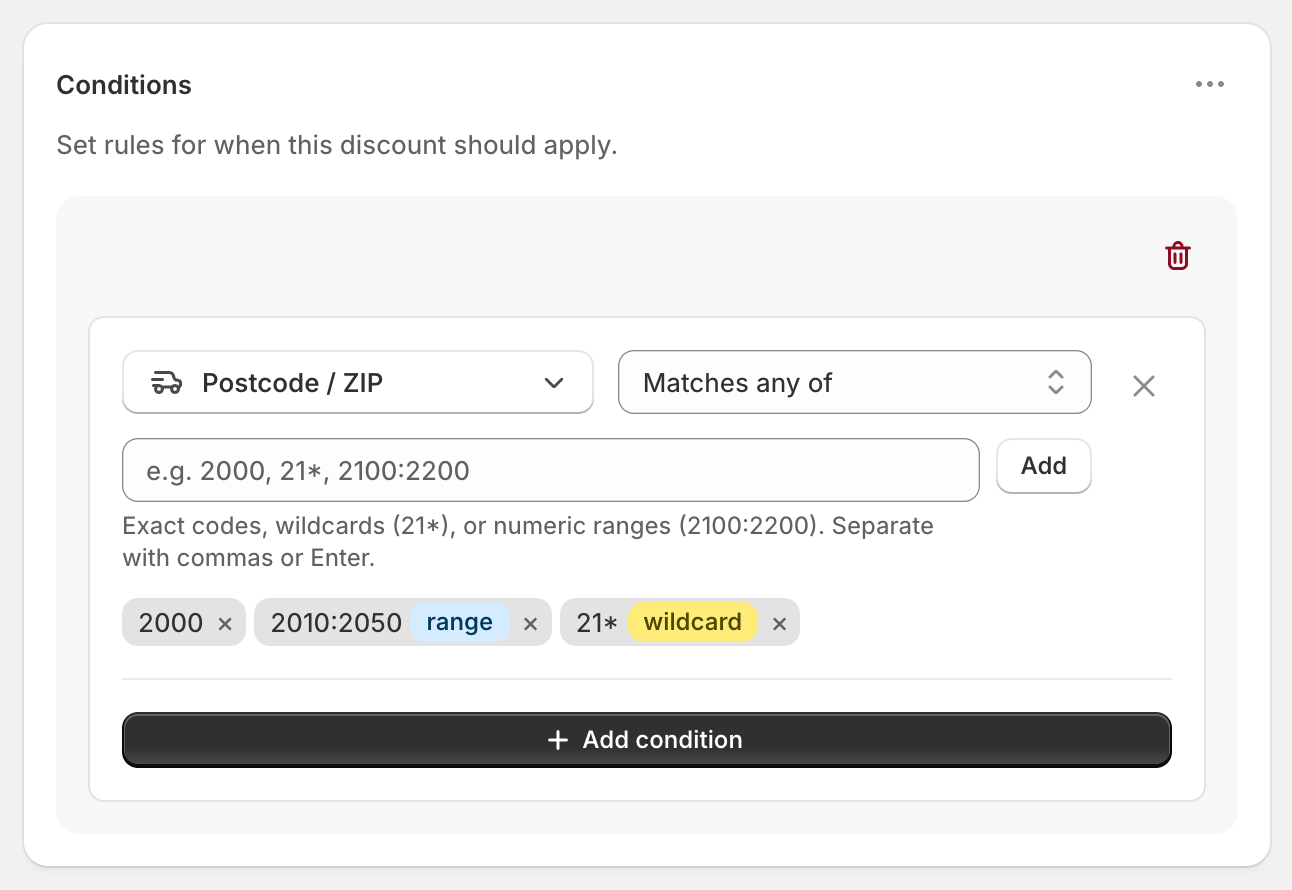
Each code shows a range or wildcard badge when the app reads it that way. No badge means an exact match.
The three ways to write a code
- Exact:
94107matches only 94107. - Prefix:
941*matches every code that starts with 941. The*only works at the end. - Range:
94100:94199matches every number from 94100 to 94199. Use a colon, not a hyphen.94100-94199won’t work as a range.
Spaces and upper or lower case are ignored, so m5v 2t6 matches M5V2T6.
Variations
- Everywhere except some ZIP codes: use Does not match instead. Free shipping then applies to every code you didn’t list.
- Free local delivery nearby: set Delivery type to Local delivery and Discount value to Free, with or without a postcode condition. See free local delivery.
- $5 shipping instead of free: set Discount value to Fixed Price and enter 5. The $8.90 rate becomes $5.
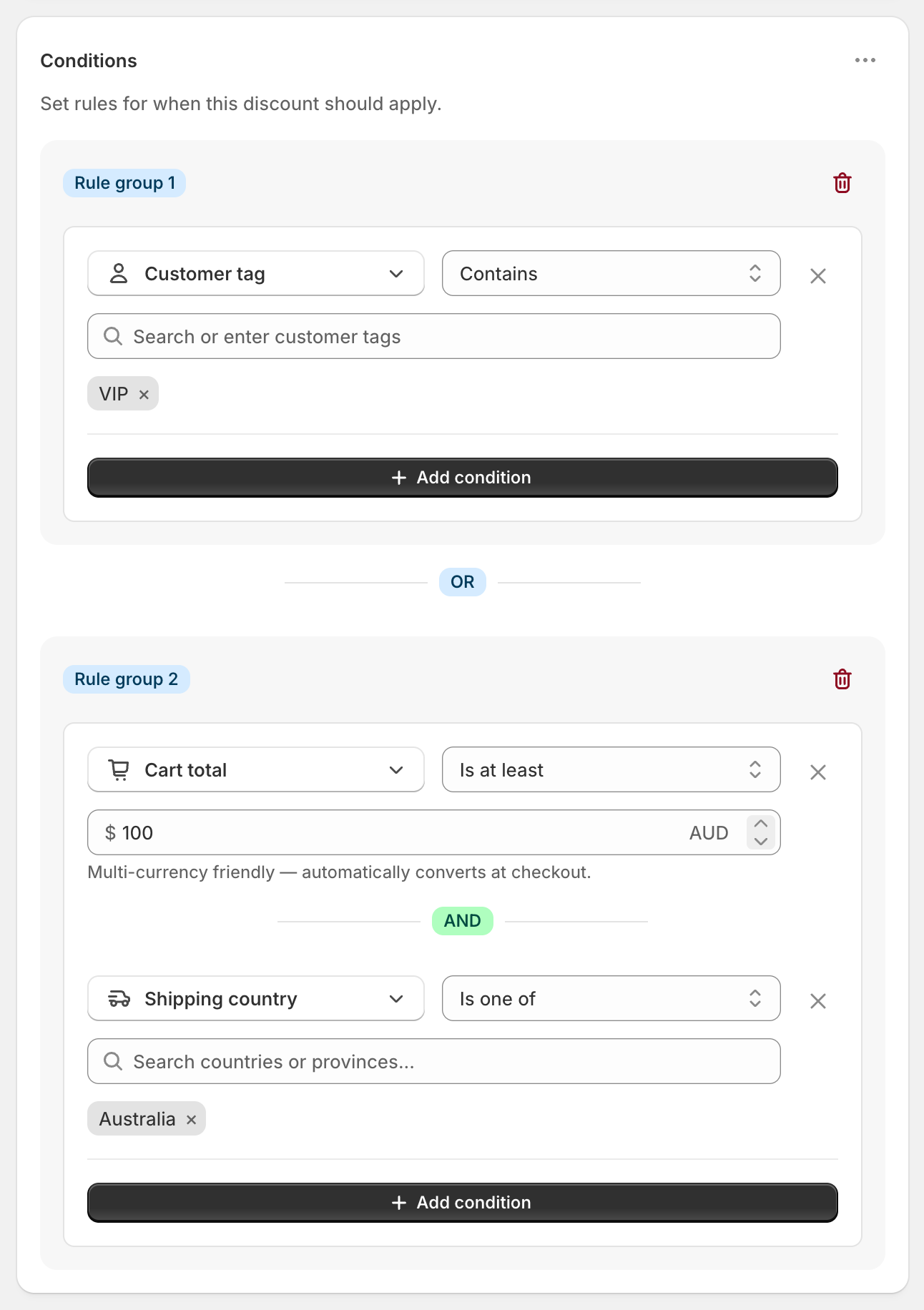
- Different thresholds for different areas: open the ⋯ menu on the Conditions card and choose Add rule group. Put one ZIP list and threshold in each group. Any group that passes triggers the discount.
- Free Standard only: set Which rates to Choose specific rates and select Standard.
Good to know
- To match US ZIP+4 codes like
94107-1234, use a prefix:94107*. An exact94107or a range won’t match them. - To cover Canadian or UK postcodes, use prefixes such as
M5V*orSW1*. Ranges only work for numeric codes. - To keep the discount working, use ranges and prefixes instead of thousands of single codes. Shopify limits how much a discount can hold.
- To see it at checkout, enter the shipping address first. Until then, Matches any of doesn’t match yet, and Does not match does.
- To cover a whole state, use Province / State instead. See free shipping by state.
Related
- Free shipping by state
- Free local delivery
- Free shipping by country
- Conditional free shipping on Shopify
Install RM: Advanced Free Shipping from the Shopify App Store.