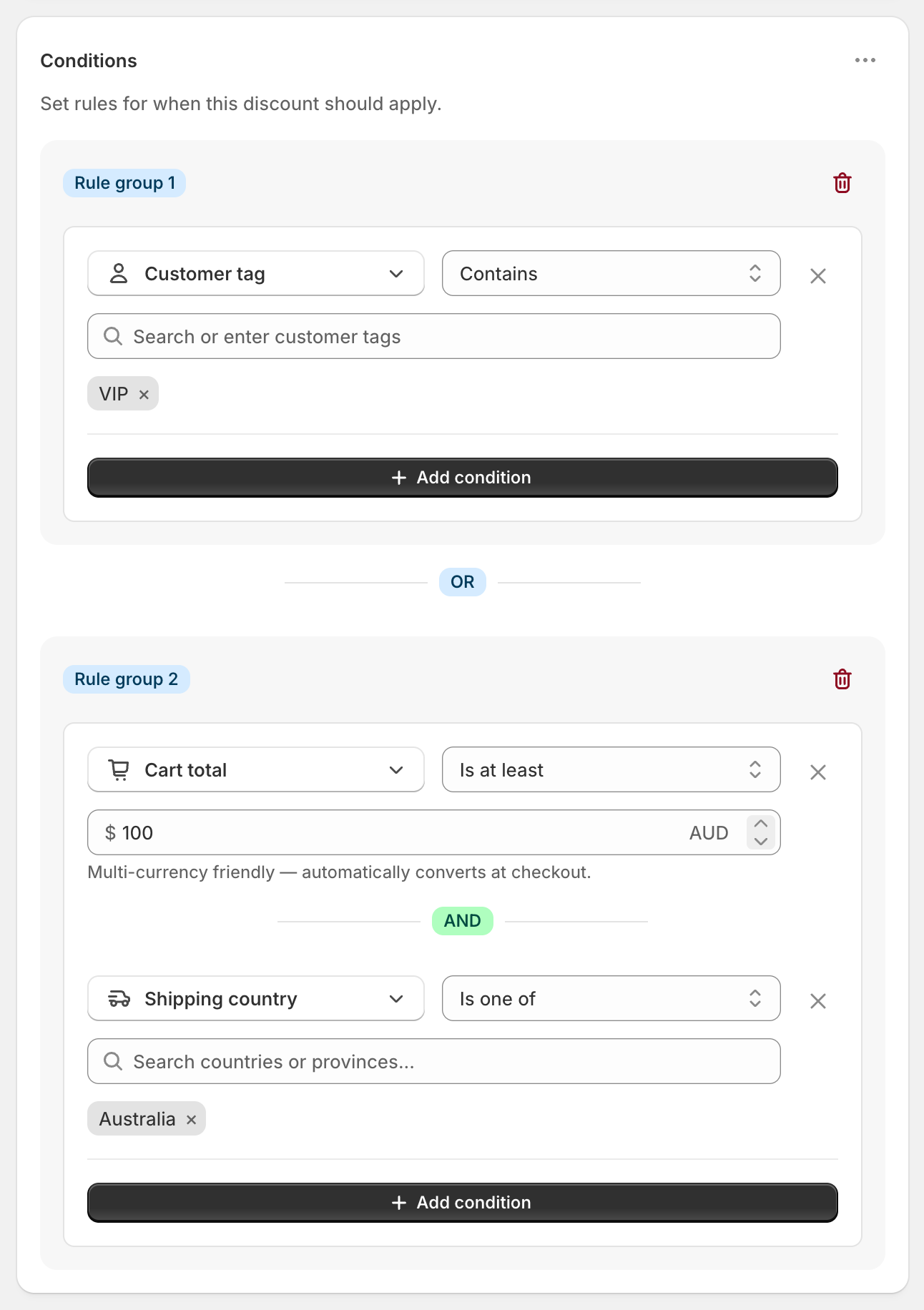
To set a free shipping threshold per currency, add Cart total Is at least 100 to a shipping discount, tick Set fixed amounts per currency, and add each currency with its own amount, such as GBP 75 and EUR 90. Shopify’s own free shipping discount has no setting for fixed per-currency thresholds. RM: Advanced Free Shipping uses your exact amount for each currency you list, and converts every other currency at Shopify’s exchange rate. One discount covers every currency. The app is $9.90 USD every 30 days, with a 7-day free trial, billed by Shopify.
What the customer gets
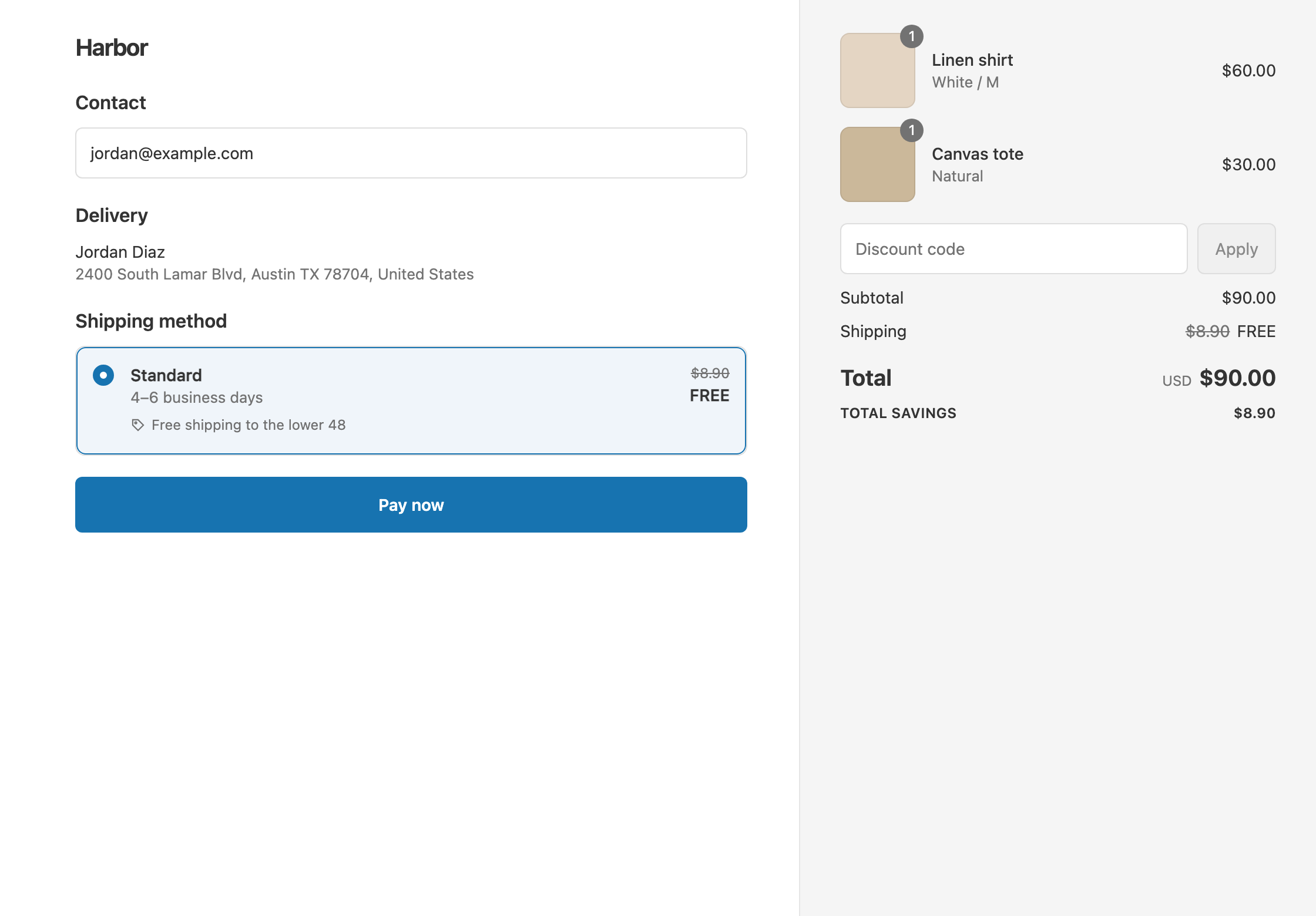
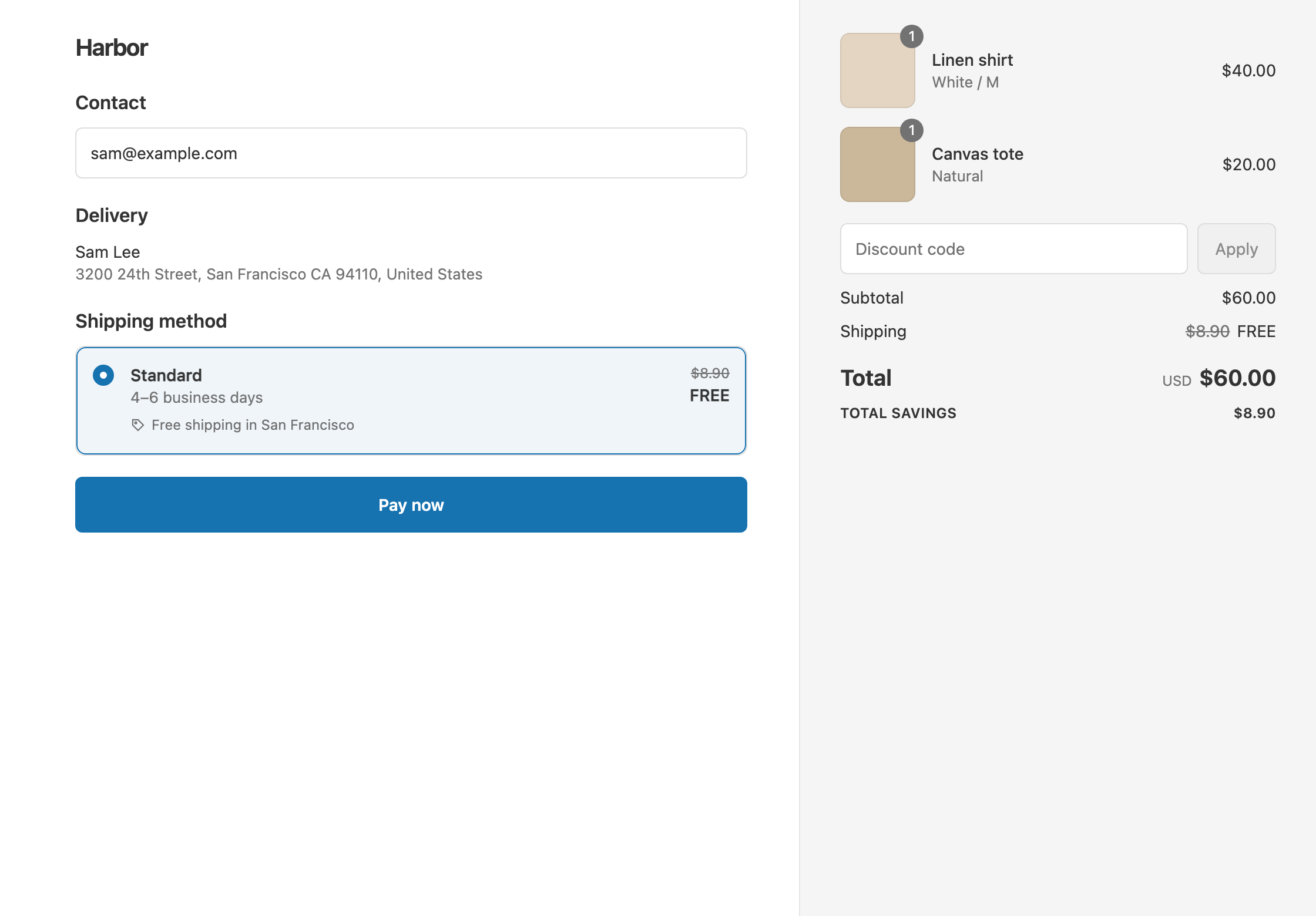
In this example a US store sets free shipping over $100 USD, with fixed amounts of GBP 75, EUR 90 and CAD 140. The UK Standard rate is £6.90.
- Qualifies. A UK shopper paying in pounds has an £80 cart. That’s over £75, so Standard shows £6.90 crossed out and free. The shopper pays £80.
- Doesn’t qualify. A UK shopper with a £70 cart. The shopper pays £70 + £6.90 = £76.90.
- Doesn’t qualify. A Canadian shopper with a CAD 130 cart is under CAD 140, so the rate stays at full price.
- Converts automatically. A shopper paying in a currency you didn’t list, such as Australian dollars, needs the equivalent of $100 USD at Shopify’s rate on the day. At 1.50 AUD to the dollar, that’s A$150.
Set it up
- In the app, click Create Shipping Discount.
- Under Discount method, choose Automatic discount. New discounts start on Discount code, and the method can’t be changed later. Enter a Title such as “Free shipping”.
- In Conditions, click Add condition. Choose Cart total, set Is at least and enter
100. This amount is in your store currency. - Under the amount, tick Set fixed amounts per currency.
- Click Add currency, choose GBP and enter
75. Repeat for EUR90and CAD140. - In Discount setup, set Delivery type to Shipping, Which rates to All shipping rates and Discount value to Free.
- Click Create discount.
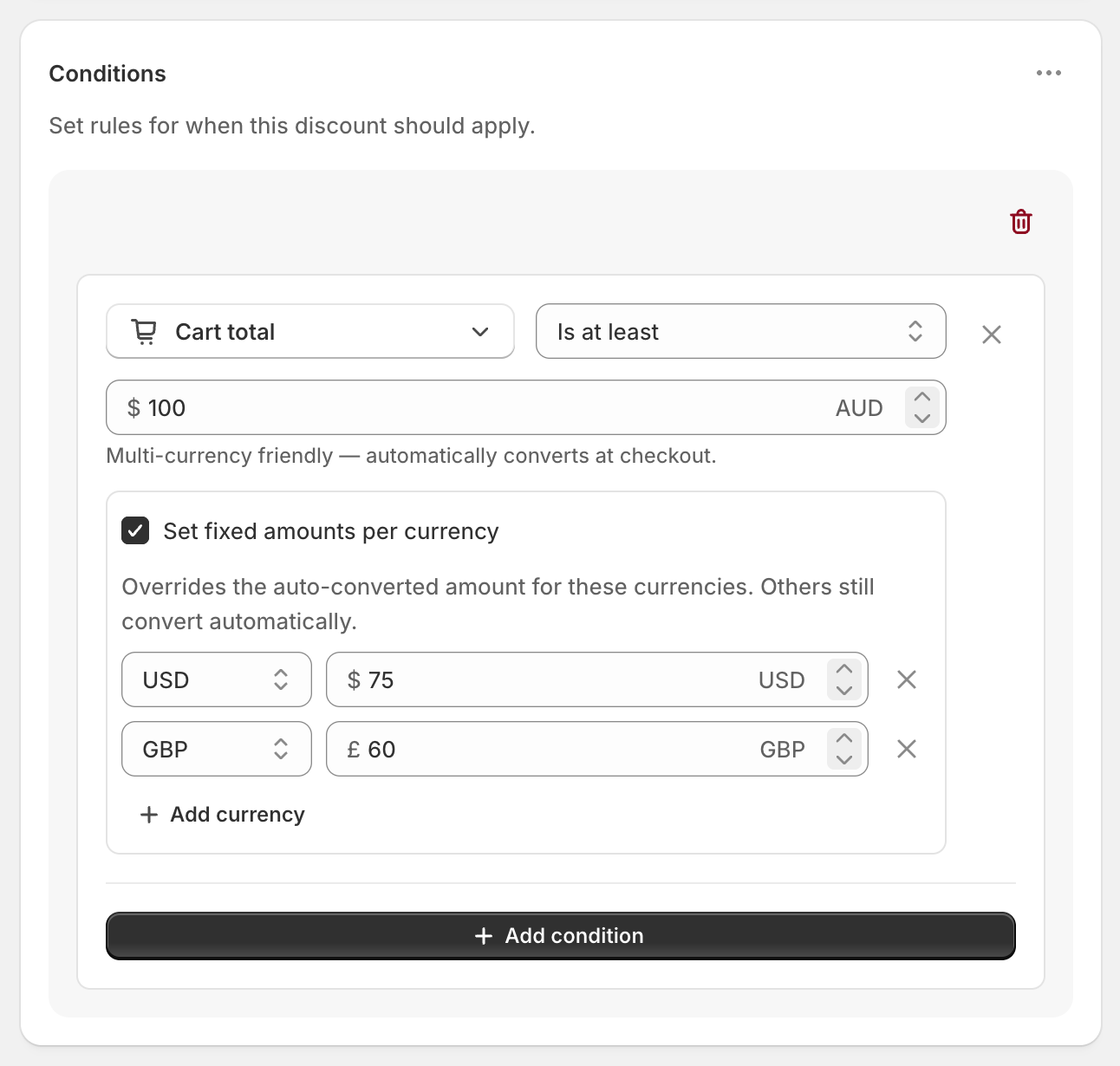
The screenshot shows an Australian store: $100 AUD in its own currency, with USD 75 and GBP 60 set by hand. Every other currency converts automatically.
Variations
- Count the threshold before discount codes: use Cart subtotal instead. It has the same Set fixed amounts per currency option.
- A different threshold per country, not per currency: use rule groups with Shipping country. See free shipping by country.
- A fixed price or amount off: Fixed Price and Fixed Amount Off values are in your store currency and convert automatically for each shopper.
- Free Standard only: set Which rates to Choose specific rates and select Standard. Rate names are the same in every currency.
Good to know
- To see the option, enable more than one currency in your store. Set fixed amounts per currency only appears when you sell in more than one. See Shopify’s guide to pricing in local currencies.
- To avoid near misses, use Is at least, not Is equal to. Converted amounts rarely land on an exact number.
- To fix amounts for a collection threshold, use Cart total or Cart subtotal. Cost of items from collection converts automatically but has no per-currency amounts.
- To cap which rates go free, Exclude rates over a certain amount also converts from your store currency.
- To test a currency, switch on Test mode, change the storefront currency, and use
ABC123as the shipping first name. See test a shipping discount.
Related
- Free shipping by country
- Free shipping over $100
- Threshold before or after discounts
- What Shopify’s free shipping discount can’t do
Install RM: Advanced Free Shipping from the Shopify App Store.