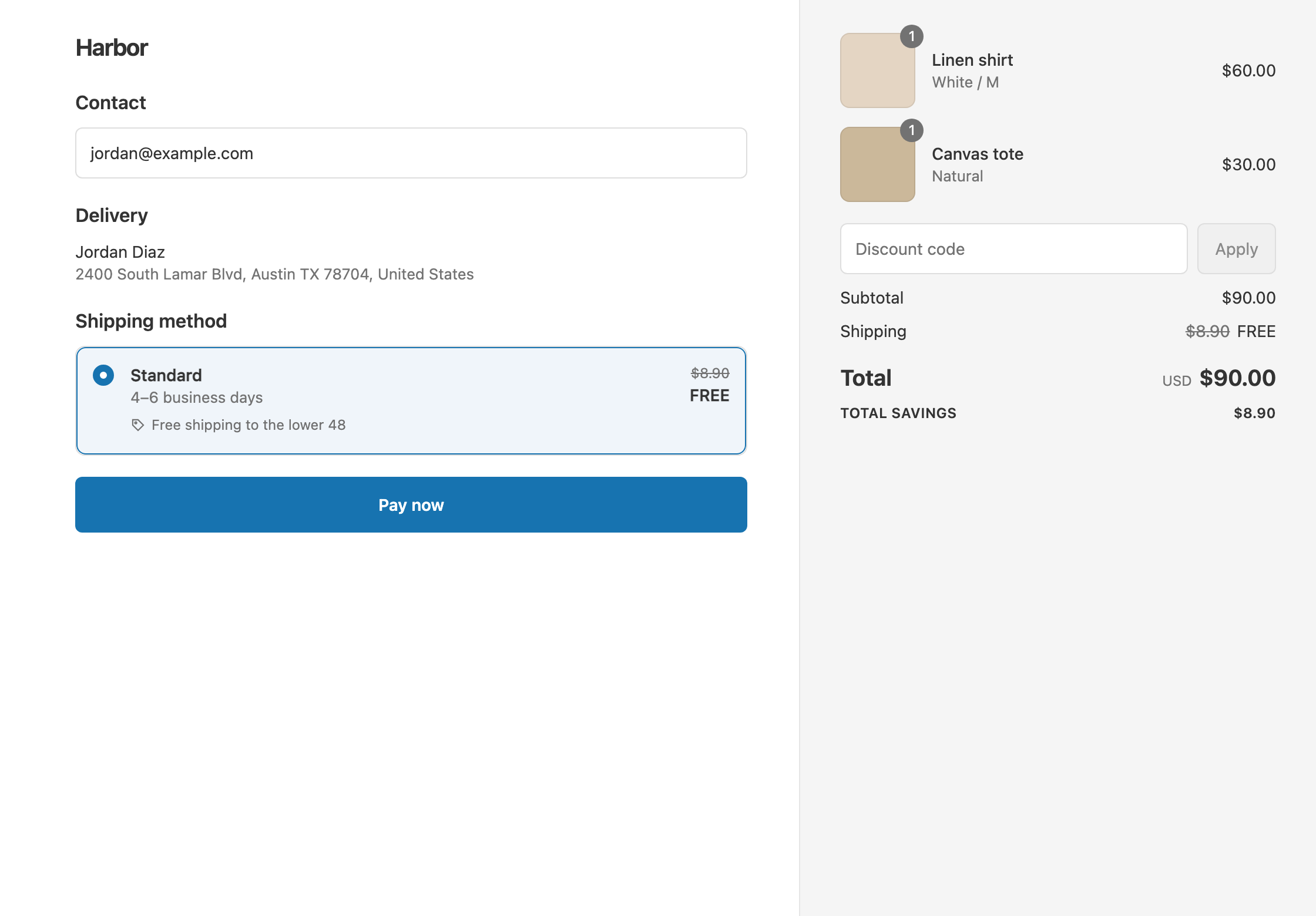
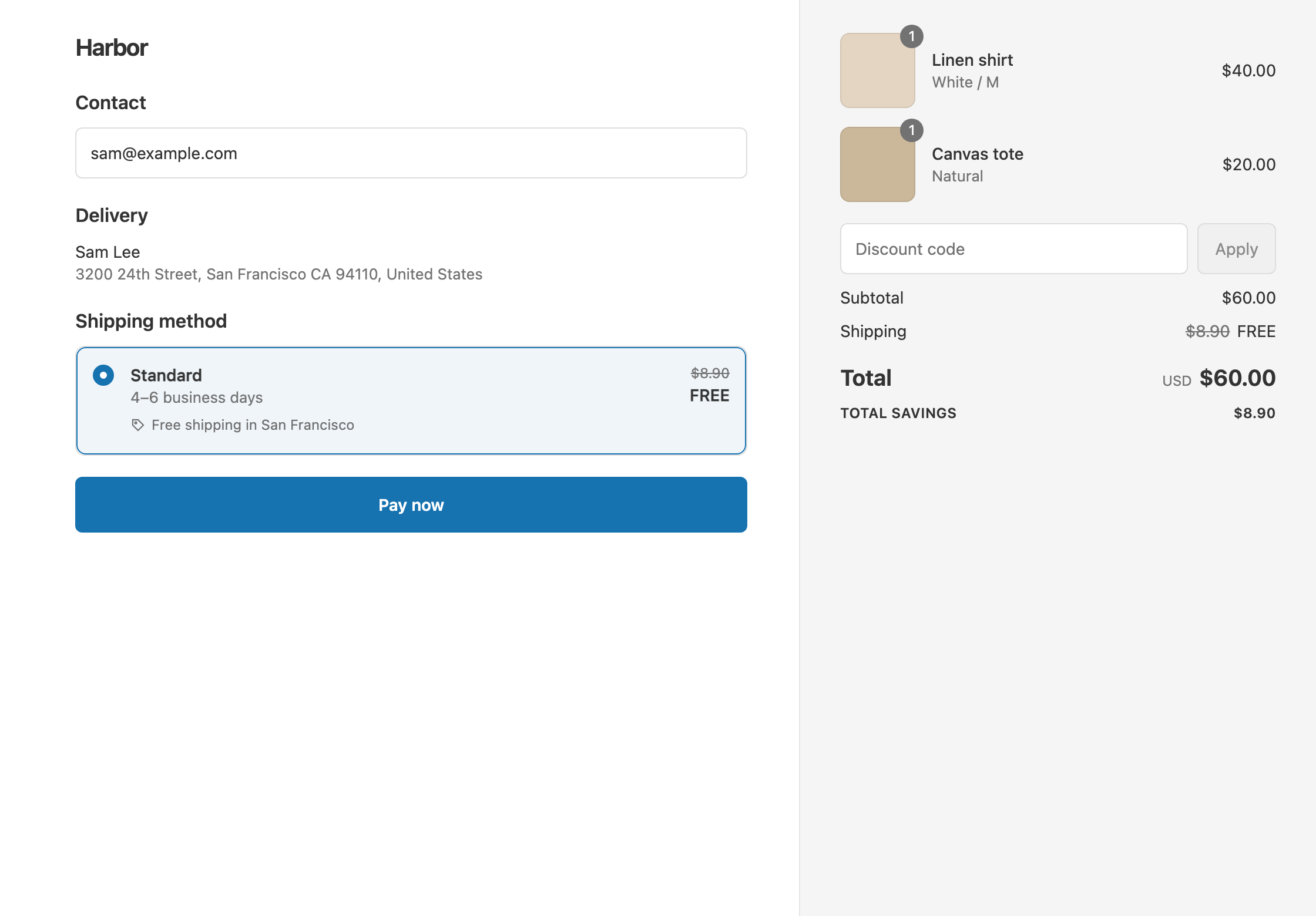
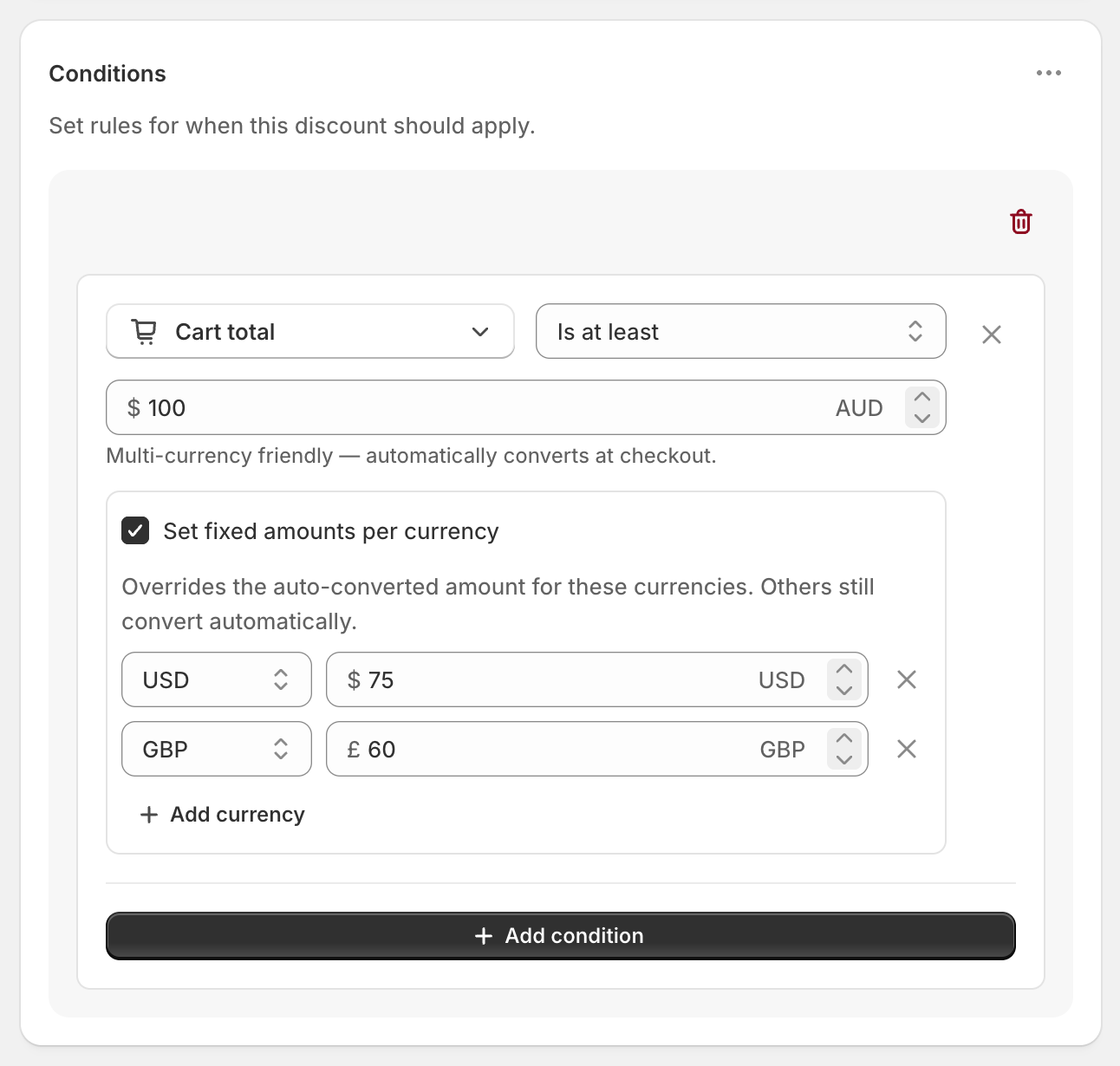
To give free shipping in one country, add Shipping country Is one of to a shipping discount, with a threshold such as Cart total Is at least 75. For a different threshold per country, put each country in its own rule group. Shopify’s own free shipping discount can be limited to selected countries, but one discount has one minimum and makes every eligible rate free. RM: Advanced Free Shipping gives each country its own threshold in one discount, and lets you pick which rates go free. The app is $9.90 USD every 30 days, with a 7-day free trial, billed by Shopify.
What the customer gets
In this example a US store offers free shipping over $75 in the United States and over $150 in Canada. Standard in the US is $8.90. International Standard to Canada is $19.90.
- Qualifies. An $80 cart shipping to the US. Standard shows $8.90 crossed out and free. The customer pays $80.
- Doesn’t qualify. The same $80 cart shipping to Canada is under $150. The customer pays $80 + $19.90 = $99.90.
- Qualifies. A $160 cart shipping to Canada. International Standard is free. The customer pays $160.
Set it up
- In the app, click Create Shipping Discount.
- Under Discount method, choose Automatic discount. New discounts start on Discount code, and the method can’t be changed later. Enter a Title such as “Free shipping”.
- In Conditions, click Add condition. Choose Shipping country, set Is one of and select United States.
- Click Add condition. Choose Cart total, set Is at least and enter
75. - Open the ⋯ menu on the Conditions card and choose Add rule group.
- In the new group, add Shipping country Is one of Canada, and Cart total Is at least
150. - In Discount setup, set Delivery type to Shipping, Which rates to All shipping rates and Discount value to Free.
- Click Create discount.
Conditions inside a group are joined with AND. The groups are joined with OR, so a cart that passes either group gets free shipping.
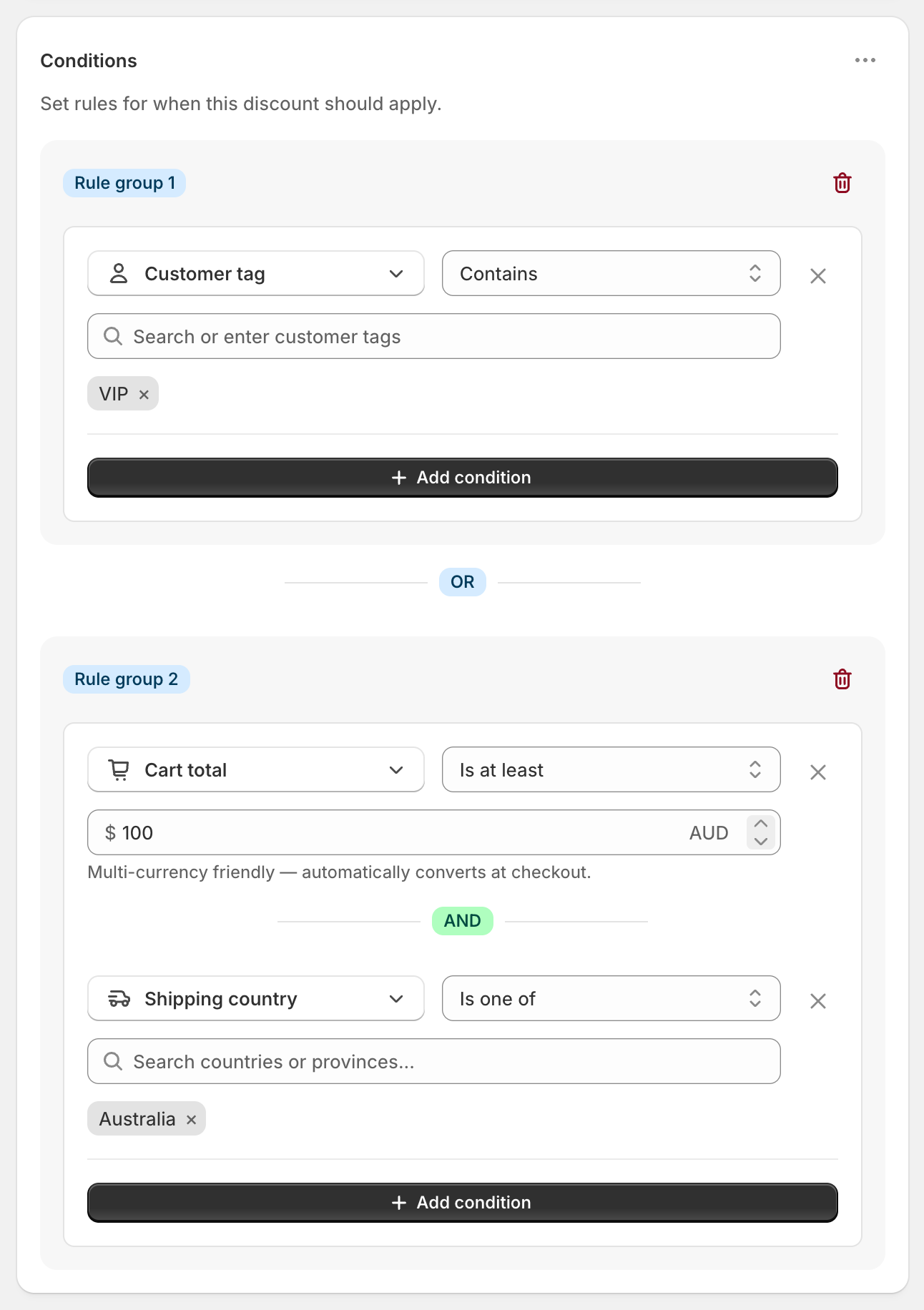
The screenshot shows the same layout on another offer: VIPs anywhere, OR anyone spending $100 with delivery to Australia.
Variations
- One country only: skip steps 5 and 6. Use one group with Shipping country and Cart total.
- Everywhere except some countries: use Shipping country Is not one of.
- By Shopify Market instead: use the Shopify Market condition with Is. You can pick several markets, and renaming a market doesn’t break the discount.
- Free at home, cheaper abroad: create a second discount for Canada with Discount value Fixed Amount Off 10. The $19.90 rate becomes $9.90. Each discount can have its own reward.
- Free Standard only: set Which rates to Choose specific rates and select your standard rates by name.
- Leave out some states: add Province / State Is not one of to the US group. See free shipping by state.
Good to know
- To set exact amounts in local currency, tick Set fixed amounts per currency under the Cart total amount, for example CAD 200. Otherwise the threshold converts from your store currency. See free shipping thresholds in multiple currencies.
- To see it at checkout, enter the shipping address. The country condition checks the shipping address.
- To find a missing country, add it to a shipping zone in Settings → Shipping and delivery. The list shows the countries in your zones. See Shopify’s guide to setting up shipping zones and rates.
- To give each group a different reward, use separate discounts. All rule groups in one discount share the same discount setup.
- To test both countries, switch on Test mode, use
ABC123as the first name, and try one address in each.
Related
- Free shipping by state
- Free shipping thresholds in multiple currencies
- Free shipping over $100
- What Shopify’s free shipping discount can’t do
Install RM: Advanced Free Shipping from the Shopify App Store.