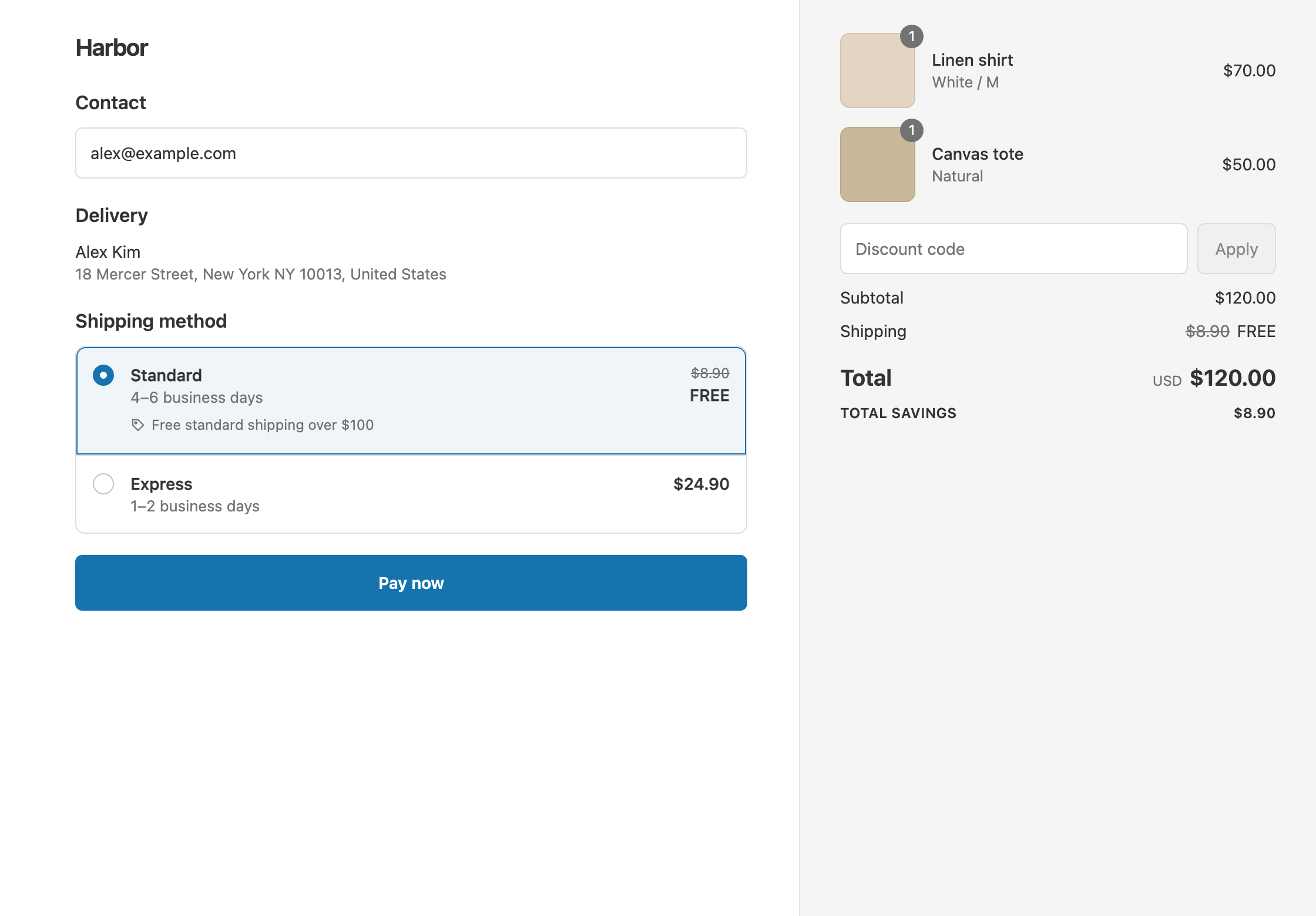
To make local delivery free, create a shipping discount, set Delivery type to Local delivery and Discount value to Free, and add the conditions you want, such as Cart total Is at least 50. Shopify’s free shipping discount can’t check a postcode, a product or a customer tag. RM: Advanced Free Shipping discounts the local delivery rates you already offer when those conditions are met, and can discount your shipping rates in the same discount. It costs $9.90 USD every 30 days, with a 7-day free trial, billed by Shopify.
What the customer gets
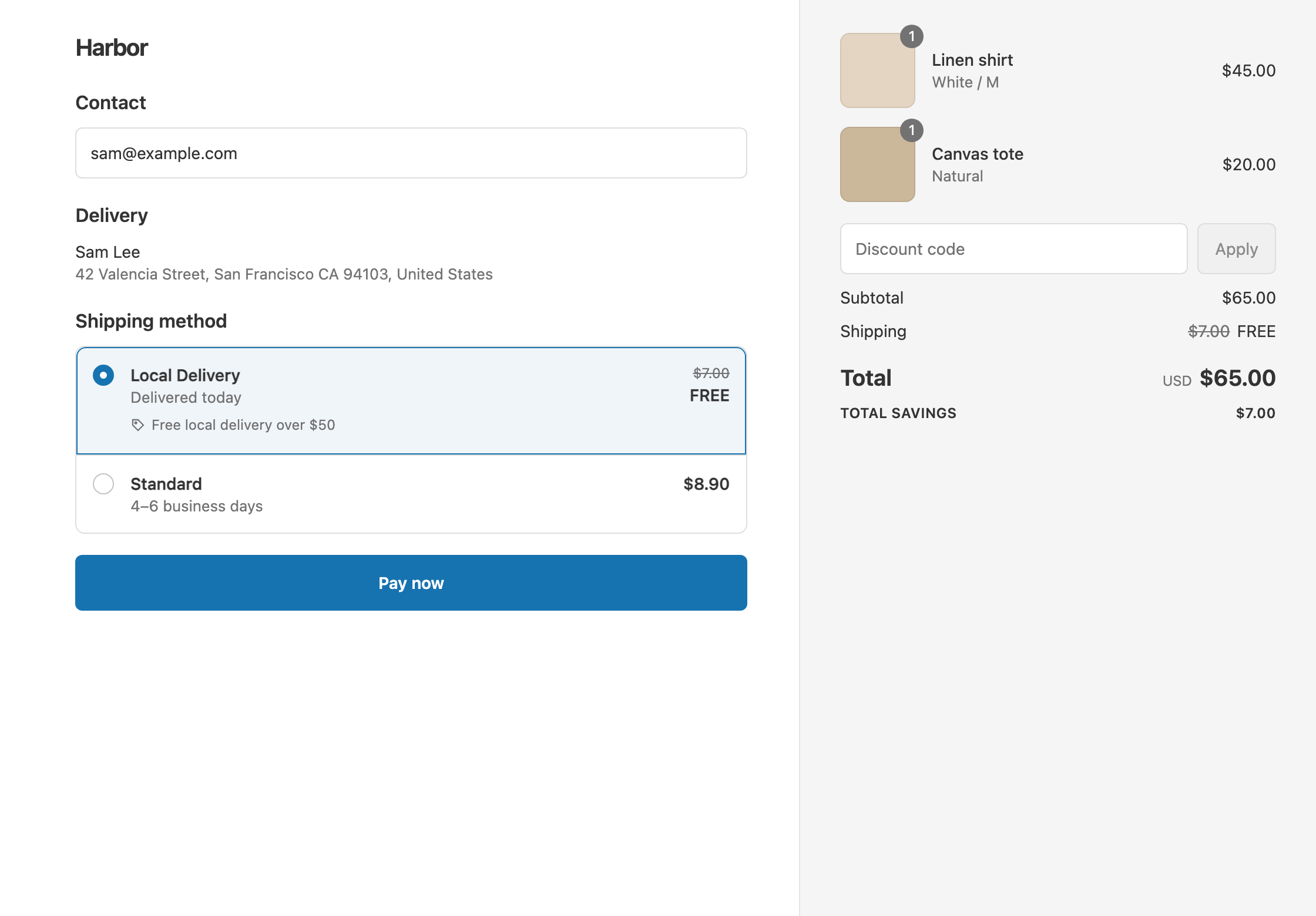
In this example the store offers Local Delivery for $7.00 and Standard shipping for $8.90. Local delivery is free over $50.
- A $65 cart to a local address: Local Delivery drops from $7.00 to $0. The customer pays $65.
- A $35 cart to a local address: it’s under $50, so nothing changes. The customer pays $35 + $7.00 = $42.00.
- A $65 cart to an address outside your delivery area: Shopify doesn’t offer local delivery there, so the customer sees only shipping rates. Standard stays $8.90 unless you add a shipping discount (see Variations).
Set it up
- In the app, click Create Shipping Discount.
- Under Discount method, choose Automatic discount, and enter a Title such as “Free local delivery over $50”.
- In Conditions, click Add condition. Keep Cart total, set Is at least and enter
50. - In Discount setup, set Delivery type to Local delivery. Every local delivery option is included.
- Set Discount value to Free.
- Click Create discount.
Variations
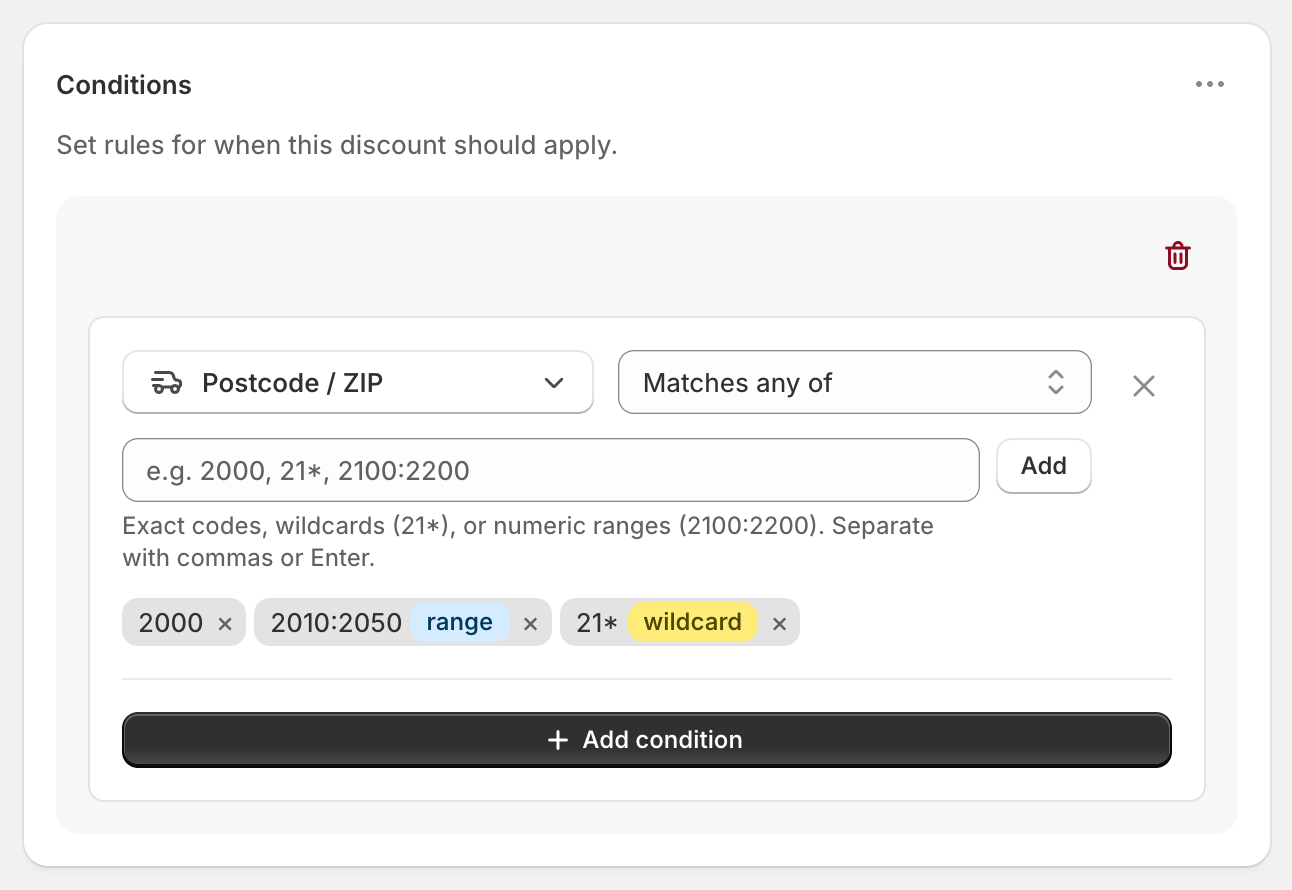
- Free local delivery in nearby ZIP codes only: add Postcode / ZIP with Matches any of. Enter exact codes (
94110), a wildcard (941*) or a numeric range with a colon (94102:94134). Each one shows a range or wildcard badge when it’s recognised.
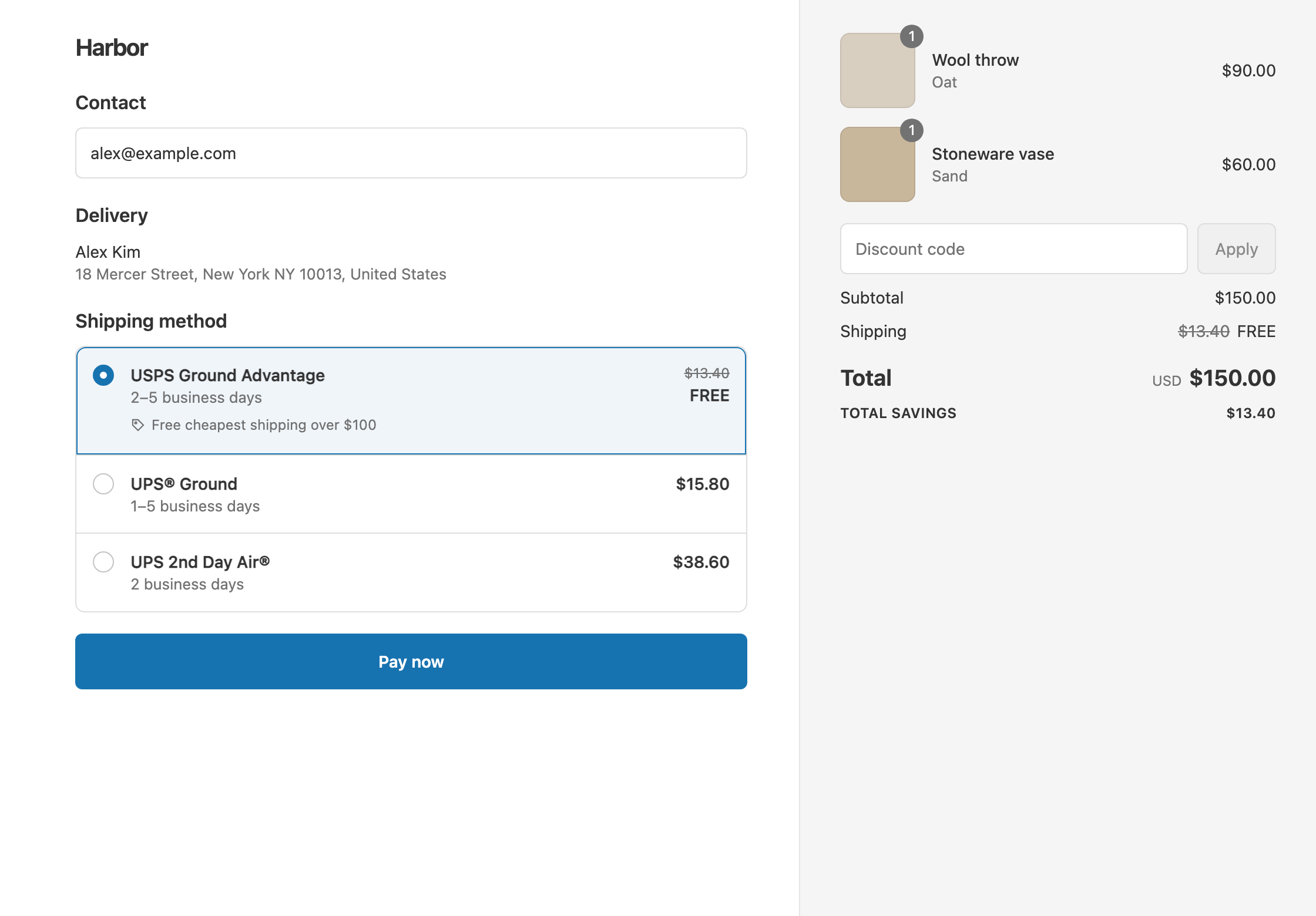
- Free local delivery and free cheapest shipping in one discount: set the first delivery discount to Local delivery and Free. Then open the ⋯ menu on Discount setup, choose Add delivery discount, set Delivery type to Shipping, Which rates to Cheapest shipping rate and Free. Both use the same conditions.
- Local delivery at a flat $3: set Discount value to Fixed Price
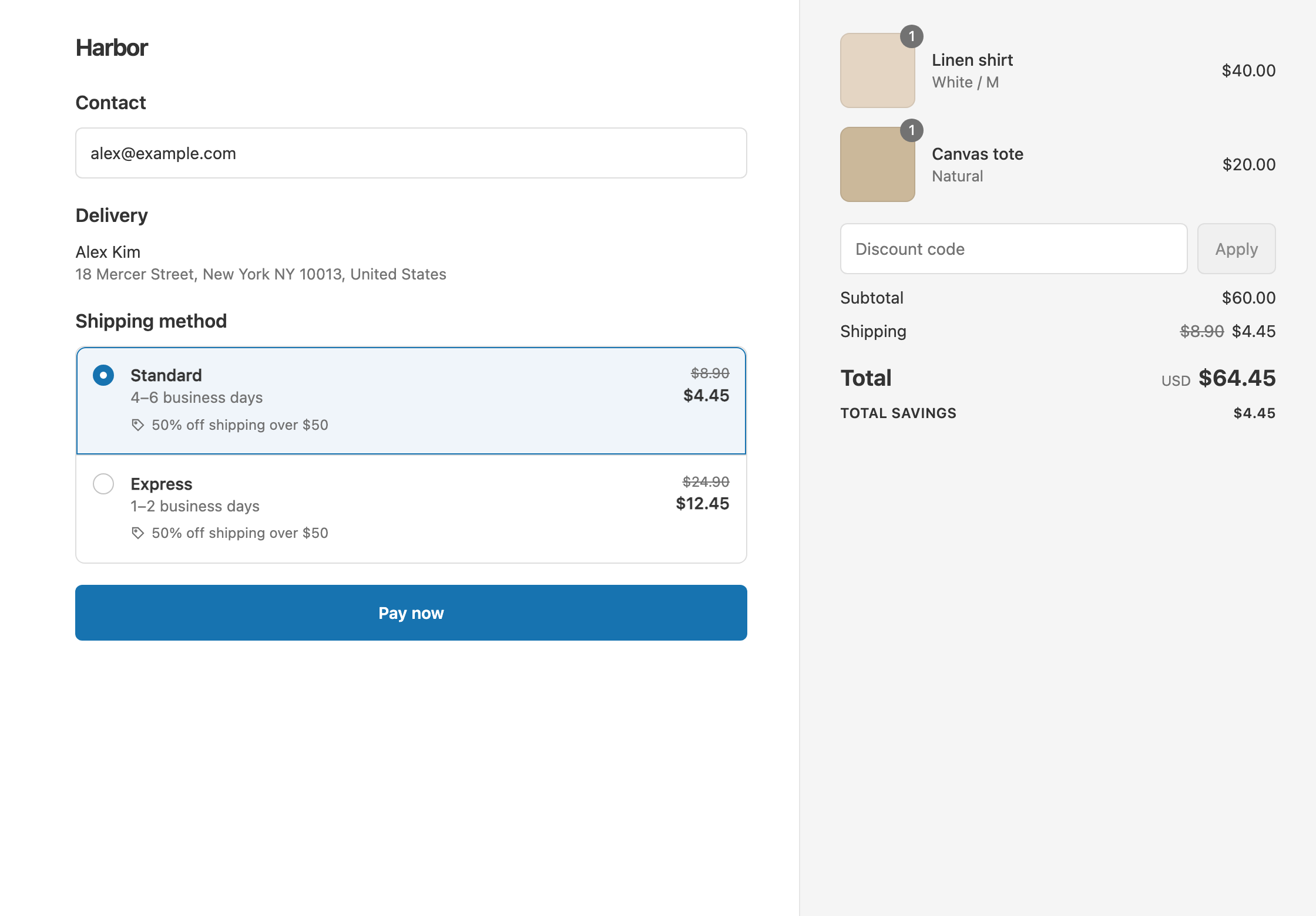
3. The $7.00 rate becomes $3.00. - Half-price local delivery: choose Percentage
50. The $7.00 rate becomes $3.50. - Free local delivery for VIP customers: add Customer tag Contains VIP. Customers must be signed in at checkout. See free shipping for VIP customers.
Good to know
- To discount one local delivery zone, use a postcode condition. Local delivery always includes every local delivery option, so you can’t pick zones by name. A Postcode / ZIP condition limits which addresses qualify.
- To use a range, use a colon, not a hyphen.
94102-94134won’t work. Ranges are numbers only, so use wildcards such asM5V*orSW1*for letter postcodes. - To match ZIP+4 codes, use a wildcard:
94107*matches94107-1234. - Discounts cover shipping rates and local delivery. Local pickup isn’t discounted.
- Cheapest shipping rate picks from shipping rates only, not local delivery. Use a separate Local delivery delivery discount, as above.
- To test it, turn on Test mode and check out with the shipping first name
ABC123and a local address. Postcode conditions are checked once the address is entered.
Related
- Free shipping by ZIP code
- Free shipping over $100
- Conditional free shipping on Shopify
- Discount specific shipping rates
Install RM: Advanced Free Shipping from the Shopify App Store.