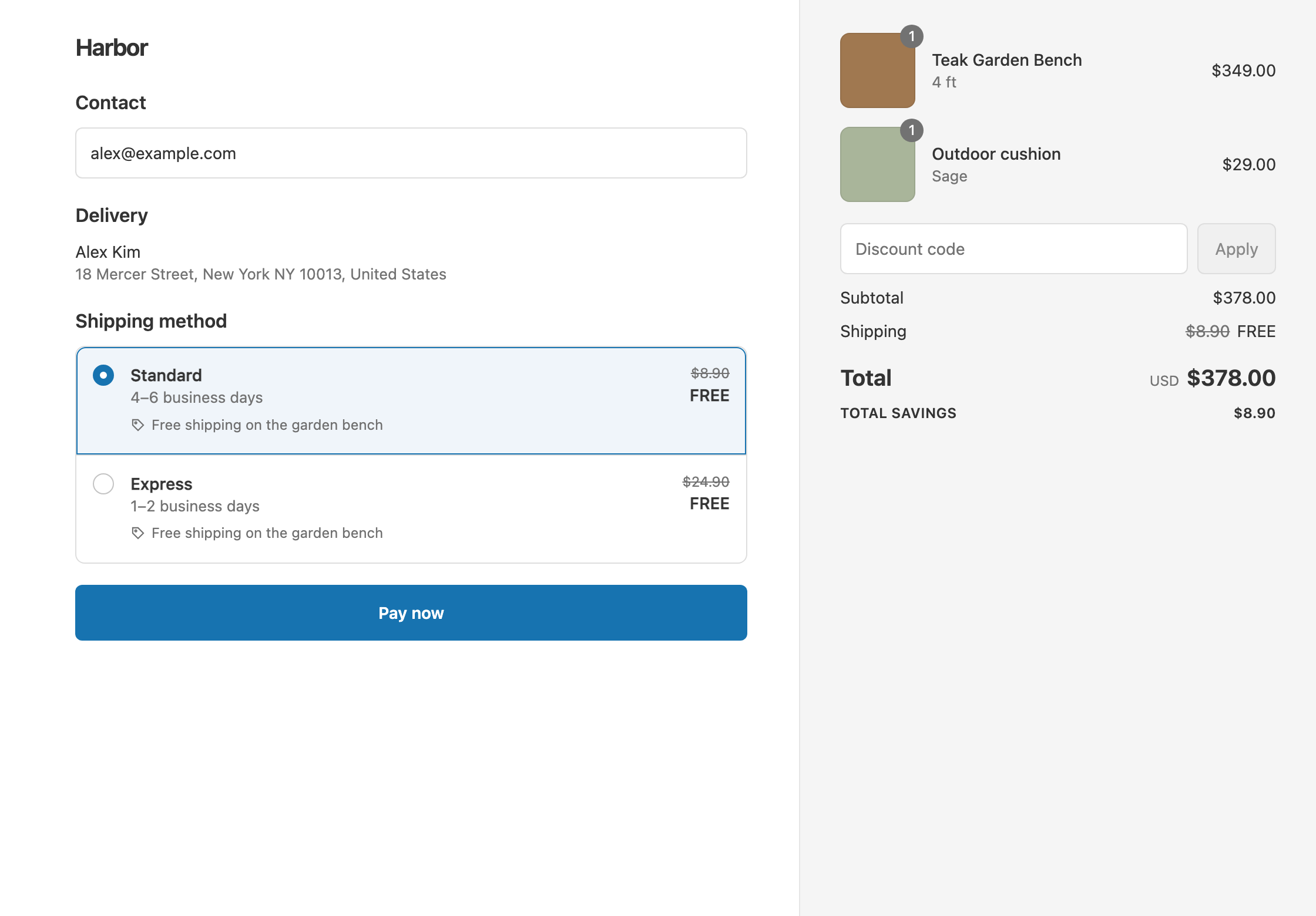
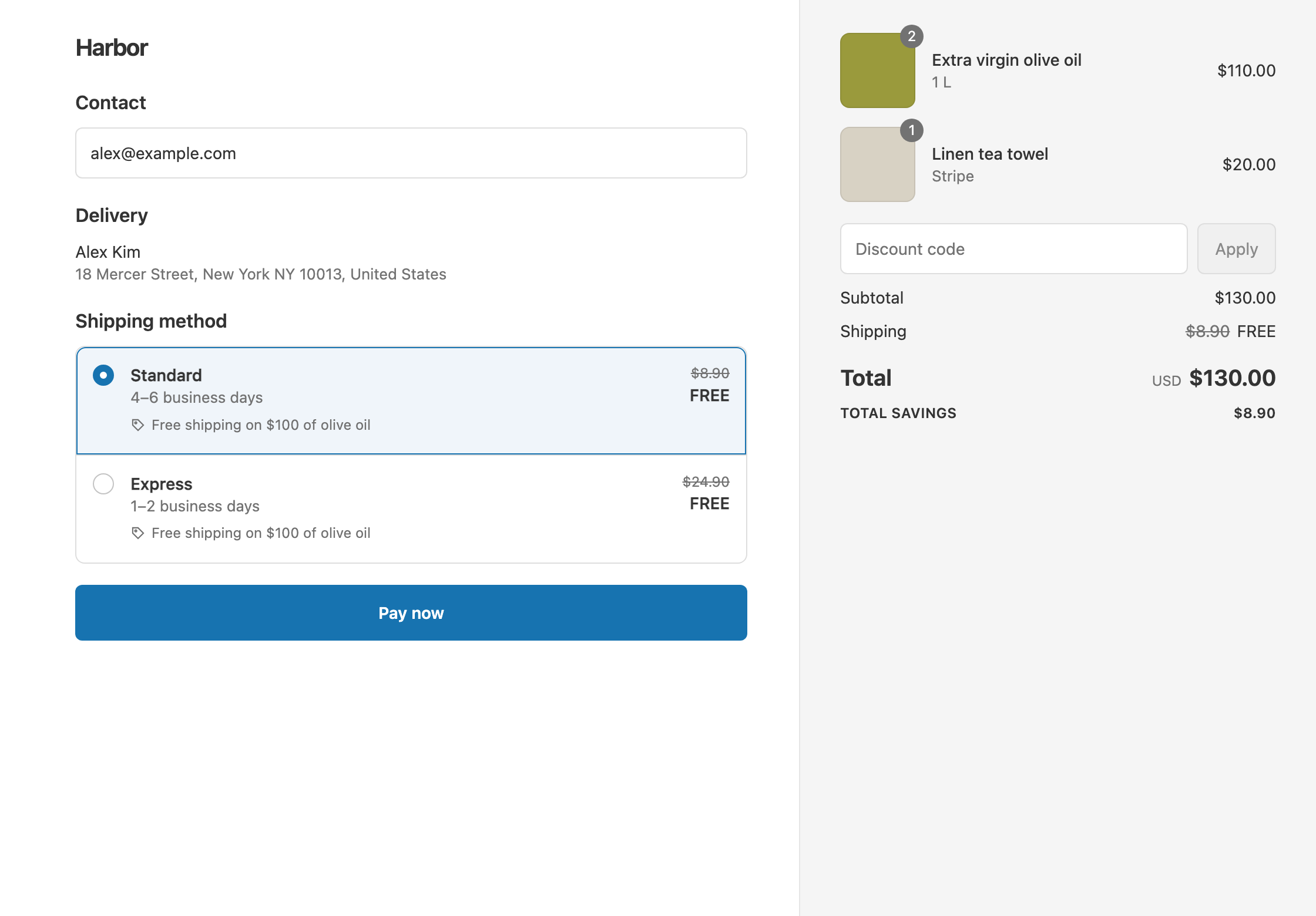
To charge $2 shipping on sample orders, put your samples in a collection, add the condition Product collection Contains (only) Samples, and set the rate to Fixed Price 2. Contains (only) means every product in the cart must be from the collection, so a cart with a full-size product pays your normal rates. Shopify’s own free shipping discount has no product or collection conditions and can only make shipping free, not set a price. RM: Advanced Free Shipping checks what’s in the cart at checkout and discounts the rates you already have. It costs $9.90 USD every 30 days, with a 7-day free trial, billed by Shopify.
What the customer gets
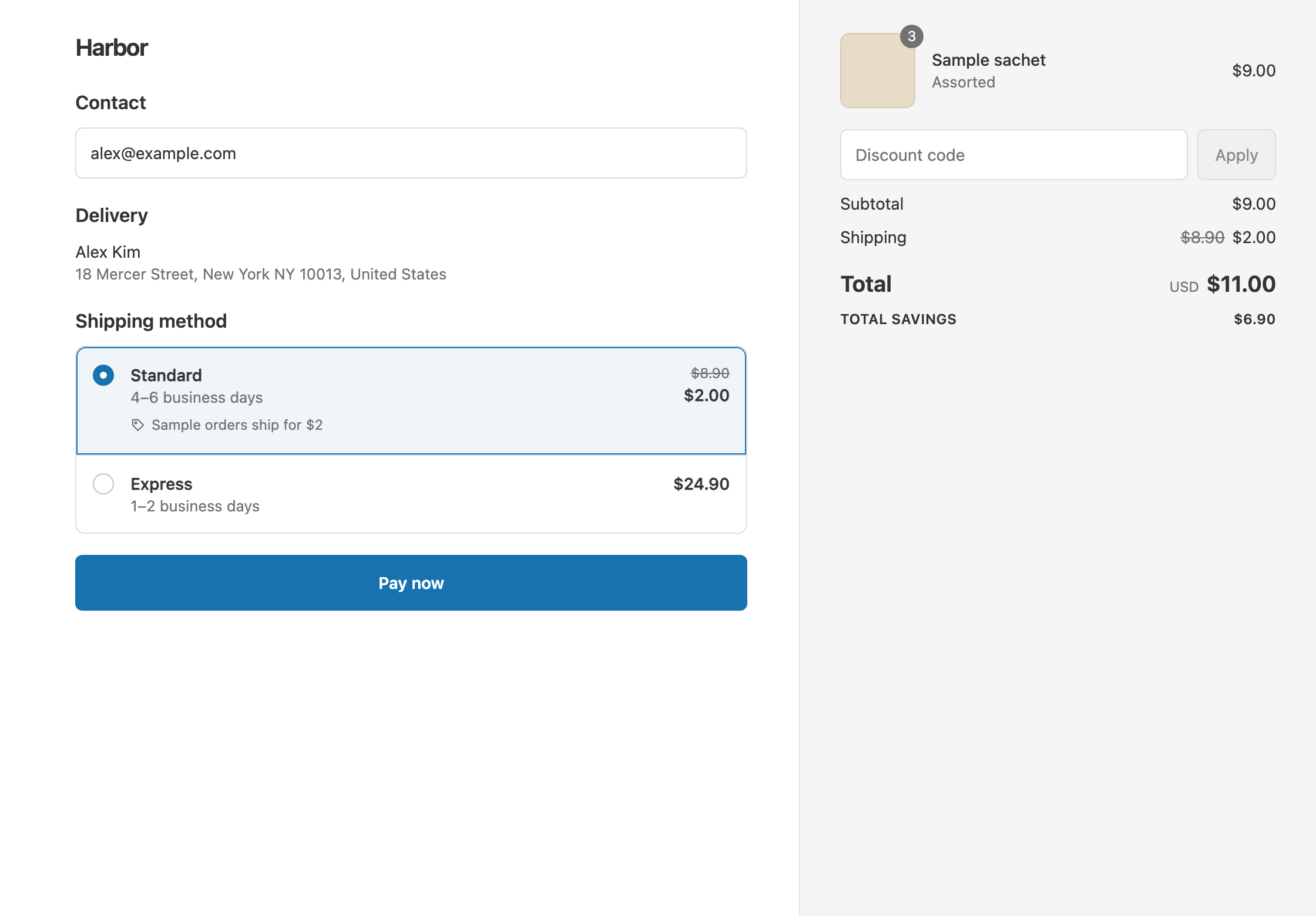
In this example, sample sachets cost $3 each and sit in a collection called Samples. The store’s rates are Standard $8.90 and Express $24.90.
- Three sachets ($9): every item is a sample, so the cart qualifies. Standard drops from $8.90 to $2. The customer pays $9 + $2 = $11.
- Two sachets and a $38 serum ($44): the serum isn’t in Samples, so the cart doesn’t qualify. With Standard, the customer pays $44 + $8.90 = $52.90.
- A sample order with a $1.50 letter rate: the rate already costs less than $2, so it stays at $1.50. Fixed Price never raises a rate.
Set it up
- In Shopify admin, create a collection called Samples and add your sample products. If your samples share a product tag, make it a smart collection based on that tag.
- In the app, click Create Shipping Discount.
- Under Discount method, choose Automatic discount. New discounts start on Discount code, and the method can’t be changed later. Enter a Title such as “$2 sample shipping”. Customers see it at checkout.
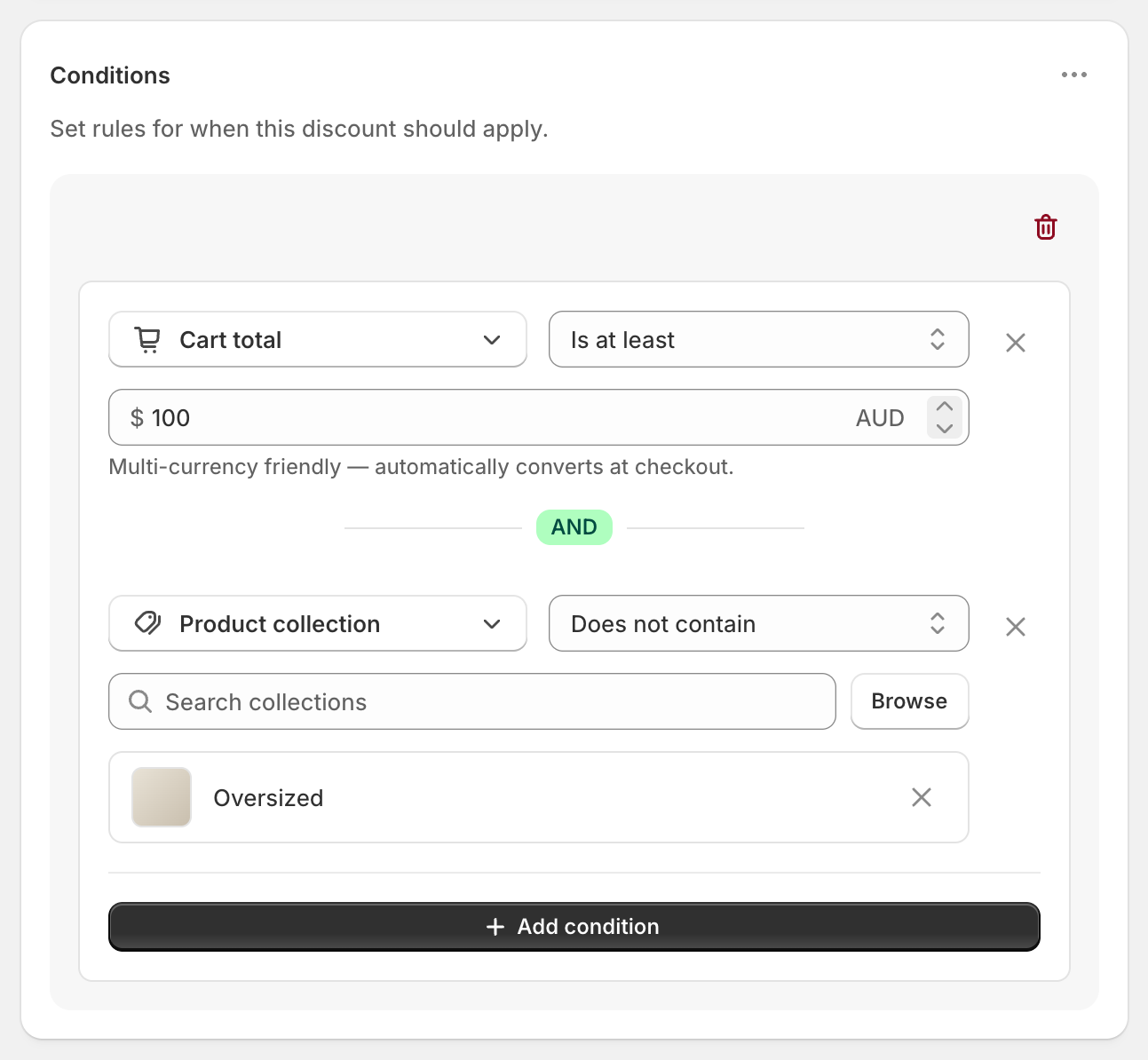
- In Conditions, click Add condition. Change Cart total to Product collection and set the operator to Contains (only).
- Search for Samples, or click Browse, and select it.
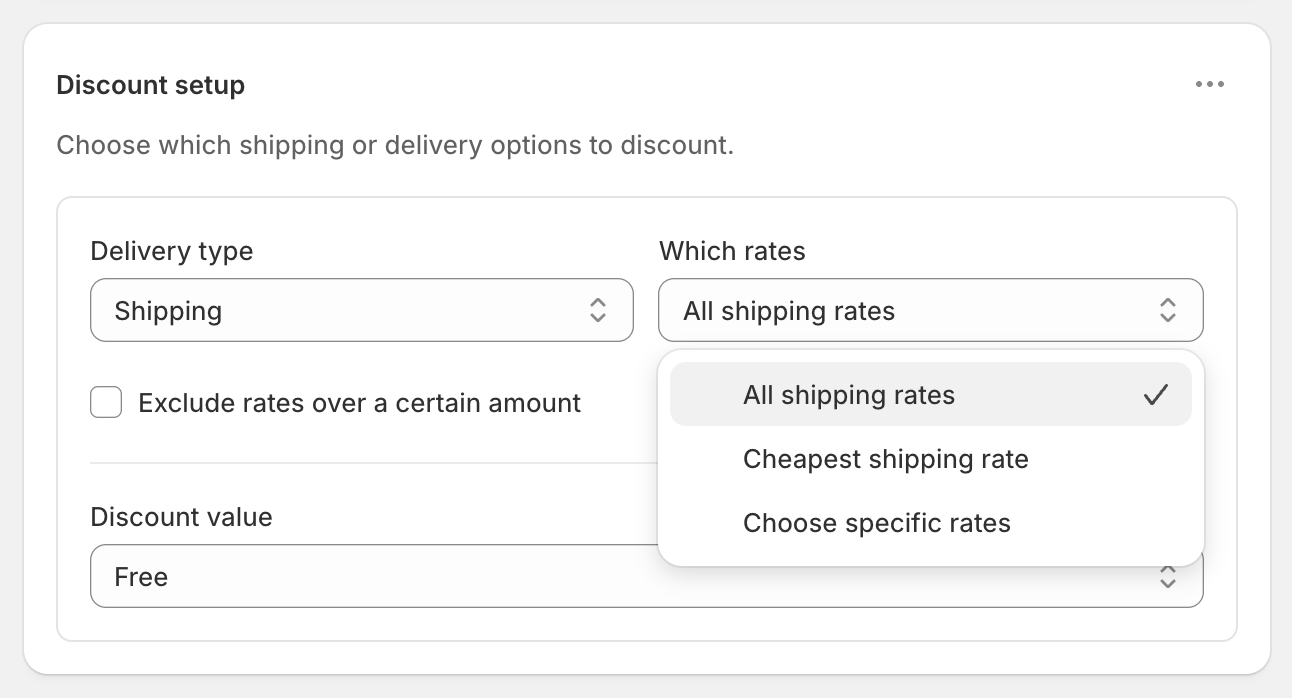
- In Discount setup, set Delivery type to Shipping and Which rates to Cheapest shipping rate.
- Set Discount value to Fixed Price and enter
2. - Click Create discount.
With Cheapest shipping rate, only the lowest-priced rate becomes $2. Express stays $24.90, so a sample order can still upgrade at full price.
Choose the right operator
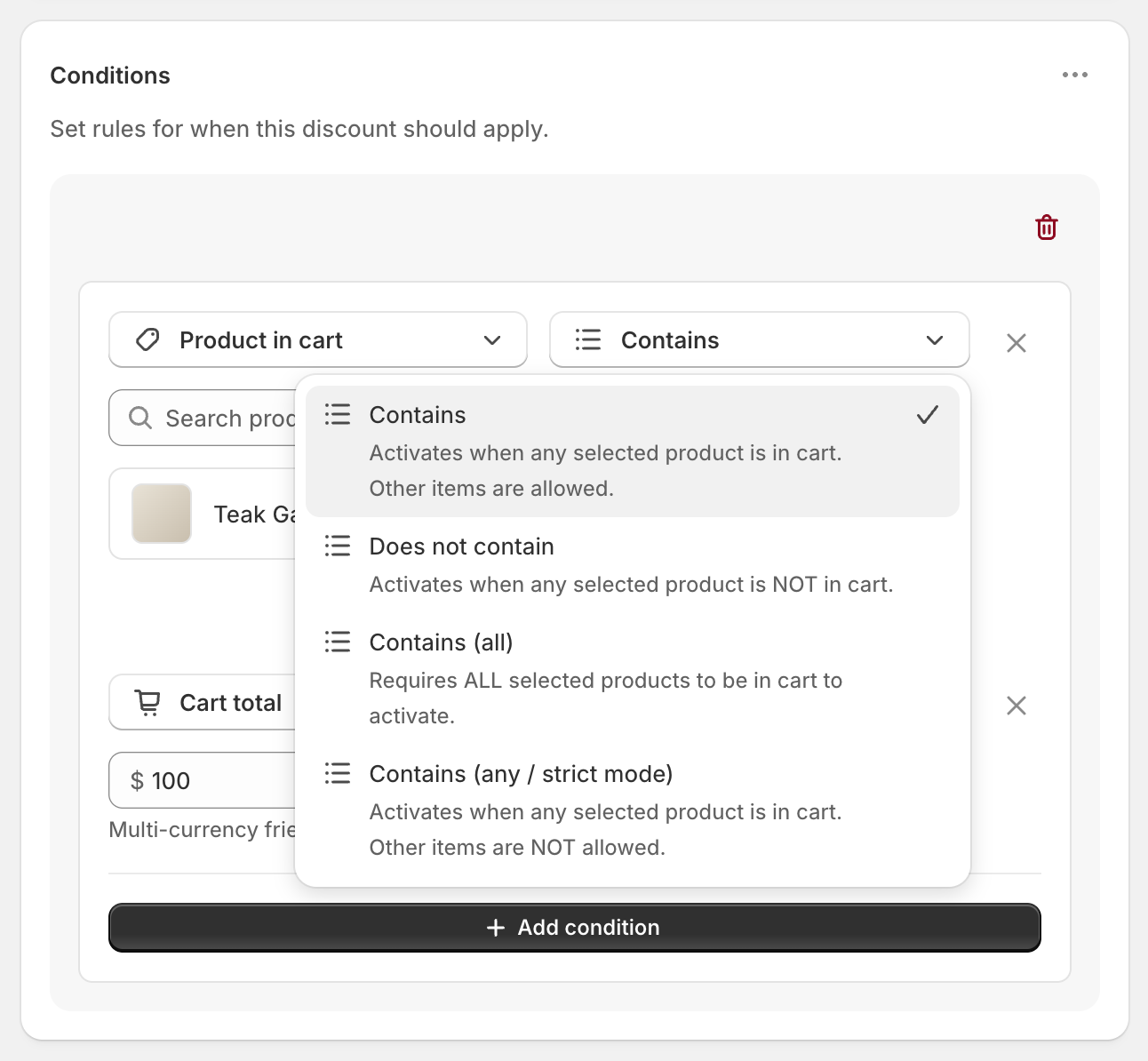
- Contains (only): every product in the cart is from the collection. Use this for sample-only orders.
- Contains (any): at least one product from the collection is in the cart. A sample plus a full-size product would qualify, which isn’t what you want here.
- Does not contain: nothing from the collection is in the cart.
Variations
- Free shipping on samples: set Discount value to Free. Three sachets cost $9 in total.
- Pick samples by product instead of collection: use Product in cart with Contains (any / strict mode) and select the sample products. It works the same way: at least one selected product, and nothing else.
- Cap the number of samples: add Cart quantity Is at most 5 in the same rule group. A cart of six sachets pays the normal rate.
- $2 on your Standard rate by name: set Which rates to Choose specific rates and select Standard, instead of using the cheapest rate.
- Free shipping on everything else over $100: create a second discount with Cart total Is at least 100 and Free. If a large sample order qualifies for both, Shopify gives the customer the one that saves the most, so it ships free.
Good to know
- To allow add-ons on a sample order, add shipping protection, gift wrap or free-gift products to the Samples collection, or select their collection in the same condition. Contains (only) counts every line in the cart. Several collections in one condition are treated as one combined group.
- To make the cheapest rate work, remove any $0 shipping rate from Settings → Shipping and delivery. A $0 rate counts as the cheapest, and nothing else gets discounted.
- To charge in other currencies, do nothing. The $2 converts automatically at Shopify’s exchange rate.
- To test it, turn on Test mode and check out with the shipping first name
ABC123, once with only samples and once with a full-size product added.
Related
- Free shipping on specific products
- Free shipping on a collection
- Flat rate shipping over an amount
- Shipping discount types
Install RM: Advanced Free Shipping from the Shopify App Store.