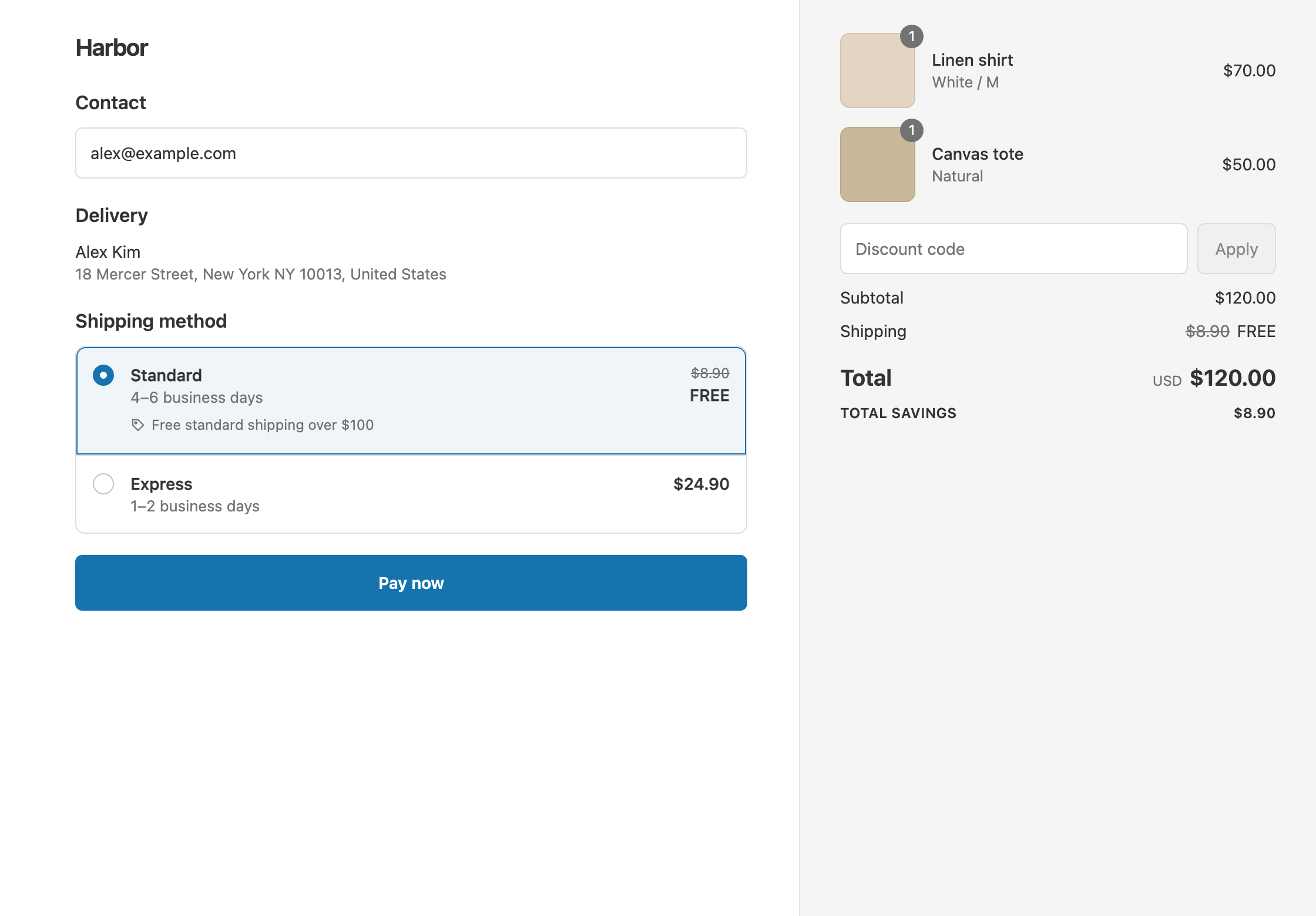
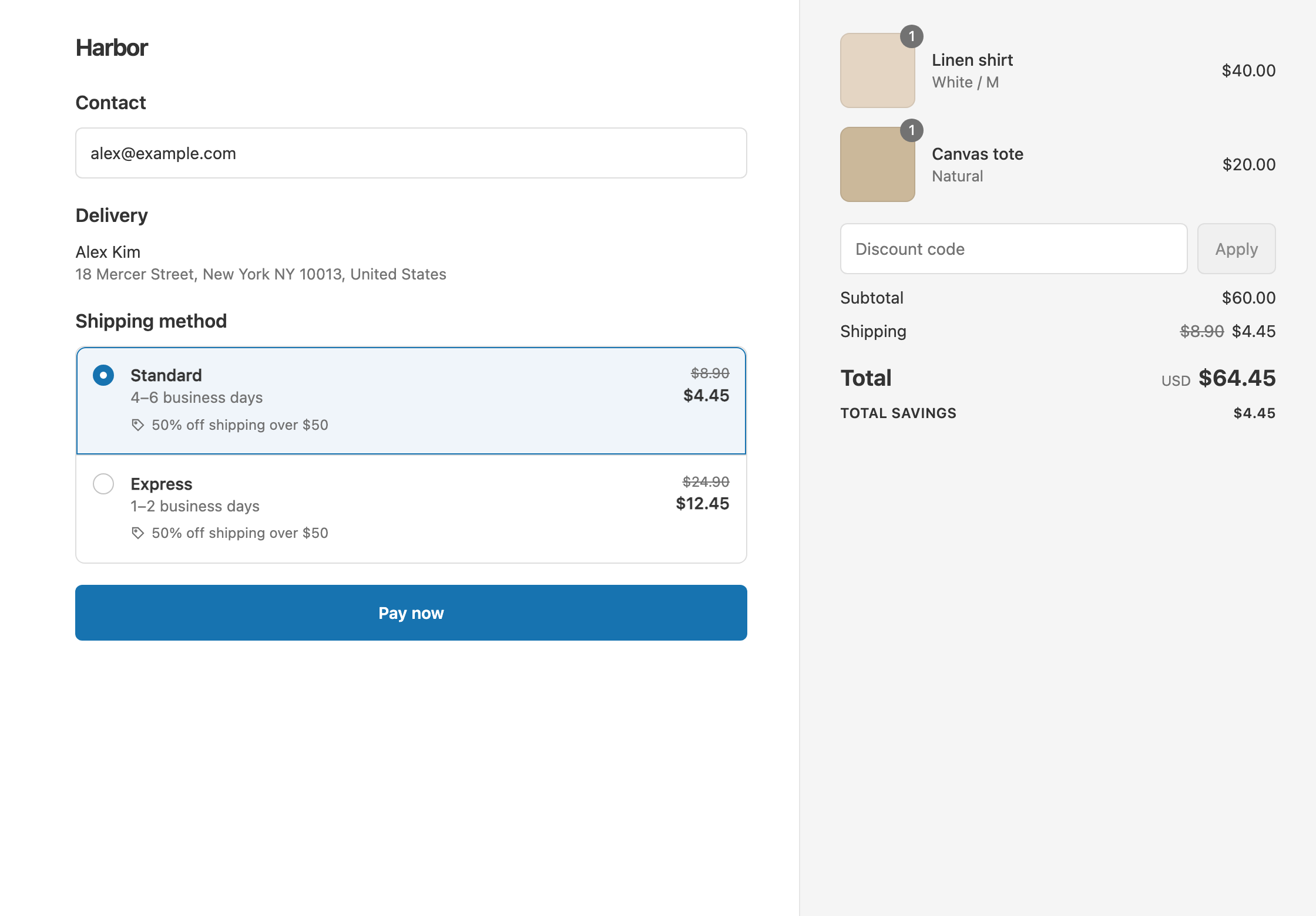
To charge a flat $5 for shipping over $50, create a shipping discount with Cart total Is at least 50 and set Discount value to Fixed Price 5. Every rate above $5 then costs exactly $5, and rates already at $5 or less are left alone. Shopify’s own free shipping discount can only make shipping free, so it can’t cap a rate at a set price. RM: Advanced Free Shipping discounts the rates you already have down to the price you choose, so your shipping settings stay as they are. It costs $9.90 USD every 30 days, with a 7-day free trial, billed by Shopify.
What the customer gets
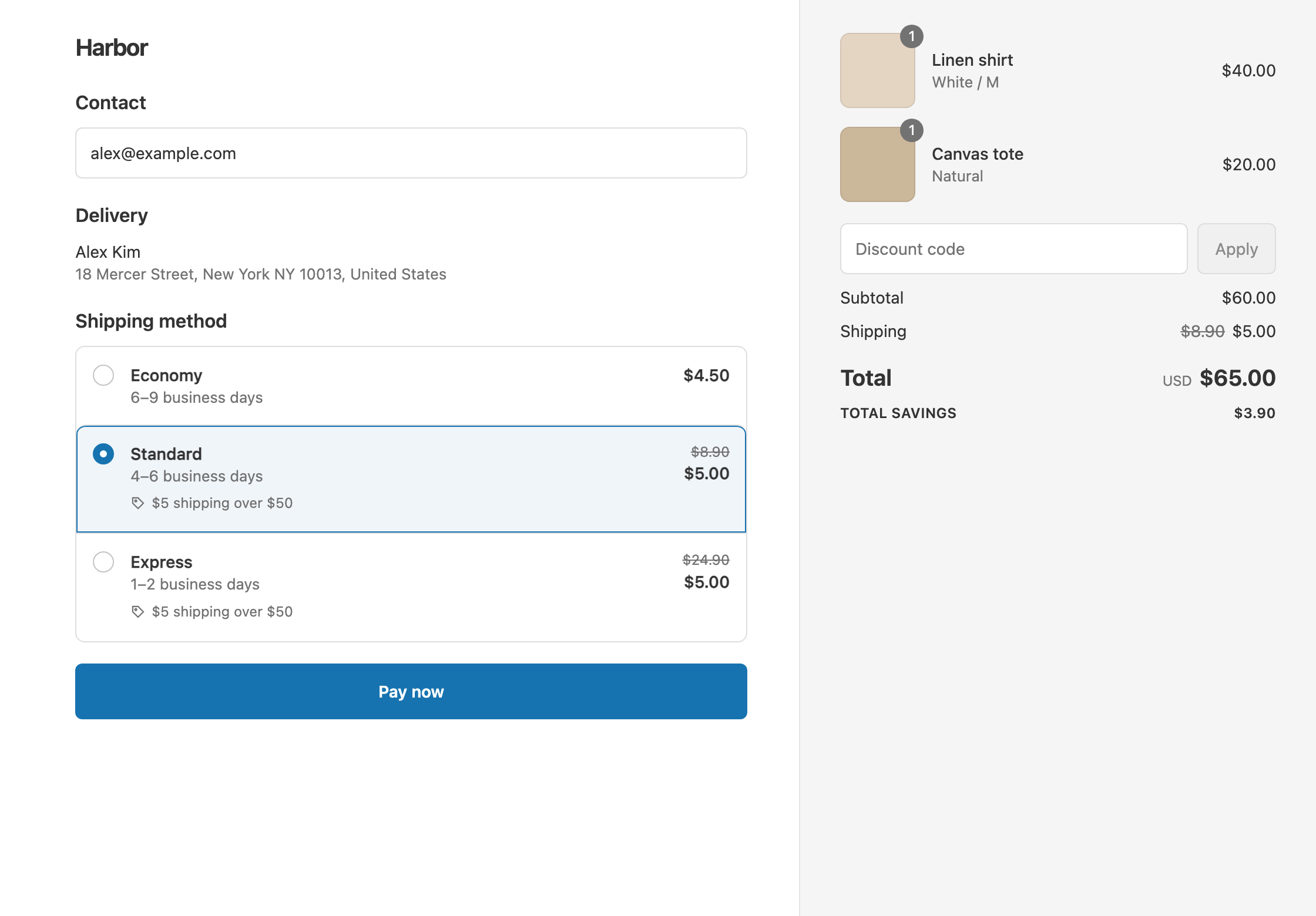
In this example the rates are Economy $4.50, Standard $8.90 and Express $24.90. The offer is $5 shipping over $50.
- A $60 cart: Standard drops from $8.90 to $5.00 and Express from $24.90 to $5.00. Economy stays $4.50, because it’s already under $5. The customer pays $60 + $5 = $65 with Standard.
- A $40 cart: it’s under $50, so nothing changes. The customer pays $40 + $8.90 = $48.90 with Standard.
Fixed Price never raises a rate. A rate cheaper than your price keeps its own price.
Set it up
- In the app, click Create Shipping Discount.
- Under Discount method, choose Automatic discount, and enter a Title such as “$5 shipping over $50”.
- In Conditions, click Add condition. Keep Cart total, set Is at least and enter
50. - In Discount setup, set Delivery type to Shipping and Which rates to All shipping rates.
- Set Discount value to Fixed Price and enter
5. - Click Create discount.
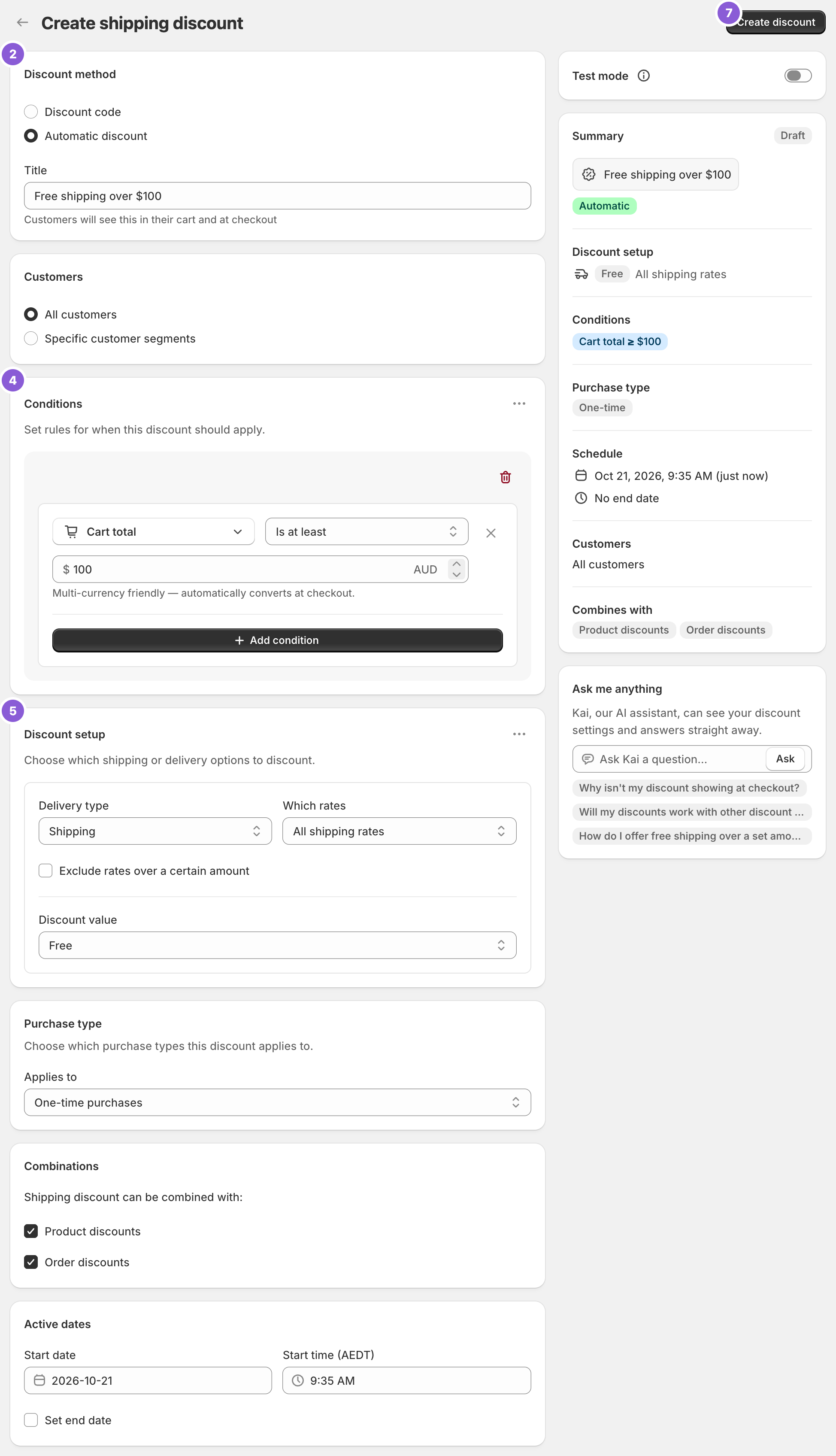
The screenshot shows a free shipping discount over $100. For this offer, enter 50 in the condition and choose Fixed Price 5 under Discount value.
Variations
- $5 Standard, Express at full price: set Which rates to Choose specific rates and select Standard. Express stays $24.90.
- $5 Standard and $15 Express in one discount: set the first delivery discount to Standard with Fixed Price
5. Then open the ⋯ menu on Discount setup, choose Add delivery discount, select Express and set Fixed Price15. A $60 cart pays $5 for Standard or $15 for Express. - $5 over $50, free over $100: create a second discount with Cart total Is at least 100 and Free. Shopify gives each rate the bigger saving, so a $120 cart ships free. See tiered shipping discounts.
- A flat price for one region: add Shipping country or Province / State in the same rule group. See free shipping by state.
- A flat price with a code: choose Discount code in step 2, such as
SHIP5.
Good to know
- To keep Express full price, use Choose specific rates. On All shipping rates, Fixed Price brings every rate above $5 down to $5, Express included.
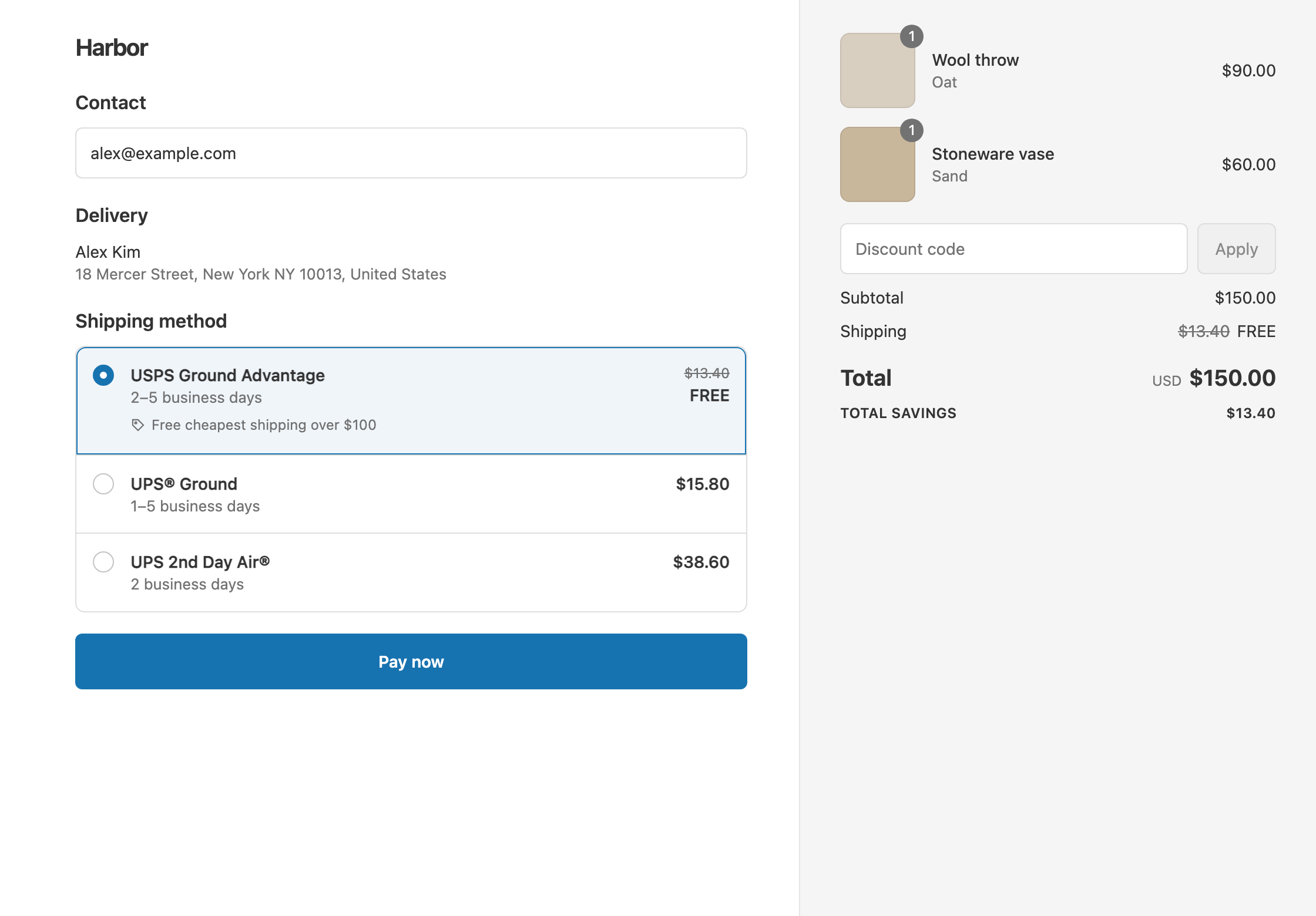
- To cap live carrier rates, use the same setup. Fixed Price works on carrier rates too, so a $17.60 UPS Ground quote becomes $5.00 on a qualifying cart.
- Fixed prices convert for other currencies. You enter $5 in your store currency, and Shopify’s exchange rate converts it for customers paying in another currency. See Shopify’s guide to pricing in local currencies.
- To test it, turn on Test mode and check out with the shipping first name
ABC123. Try carts at $49 and $50.
Related
- Shipping discount types: free, percentage, money off and fixed price
- Percentage off shipping
- Give a shipping credit
- Discount specific shipping rates
Install RM: Advanced Free Shipping from the Shopify App Store.