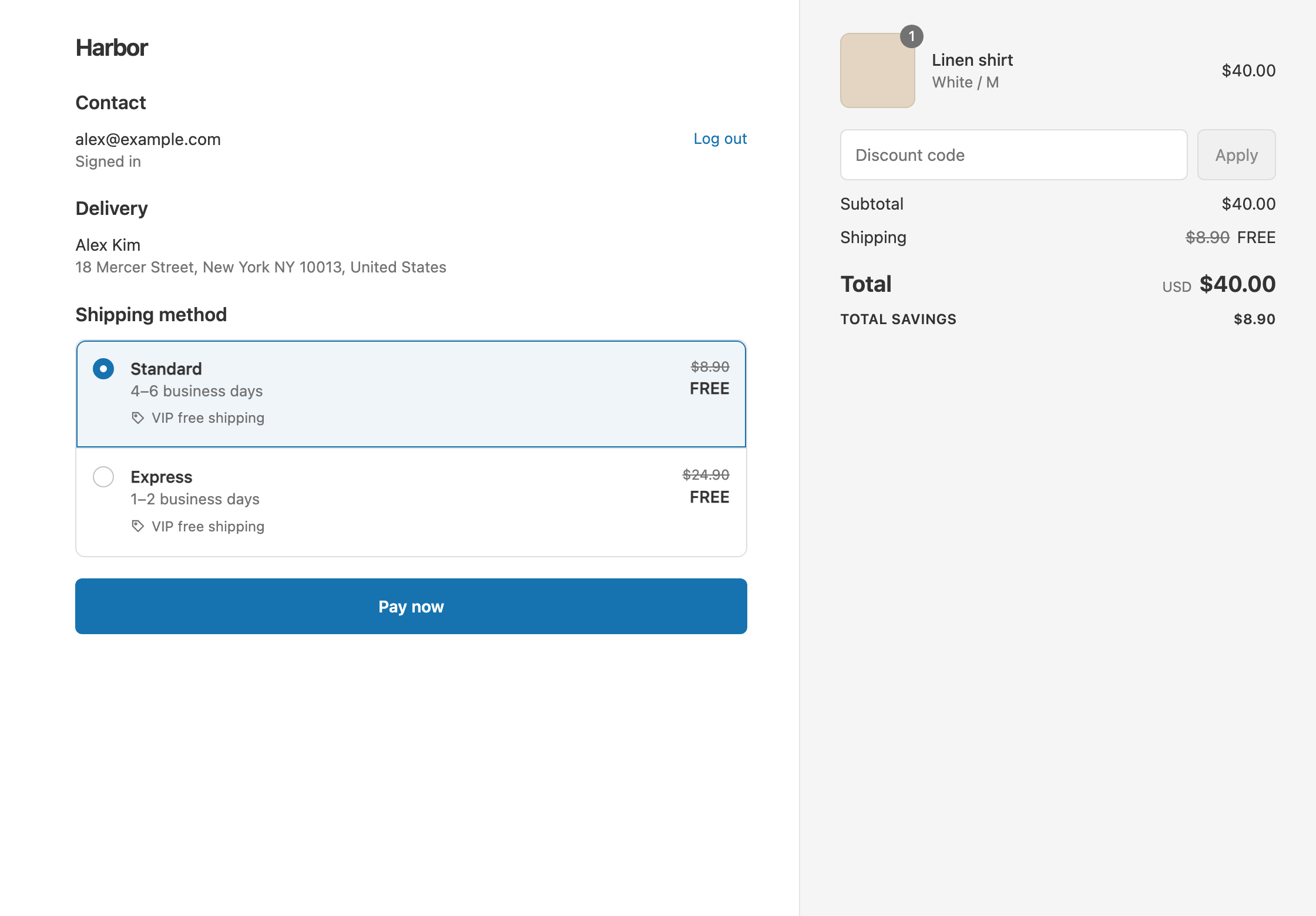
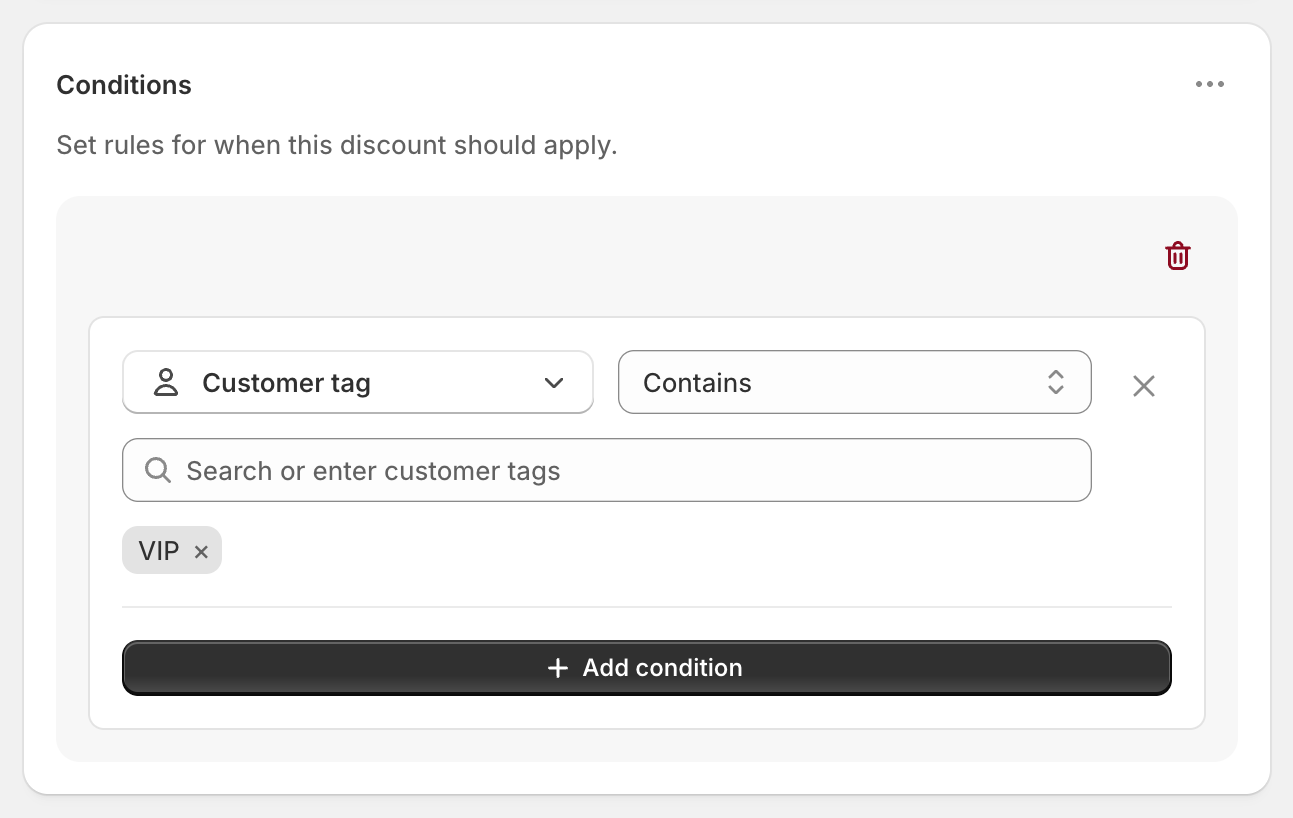
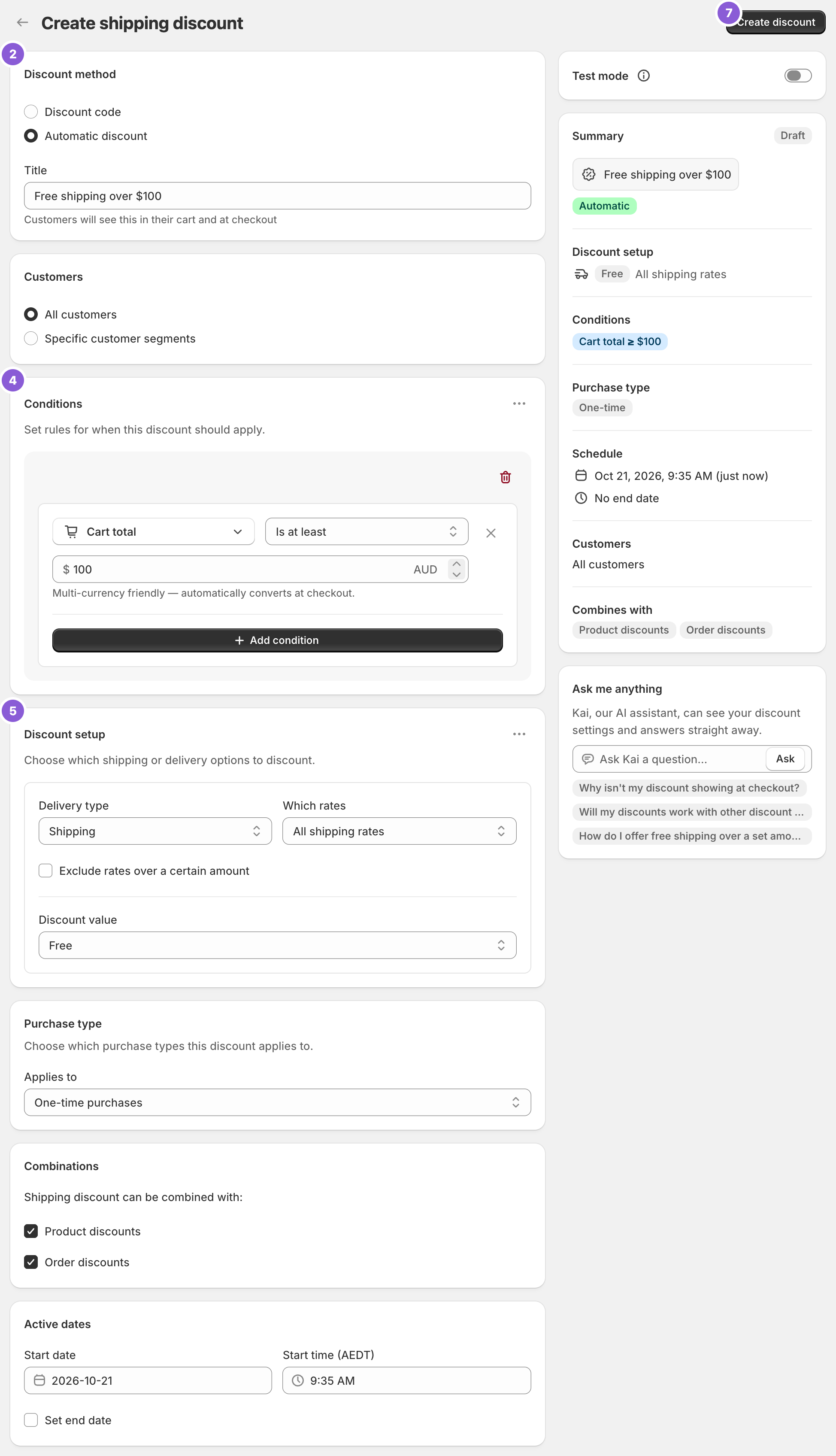
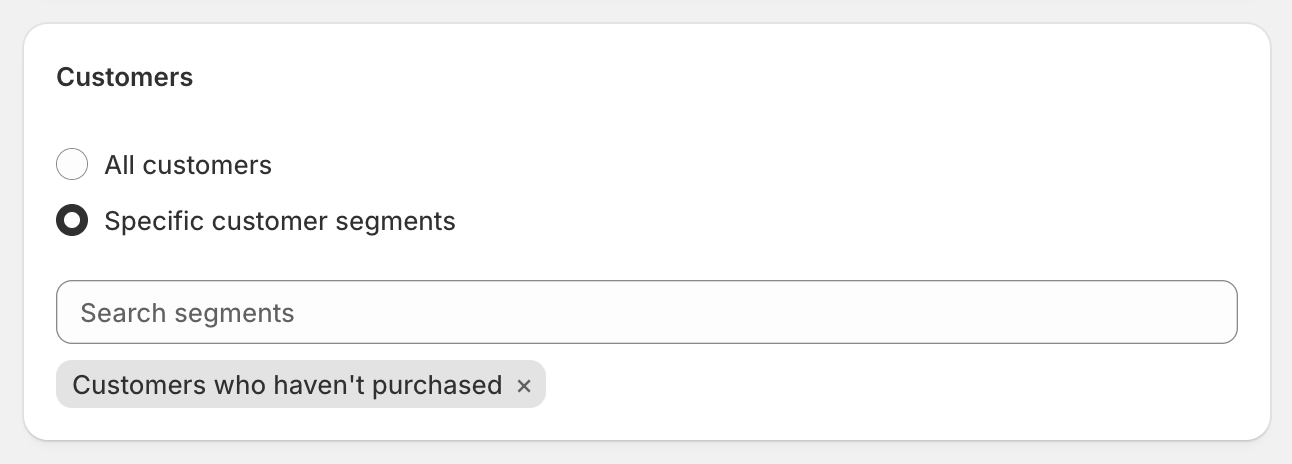
To give free shipping on a first order, create a shipping discount and, under Customers, choose Specific customer segments and select Customers who haven’t purchased. Shopify creates that customer segment for you and checks it by the email or phone number entered at checkout, so it works for guests too. Shopify’s own free shipping discount can use segments as well, but it makes every eligible rate free and has no rate or product rules. RM: Advanced Free Shipping adds those, for example free Standard on a first order over $40. The app is $9.90 USD every 30 days, with a 7-day free trial, billed by Shopify.
What the customer gets
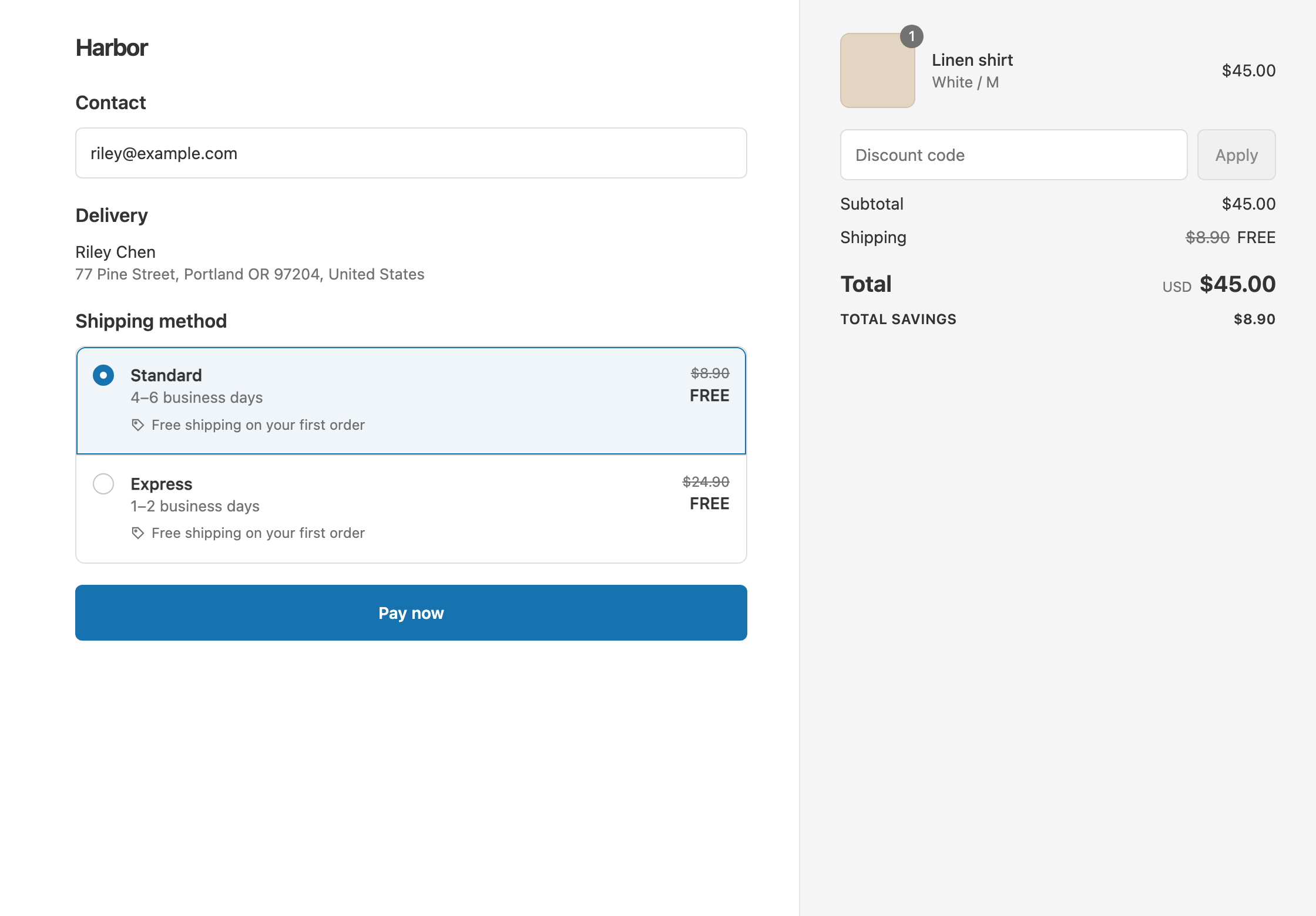
In this example the store has two rates: Standard $8.90 and Express $24.90. The offer is free shipping on the first order.
- Qualifies. A new shopper checks out as a guest with a $45 cart. Their email has no orders, so Standard and Express both show as free. The customer pays $45.
- Doesn’t qualify. A returning shopper enters an email that already has an order. With Standard, they pay $45 + $8.90 = $53.90.
Set it up
- In the app, click Create Shipping Discount.
- Under Discount method, choose Automatic discount. New discounts start on Discount code, and the method can’t be changed later. Enter a Title such as “Free shipping on your first order”.
- In the Customers card, choose Specific customer segments. Search for and select Customers who haven’t purchased.
- Leave Conditions empty, or add a threshold such as Cart total Is at least 40.
- In Discount setup, set Delivery type to Shipping, Which rates to All shipping rates and Discount value to Free.
- Click Create discount.
Variations
- Free Standard only on the first order: set Which rates to Choose specific rates and select Standard. A new customer who picks Express pays $45 + $24.90 = $69.90.
- A welcome code for your email signup: choose Discount code in step 2 and enter a code such as
WELCOMESHIP. Under Maximum discount uses, tick Limit to one use per customer. - Free Standard and $10 off Express: open the ⋯ menu on Discount setup and choose Add delivery discount. Select Express and set Fixed Amount Off 10. Express becomes $14.90.
- Only above a threshold: add Cart total Is at least 40. A $35 first order pays $35 + $8.90 = $43.90.
- Returning customers instead: use the condition Customer order count Is at least 1. This only matches signed-in customers.
Good to know
- To include guests, use the segment, not Customer order count. Order count and customer tag conditions only match customers signed in at checkout.
- To stop repeat use of a welcome code, tick Limit to one use per customer. Usage limits only exist on discount codes.
- To test it, use an email with no orders at checkout. In Test mode, also use
ABC123as the shipping first name. Test orders don’t count toward Customer order count. - To keep it alongside a welcome 10% code, tick Shipping discounts under Combinations on that code in Shopify admin. See keep free shipping with discount codes.
- A shopper whose email already has an order won’t get it, even as a guest. That’s the segment working as intended.
Related
- Free shipping for VIP customers
- Free shipping code or automatic discount
- Free standard shipping, not express
- Conditional free shipping on Shopify
Install RM: Advanced Free Shipping from the Shopify App Store.