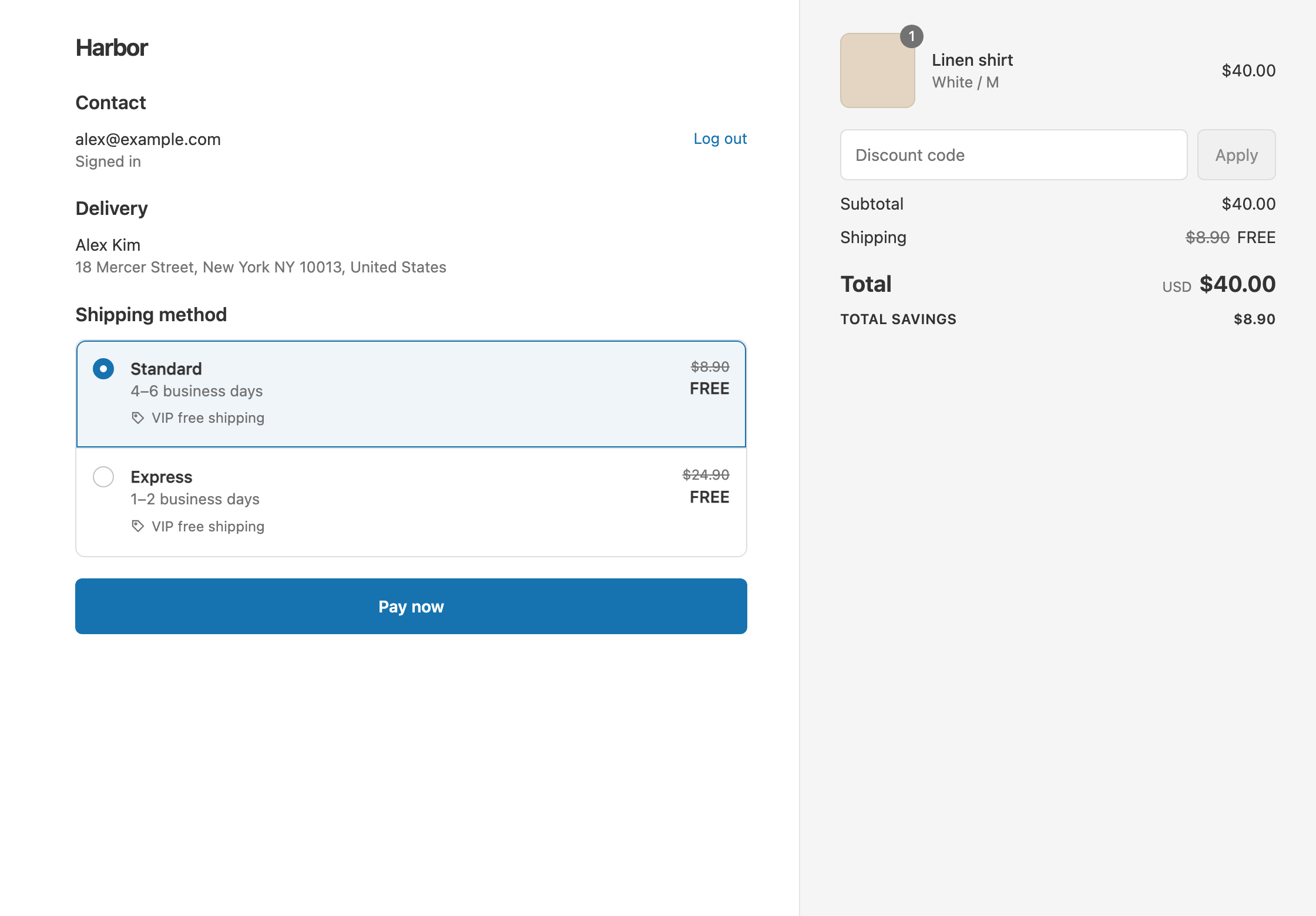
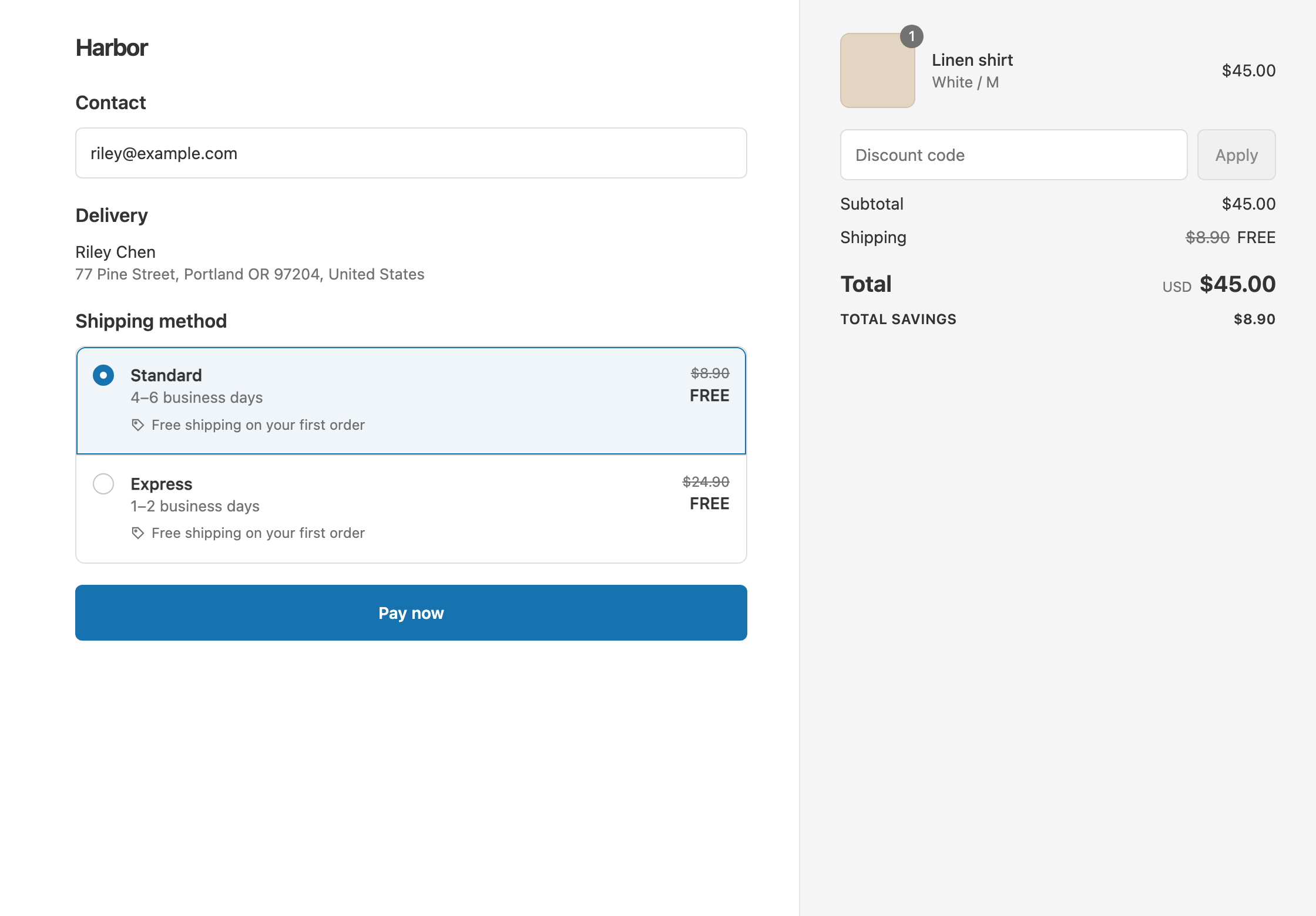
To give free shipping to retail customers but not wholesale buyers, tag your wholesale customers Wholesale and add the condition Customer tag Does not contain Wholesale to your shipping discount. Retail shoppers and guests get free shipping. Signed-in wholesale buyers pay normal shipping. Shopify’s own free shipping discount has no customer tag condition. RM: Advanced Free Shipping reads the tag at checkout and pairs it with a threshold, the rates you choose, or any other condition. The app is $9.90 USD every 30 days, with a 7-day free trial, billed by Shopify.
One merchant, Joy Lane Farm, put it this way in their review: “We used this to separate our free shipping for retail customers from our wholesale customers. It works perfectly, super easy to use.”
What the customer gets
In this example retail customers get free shipping over $75. Standard is $8.90.
- Qualifies. A retail shopper checks out as a guest with an $80 cart. Standard shows $8.90 crossed out and free. The customer pays $80.
- Doesn’t qualify. A wholesale buyer, signed in, places a $500 order. The tag blocks the discount, so they pay $500 + $8.90 = $508.90.
- Doesn’t qualify. A retail shopper with a $60 cart is under $75. They pay $60 + $8.90 = $68.90.
Set it up
- In Shopify admin, add the tag
Wholesaleto each wholesale customer. See Shopify’s guide to using tags. Wholesale apps that tag customers in Shopify work too. - In the app, click Create Shipping Discount.
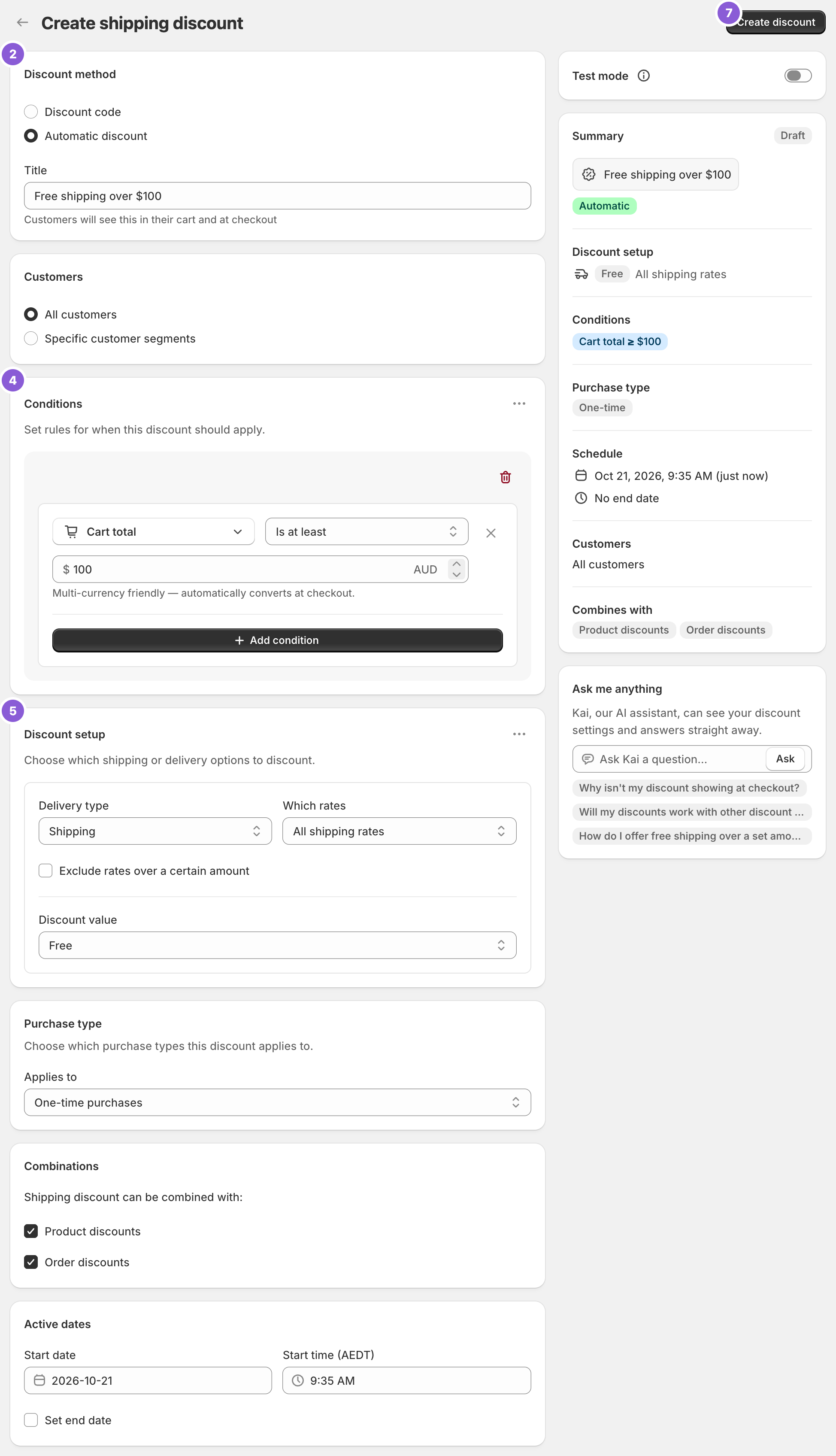
- Under Discount method, choose Automatic discount. New discounts start on Discount code, and the method can’t be changed later. Enter a Title such as “Free shipping over $75”.
- In Conditions, click Add condition and choose Customer tag. Set the operator to Does not contain, then type
Wholesaleand press Enter. - Click Add condition. Choose Cart total, set Is at least and enter
75. - In Discount setup, set Delivery type to Shipping, Which rates to All shipping rates and Discount value to Free.
- Click Create discount.
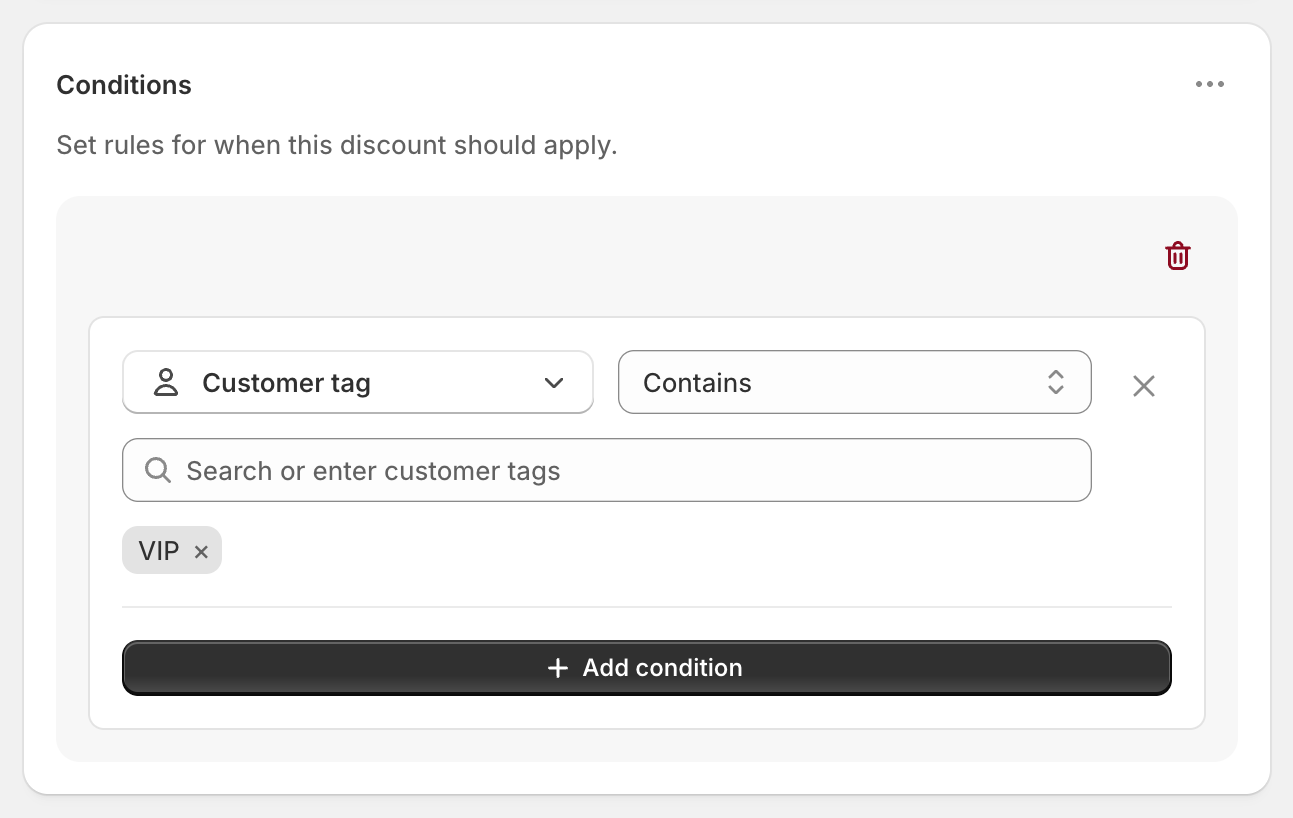
The screenshot shows the Customer tag condition with Contains and the tag VIP. For this offer, switch the operator to Does not contain and enter Wholesale.
Variations
- Leave out several groups: add every tag to the same condition, for example
Wholesale,Trade. Does not contain means the customer has none of them. - A flat rate for wholesale instead: create a second discount with Customer tag Contains Wholesale and Discount value Fixed Price 5. Their $8.90 Standard becomes $5.
- Wholesale ships free over a bigger order: create a second discount with Customer tag Contains Wholesale and Cart total Is at least 1000.
- Free Standard only for retail: set Which rates to Choose specific rates and select Standard.
- Count the $75 before discount codes: use Cart subtotal instead of Cart total.
Good to know
- To make sure wholesale buyers are excluded, ask them to sign in at checkout. A guest has no tags, so a wholesale buyer who checks out as a guest, or with another email, gets the retail offer.
- To target B2B buyers, tag them
Wholesale(or your own tag) on their customer profile and use the tag condition. - To test both sides, check out once as a guest and once signed in to a test account tagged Wholesale. In Test mode, use
ABC123as the shipping first name. - To run the opposite offer, use separate discounts. Keep one Customer tag condition per discount.
- When a buyer qualifies for two shipping discounts, Shopify applies the one that saves them the most on each rate.
Related
- Free shipping for VIP customers
- Free shipping over $100
- Flat rate shipping over an amount
- Conditional free shipping on Shopify
Install RM: Advanced Free Shipping from the Shopify App Store.