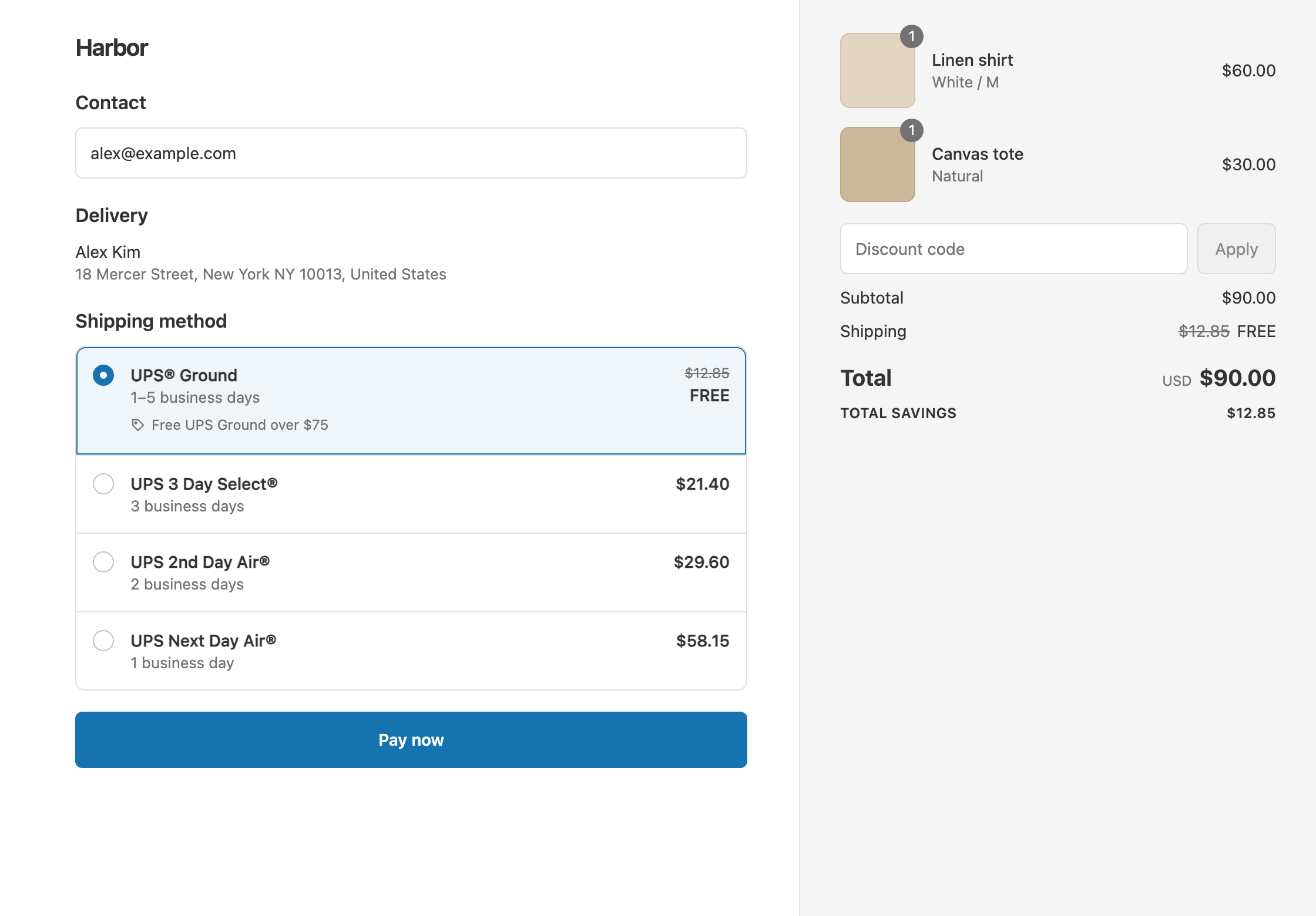
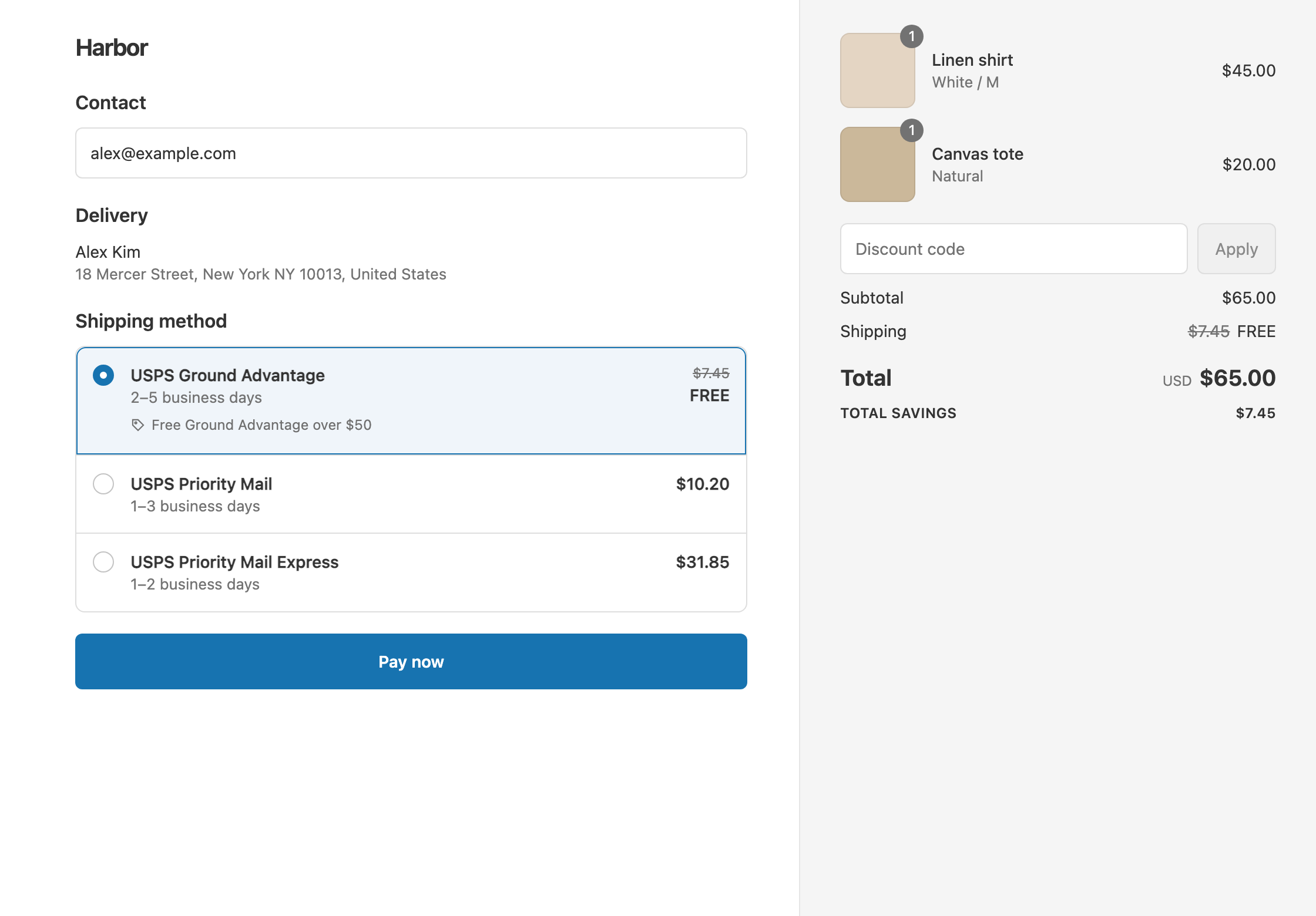
To make only Australia Post Parcel Post free, use a shipping discount that targets the rate by name: choose Choose specific rates, type Parcel Post, add it as a wildcard match and set it to Free. Shopify’s own free shipping discount makes every eligible rate free, Express Post included. Its only rate control is “Exclude shipping rates over a certain amount”, which filters by the rate’s price, not by service. Shopify notes that this setting is unrelated to order amounts. RM: Advanced Free Shipping discounts any rate Shopify shows at checkout, including live Australia Post rates from third-party carrier-calculated shipping, so Parcel Post is free and Express Post keeps its price. It costs $9.90 USD every 30 days, with a 7-day free trial, billed by Shopify.
What the customer gets
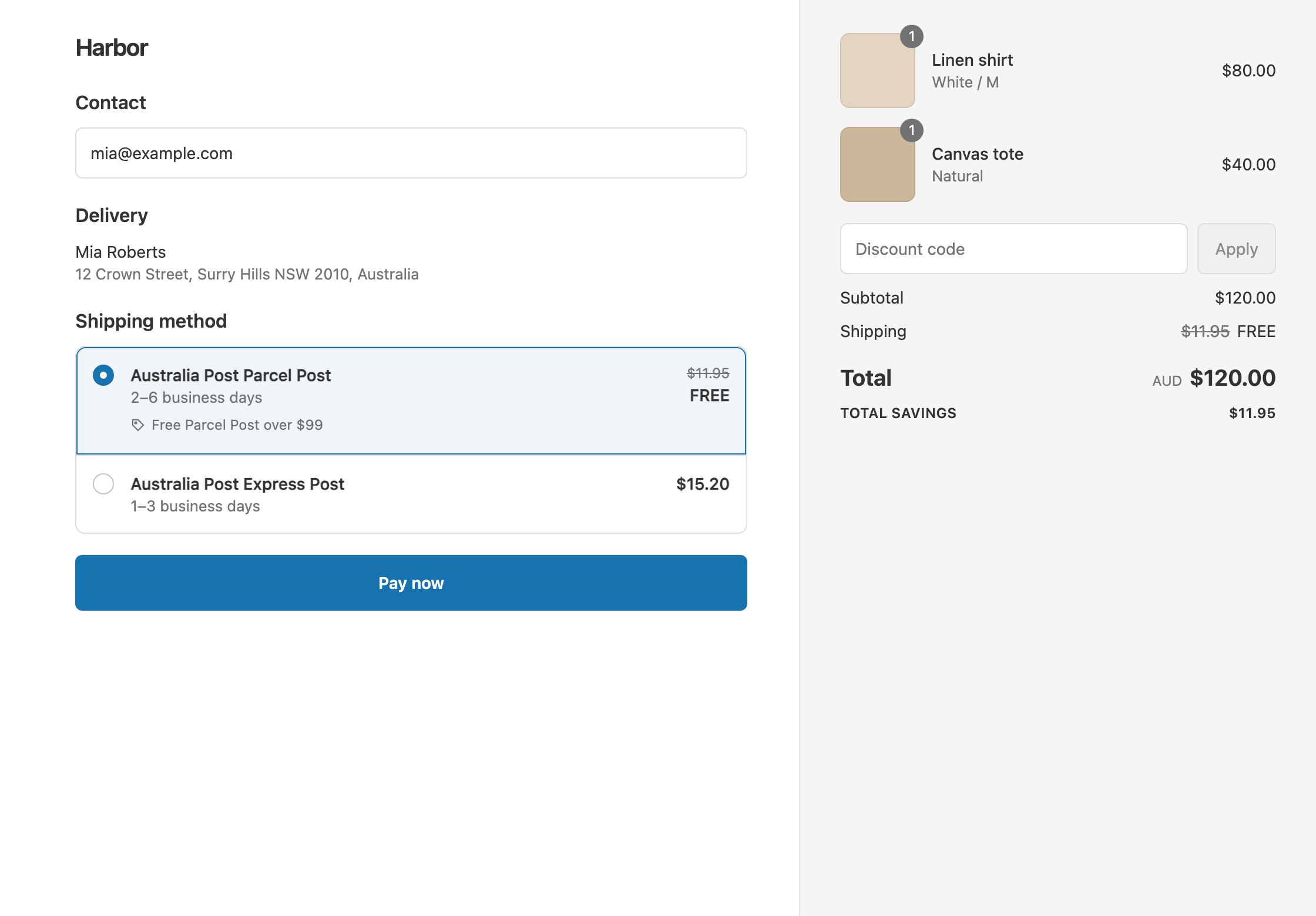
In this example, an Australian store sells in AUD, and Parcel Post is free over $99. All cart and shipping amounts below are in AUD. The rate names and prices are illustrative, because live Australia Post rates change with the parcel and the postcode.
- A $120 cart: the rates are Australia Post Parcel Post $11.95 and Australia Post Express Post $15.20. Parcel Post drops from $11.95 to $0. Express Post stays $15.20. The customer pays $120 with Parcel Post, or $120 + $15.20 = $135.20 with Express Post.
- An $80 cart with the same rates: it’s under $99, so nothing changes. The customer pays $80 + $11.95 = $91.95 with Parcel Post.
- A heavy $160 cart: Parcel Post is $19.60 and Express Post is $28.30. Parcel Post drops to $0. The customer pays $160 with Parcel Post, or $160 + $28.30 = $188.30 with Express Post.
The heavy cart’s Parcel Post costs more than the light cart’s Express Post. A price filter such as “exclude rates over $18” would leave that Parcel Post rate full price and make the light cart’s Express Post free. Matching by name keeps Parcel Post free at any price.
Set it up
- In the app, click Create Shipping Discount. Under Discount method, choose Automatic discount, and enter a Title such as “Free Parcel Post over $99”.
- In Conditions, click Add condition. Keep Cart total, set Is at least and enter
99. Amounts are in your store’s currency, AUD here. - In Discount setup, set Delivery type to Shipping and Which rates to Choose specific rates.
- In the rate search, type
Parcel Postand choose Add “Parcel Post” (wildcard match). - Set Discount value to Free.
- Click Create discount.
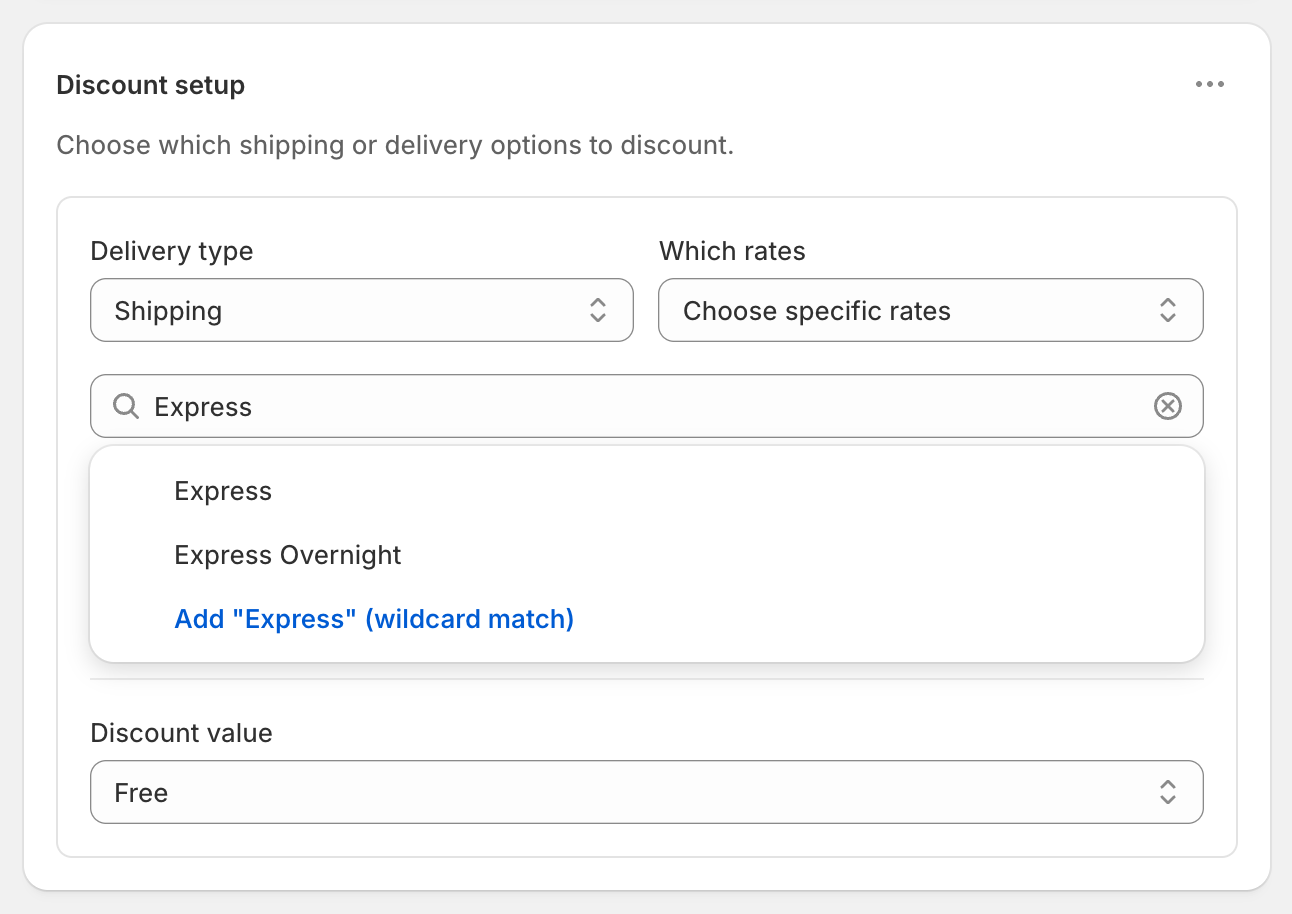
The screenshot shows a search for Express. For this offer, type Parcel Post instead.
Pick the right keyword
A wildcard matches any rate whose name contains your text, ignoring upper and lower case. Post on its own matches both “Parcel Post” and “Express Post”, so use Parcel Post. Run a test checkout first and copy the exact service name you see, because names can differ between the rate list in the app and checkout. If your checkout shows something else, such as “Standard”, use that word instead.
Variations
- Free Parcel Post and $5 off Express Post: open the ⋯ menu on Discount setup, choose Add delivery discount, add an
Express Postwildcard and set Fixed Amount Off5. On the $120 cart, Express Post drops from $15.20 to $10.20. - Free Parcel Post within Australia only: add Shipping country Is one of Australia in the same rule group, so orders going overseas pay full price.
- Free Parcel Post to Sydney metro only: add Postcode / ZIP Matches any of
2000:2234. Use a colon for the range, not a hyphen, and check the range against your own delivery area. See free shipping by ZIP code or postcode. - Free Parcel Post in one state: add Shipping country Is one of Australia and Province / State Is one of that state, such as Victoria. See free shipping by state.
Good to know
- To target Western Australia, add a Shipping country condition too. Province matching compares the code only, and WA is also the code for Washington in the US.
- To fix a Parcel Post rate that isn’t discounted, check its name at checkout and use a wildcard keyword.
- Customers paying in another currency are covered. The $99 threshold converts at Shopify’s exchange rate. See a free shipping threshold in each currency.
- The app’s price is in USD. Shopify bills $9.90 USD every 30 days, whatever your store’s currency.
- To test it, turn on Test mode and check out with the shipping first name
ABC123. Try carts at $98 and $99.
Related
- Discount specific shipping rates
- Free standard shipping, not express
- Free shipping by ZIP code or postcode
- Make only the cheapest shipping rate free
Install RM: Advanced Free Shipping from the Shopify App Store.