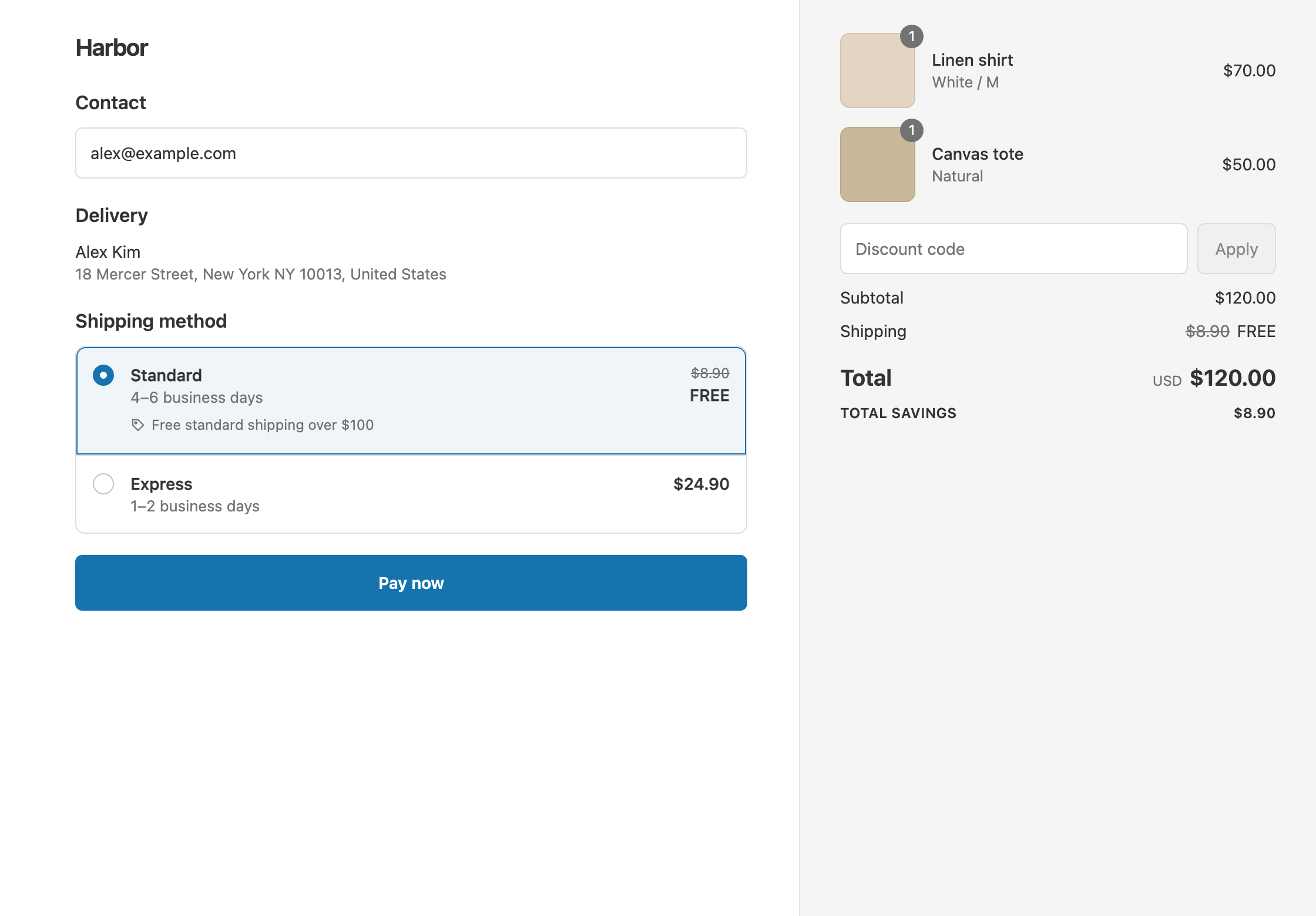
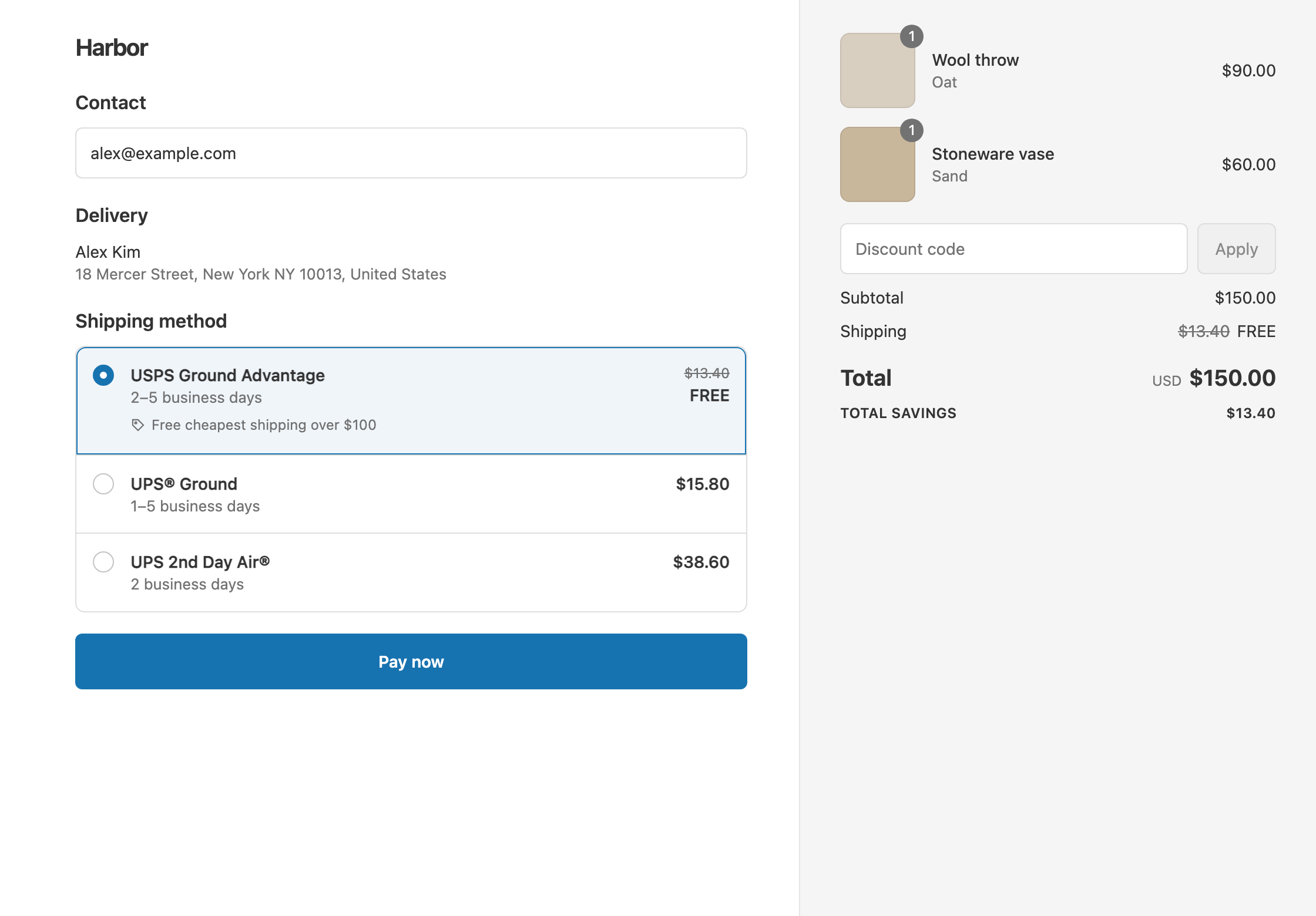
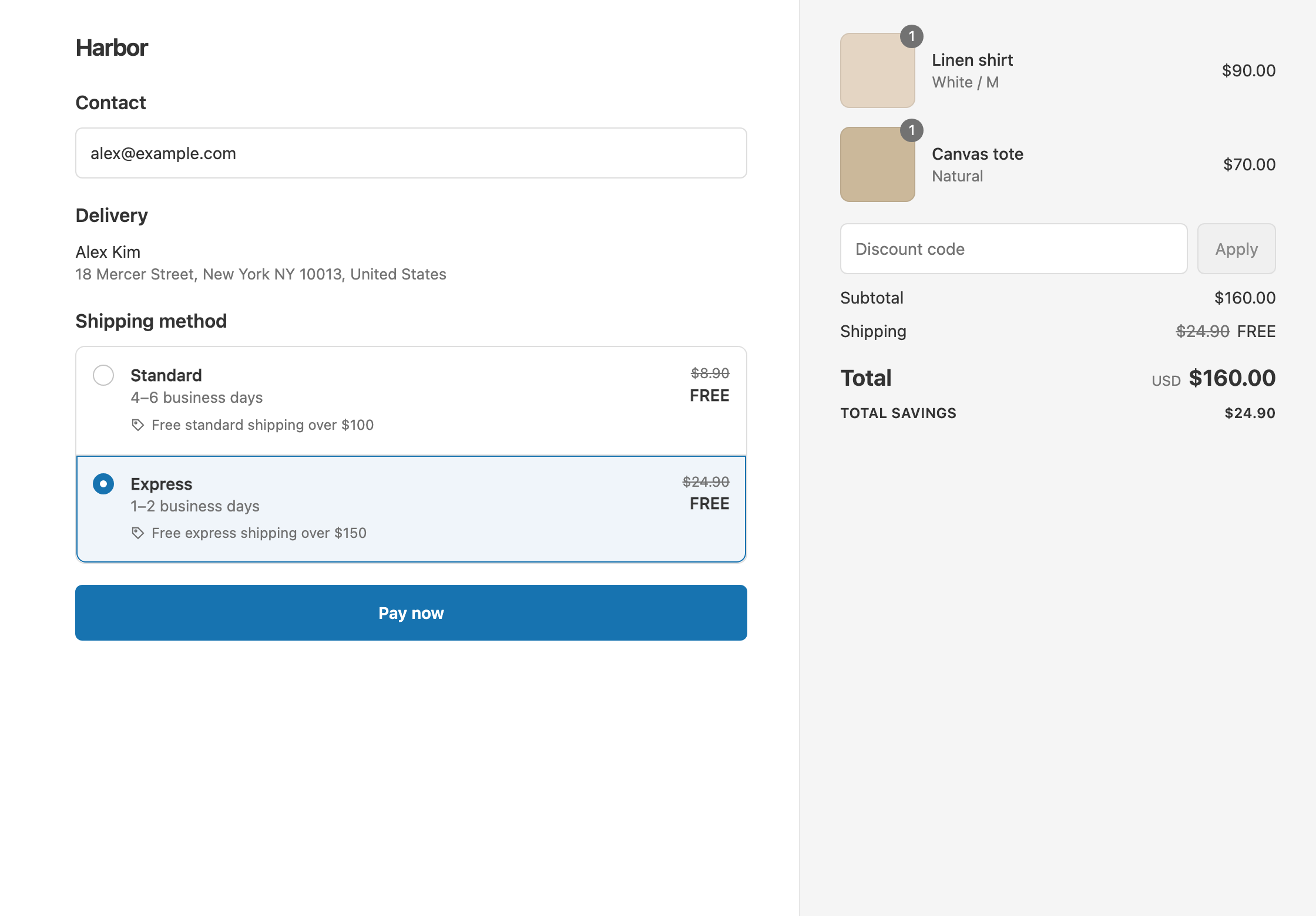
To make Express free over $150 while Standard is already free over $100, create two shipping discounts: Cart total Is at least 100 that makes your Standard rate free, and Cart total Is at least 150 that makes your Express rate free. Each one targets a different rate with Choose specific rates, so they never compete. Shopify’s own free shipping discount makes every eligible rate free and can only leave rates out by price, which breaks when live carrier-calculated rates change with weight and distance. RM: Advanced Free Shipping discounts the rates you name, by name, at the threshold you set. It costs $9.90 USD every 30 days, with a 7-day free trial, billed by Shopify.
What the customer gets
In this example the store has two rates: Standard $8.90 and Express $24.90.
- An $80 cart: under both thresholds. The customer pays $80 + $8.90 = $88.90 with Standard, or $80 + $24.90 = $104.90 with Express.
- A $120 cart: Standard is free and Express is still $24.90. The customer pays $120 with Standard, or $144.90 with Express.
- A $160 cart: both rates are free. The customer pays $160 whichever they choose.
The $100 to $150 gap gives customers a reason to add one more item: spend $30 more on a $120 cart and Express is free.
Set it up
Discount 1: free Standard over $100
- In the app, click Create Shipping Discount.
- Under Discount method, choose Automatic discount. New discounts start on Discount code, and the method can’t be changed later. Enter a Title such as “Free shipping over $100”.
- In Conditions, click Add condition. Keep Cart total, set Is at least and enter
100. - In Discount setup, set Delivery type to Shipping and Which rates to Choose specific rates. Select Standard from the list.
- Set Discount value to Free and click Create discount.
Discount 2: free Express over $150
- Create a second automatic discount with a Title such as “Free express over $150”.
- Add Cart total Is at least
150. - Set Which rates to Choose specific rates. Type
Expressand choose Add “Express” (wildcard match), or select your Express rate from the list. - Set Discount value to Free and click Create discount.
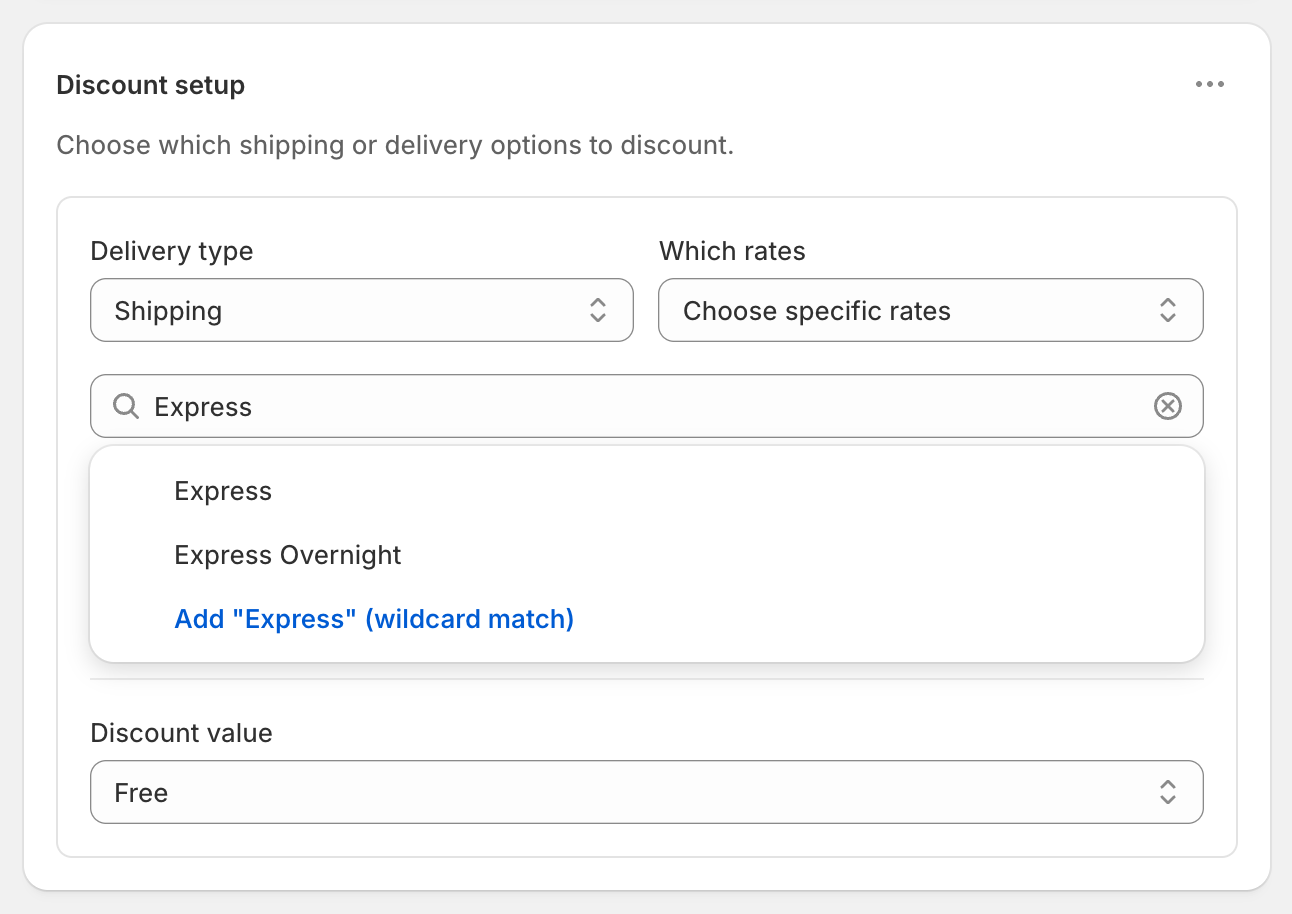
A rate picked from the list matches that exact name. A typed wildcard matches every rate whose name contains the word, so “Express” also matches “Express Overnight”.
Variations
- $5 Express instead of free: in Discount 2, set Discount value to Fixed Price and enter
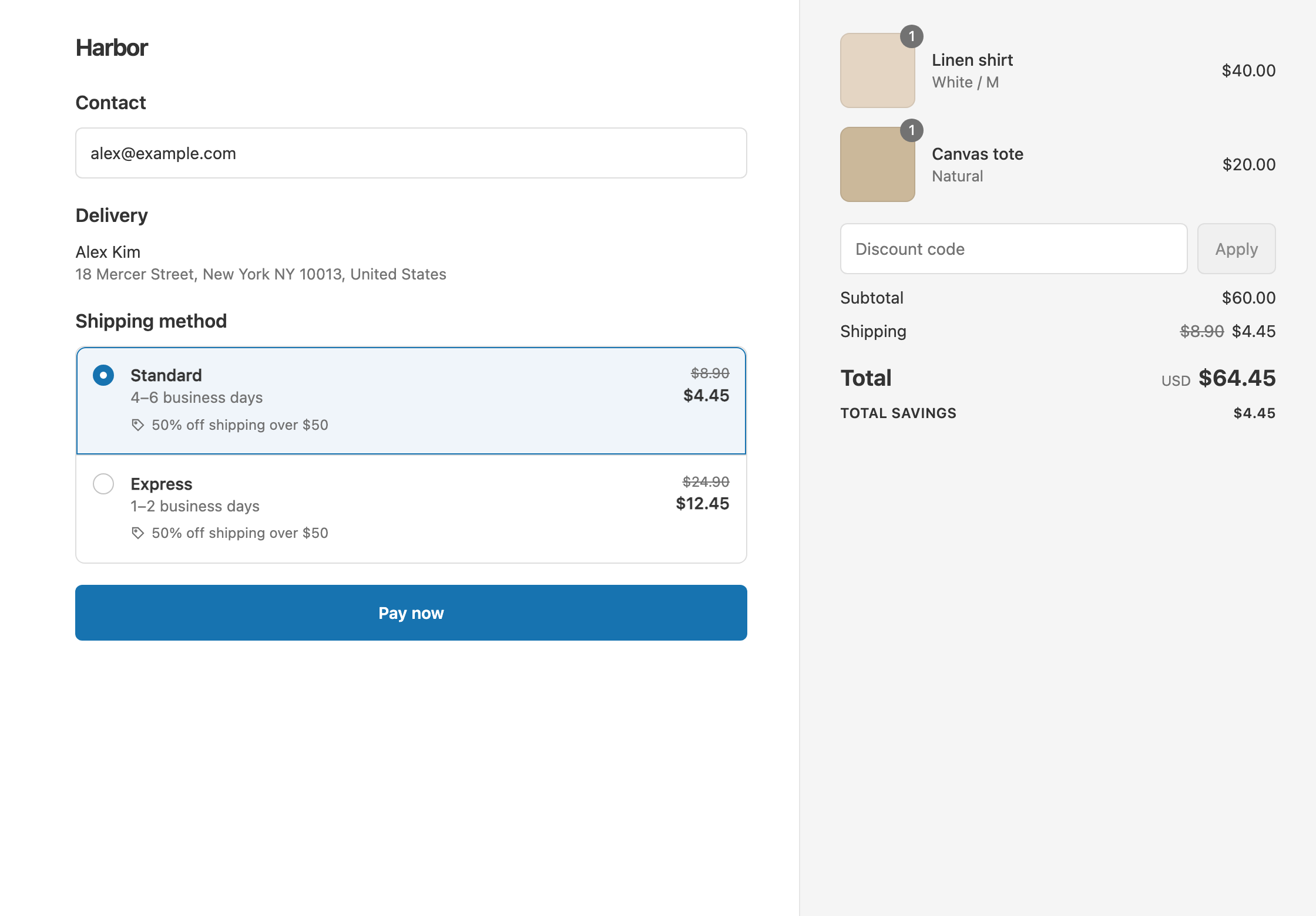
5. A $160 cart pays $165 with Express. Fixed Price never raises a rate, so an Express rate already under $5 stays as it is. - Half-price Express over $150: use Percentage 50 in Discount 2. Express becomes $12.45, so a $160 cart pays $172.45.
- Only the $150 tier, in one discount: if you don’t need the $100 step, create one discount with Cart total Is at least 150. Point its first delivery discount at Standard with Free. Open the ⋯ menu on Discount setup, choose Add delivery discount, and point the second one at Express with Fixed Price 5. Every delivery discount in a discount shares the same conditions.
- Free Express for VIPs at any amount: in Discount 2, open the ⋯ menu on Conditions, choose Add rule group, and add Customer tag Contains VIP. VIPs must be signed in at checkout.
Good to know
- To keep the two discounts from competing, point each at its own rate, as above. Only one shipping discount applies per rate, and Shopify gives the customer the one that saves the most.
- To use one discount with several delivery discounts, point each delivery discount at a different rate. Two delivery discounts on the same rate can’t both apply, and you can’t control which one wins.
- To leave out an overnight service, select Express from the list instead of the wildcard, or tick Exclude rates over a certain amount and set a Maximum eligible rate.
- To match carrier rates whose names change, use a wildcard keyword. Copy the word from the rate name your checkout shows.
- To test it, turn on Test mode on both discounts and check out with the shipping first name
ABC123at $120 and at $160.
Related
- Free standard shipping, not express
- Tiered shipping discounts
- Free shipping over $100
- Discount specific shipping rates
Install RM: Advanced Free Shipping from the Shopify App Store.